110h+
Saved every month by PEI Preserve Company,
a multi-location retailer
Synder is retail accounting software that syncs POS, marketplace and payout data from 30+ channels into 7 ledgers, like QuickBooks Online, Xero and NetSuite, for audit-ready books.


 QuickBooks Online
| Transaction | Channel | Amount | Status |
|---|---|---|---|
| Sale | Shopify | $10,000.00 | ✓ Synced |
| Processing fee | Shopify Payments | –$290.00 | ✓ Synced |
| Refund | Shopify | –$450.00 | ✓ Synced |
| Sales tax | Amazon | Kept apart | ✓ Synced |
| Payout | Shopify Payments | $9,260.00 | ✓ Synced |
Sample figures for illustration.
110h+
Saved every month by PEI Preserve Company,
a multi-location retailer
5,000+
Businesses use Synder, the retail store accounting software built for multichannel sales

Xero App Awards finalist 2025 and 2026
4.7

from 3,400+ reviews, including
the Xero App Store, QuickBooks App Store,
Shopify App Store, G2, Capterra and GetApp
 4.7 4.6 4.7
 4.7
 4.7
Certified partners


 Built for Shopify
Connect channels
Square ConnectedClover ConnectedShopify POS Connected + Amazon, PayPal and 30+ more
Link Square, Clover, Shopify POS, Amazon, PayPal or any of 30+ integrations, plus your ledger. Historical import pulls past sales, fees and refunds for a mid-year switch.
Account mapping· QuickBooks
Choose a sync mode and map your QuickBooks Online accounts. In Per Transaction, Smart Rules can route sales by store or channel.
Square clearing account
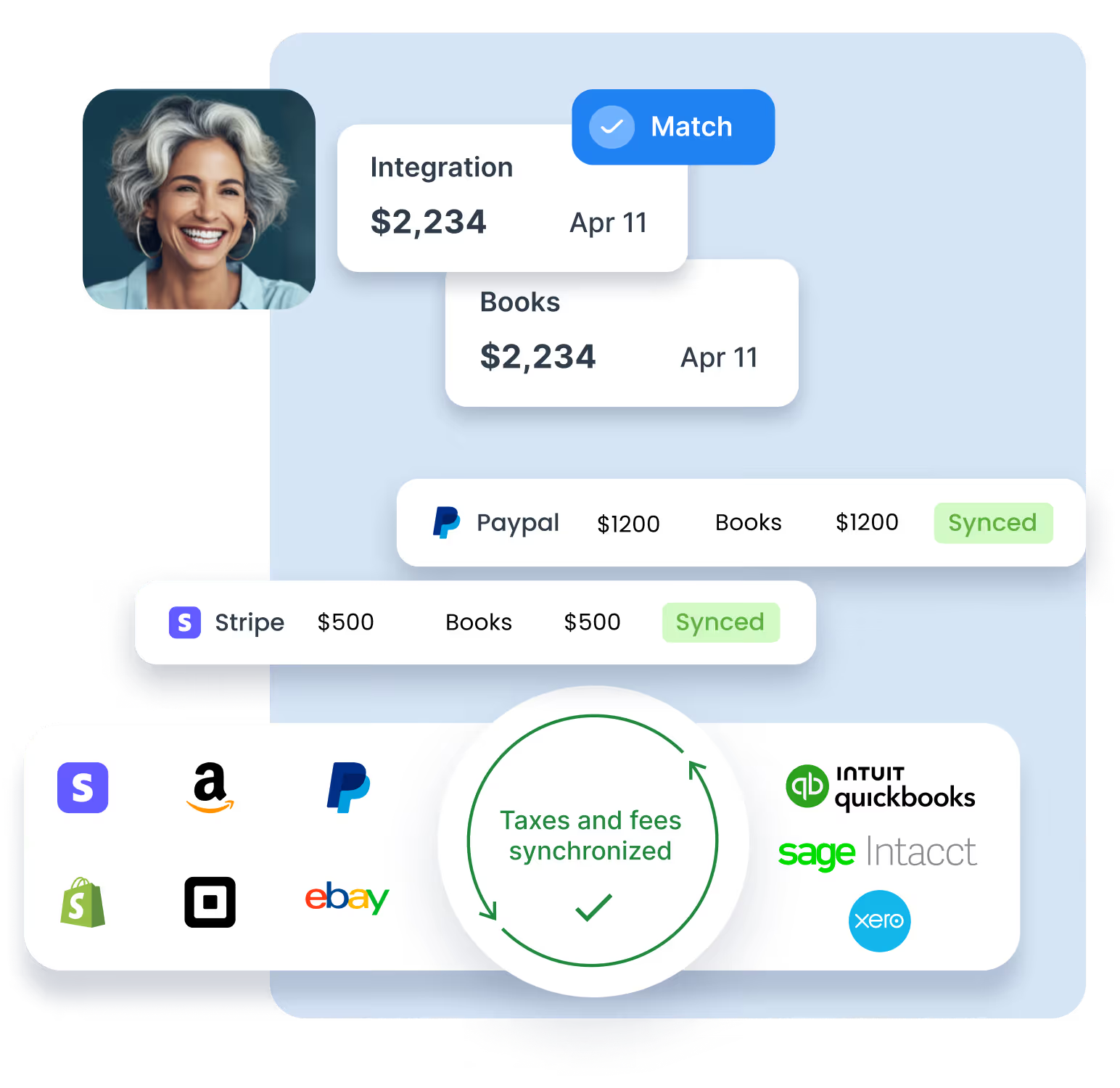
Synder posts sales and fees to each clearing account, and payouts as bank transfers where supported. Transaction Reconciliation flags anything that doesn't tie 100%.
As accounting software for retail stores, Synder syncs your sales data from POS and online channels, including orders, refunds and fees into your accounting platform. You decide how much detail it carries: Summary Sync groups sales by day, month or payout, depending on your ledger, while Per Transaction Sync mode records every sale on its own.
Each payment platform posts to its own clearing account, not Undeposited Funds. Where a platform reports payouts, each one posts as a bank transfer that matches your bank deposit. Transaction Reconciliation flags anything that doesn't match platform records: automatically for Stripe, Shopify Payments and Amazon, by file upload for others.
Synder's Analytics tab offers ready-made templates built from your synced data: sales and processor fees by channel, top products by revenue and units, and refunds by product. Describe the report you need, and Generate with AI builds the chart for your dashboard. On QuickBooks Online with Per Transaction Sync, Smart Rules can tag matching sales by location and class for store-level QuickBooks reports. This setup also shows P&L and balance sheet reports in Synder.
Synder maps the tax each platform reports to the tax codes or Sales Tax Payable accounts in your accounting system. With the recommended setup, marketplace facilitator tax from platforms such as Amazon, eBay, Etsy, Walmart, TikTok Shop and Shopify is recorded separately. This keeps it out of your Sales Tax Payable, since in states with marketplace facilitator laws the platform itself collects and remits that tax.
Each month's gross margin reflects that month's sales, since each sale's cost posts in the same period as its revenue. How product-level income and COGS are recorded per channel depends on the sync mode. In Per Transaction Sync, sales post against inventory items, so stock and COGS update with each sale. In Summary Sync on QuickBooks Online, the sales summary includes COGS and inventory asset lines, valued at the latest product cost you import.
In Per Transaction Sync, Synder's Smart Rules lets you assign sales to a store or location: classes and locations in QuickBooks Online, tracking categories in Xero. Each rule checks fields on the synced transaction, such as the memo, customer or state, and tags only matching sales. When you open a store or a seasonal pop-up, add or edit a rule, and matching sales post to that location from the next sync. In Summary Sync, mapping groups split sales by store instead.
Sales in other currencies sync to QuickBooks Online and Xero, so foreign orders don't need converting by hand. With multicurrency on in your accounting software, each sale keeps its original currency and posts to your mapped clearing account. Synder uses the FX rate from your sales platform or payment processor, or your accounting software's rate if the platform has none. FX gains and losses are recorded in your books.
These retailers use Synder as their retail business accounting software across stores, marketplaces and pop-ups.

Challenge
Duplicate SKUs, with every product entered by hand in two systems
“Synder helped us automate what was previously a very manual process. Instead of having to manually duplicate information between Shopify and QuickBooks, we can now focus on adding products to one system and let Synder handle the rest.”
Cassandra Tiltack
Head of Customer Operations, SleepEh

2–3h saved weekly
on manual data entry
12–18 full workdays
saved every year on QuickBooks admin
100% accuracy
in syncing Shopify sales to QuickBooks
 +POS
Challenge
Spreadsheets and macros, with no way to split sales by location across POS devices
“Before, we had a whole bunch of spreadsheets running with macros built in just to get the data formatted correctly before we could even import it into QuickBooks. Synder eliminated all of that.”
Cam Beck
Management Consultant, Prince Edward Island Preserve Company
3h
back for the office administrator alone
Sales by location
assigned automatically by POS device

Shopify fees
recorded automatically against the clearing account
Challenge
A backlog of manual entry across five sales channels
“Our refunds were a big task, not just to process them, but to be able to put the inventory back up for sale. With Synder now, as soon as a refund is processed, it’s right back into our inventory to be resold, which is helping our cash flow.”
Tony Jamal
Founder, TJAYZ
40h+ saved monthly
on manual data entry across sales channels
A full year of refunds
imported into QuickBooks
5 sales channels
synced with fees, shipping, tax and refunds included
 30+ integrationsMulti-channel reconciliation15-day free trial
Basic
Basic sync tools included
Billed monthlyBilled yearly
Everything included:
Up to 500 sales transactions/mo1 userSmart Rules available as a paid add-onEmail support / regular tech support laneEssential
Ideal for expanding businesses
Billed monthlyBilled yearly
Everything included:
Up to 3,000 sales transactions/mo1 userSmart Rules available as a paid add-onEmail support / regular tech support lanePro
Perfect fit for thriving multi-channel businesses

Billed monthlyBilled yearly
Everything included:
Up to 20,000 sales transactions/mo2 users3 free Smart RulesEmail, live chat and Zoom supportPro Max
Built for high-scale operations with maximum flexibility
Billed monthlyBilled yearly
Everything included:
Up to 40,000 sales transactions/mo10 free Smart RulesDedicated CSM, phone/live chat and ZoomLightweight custom developmentPremium
Advanced multi-channel tools and customization for complex business needs
Unlimited sales transactionsFree unlimited historical importDedicated implementation supportSee how Synder works with your sales channels and accounting setup – pick a time that works for you

Use the form to book a call, and share a few details about your business.



As online retail accounting software, Synder syncs 30+ sales and payment channels into your accounting platform. Here are some, grouped by how retailers sell.


 QuickBooks Xero QuickBooks QuickBooks Xero
QuickBooks ProAdvisors, Xero advisors and firms offering Client Accounting Services (CAS) run retail bookkeeping for their clients in Synder from one firm account.
 See every client company on one firm dashboardInvite colleagues and choose which clients each of them can accessBring a new client's earlier periods up to date with historical data importBuy your clients' Synder licenses on the firm's own billing, at Partner Program rates below list price
Decimal, an accounting firm, saves 6 to 8 hours per client each month with Synder.
Join the Partner Program →
Every Synder plan includes email support for your day-to-day questions. Essential and higher plans add chat, and Pro and higher add screen-share sessions and hands-on help with setup, mapping and validation.

Synder is SOC 2 Type 2 certified and GDPR and CCPA compliant. Data is encrypted at rest and in transit, and independently penetration-tested. For due diligence, request the SOC 2 report through the Synder Trust Center.

Every synced transaction and summary shows its status: posted, skipped or needs attention. With auto-sync off, new data waits as Ready to sync until you review and post it. After a mapping change, roll back synced records and resync them.

Synder has synced $30.8 billion in transactions for 5,000+ businesses, with the lion's share in 2025. Custom mapping groups shape each channel's summaries, and higher plans add more groups and transaction capacity as your stores grow.

Spreadsheets and CSV imports

Payout entries

Sales, fees, refunds and tax posted as separate lines

One net amount

In-store sales
Synced from Shopify POS, Square and Clover
Exported from each POS

Marketplace tax
Kept separate from tax you collect
Mixed into Sales Tax Payable

Store-level P&L
Assigned by Smart Rules or mapping groups
Split by hand each month

Past periods
Imported from a start date you choose
Rebuilt from old exports

Retail accounting differs because sales often come through several POS systems, marketplaces and processors, and each one pays out on its own schedule, net of fees, refunds and reserves. In Synder's inbound data, the top three challenges are manual data entry, inventory and COGS tracking, and reconciliation.
Choosing the best retail accounting software comes down to five checks:
Synder accounting software for retail works as the sync and reconciliation layer between your sales channels and QuickBooks, Xero, Sage Intacct, NetSuite, Puzzle, so you can run these checks without replacing your ledger.
Retailers that outgrow QuickBooks don't always need a new ledger, since in our experience much of the extra work comes from entering high-volume sales by hand. Automating that feed into QuickBooks Online Advanced can be enough. Retailers that need multi-entity accounting can move to Intuit Enterprise Suite, Sage Intacct or NetSuite, and Synder supports all three on Pro and above.
Synder differs from other accounting software for retailers by letting you choose how much detail from your POS systems, marketplaces and online stores reaches your accounting software. Per Transaction Sync records each sale, refund and fee as its own entry, with fees included where the platform reports them, while Summary Sync posts totals for each period. About a quarter of retailers evaluating Synder are switching from another app.
Synder accounting software for retail supports QuickBooks for retail stores on QuickBooks Online and QuickBooks Desktop, plus Xero, Sage Intacct, NetSuite, Puzzle and Intuit Enterprise Suite. Every connected sales channel posts into the same ledger, so your in-store, online and marketplace sales share one set of books.
Synder works as accounting software for online retail businesses and in-store POS alike and aggregates data from Square, Clover and Shopify POS. It syncs in-store sales and refunds into your accounting system next to your online channels. Square fees and payouts sync as well. Clover's API doesn't provide fee or payout data, so you record Clover fees manually.
Synder supports retail and wholesale accounting in one accounting system, and each platform posts to its own clearing account. Faire wholesale orders sync through the Faire integration once they're in transit or delivered, separate from your Shopify or Amazon sales. Faire's API doesn't include payout data, so Faire payouts are recorded outside Synder, for example with a bank rule in your accounting software.
With 30+ integrations already in place, Synder keeps adding platforms, and many of them come from customer requests. If yours isn't on the list, tell the Synder team, since it may already be in development or could be prioritized.
Synder is accounting software for retailers with multiple stores and channels, with plans up to 40,000 sales transactions a month on Pro Max. Premium covers higher volumes. In Per Transaction Sync, Smart Rules assign each matching sale to its store's class or location in QuickBooks, or to a tracking category in Xero. In Summary Sync, mapping groups do the same job when each store appears in the transaction data, for example in the memo.
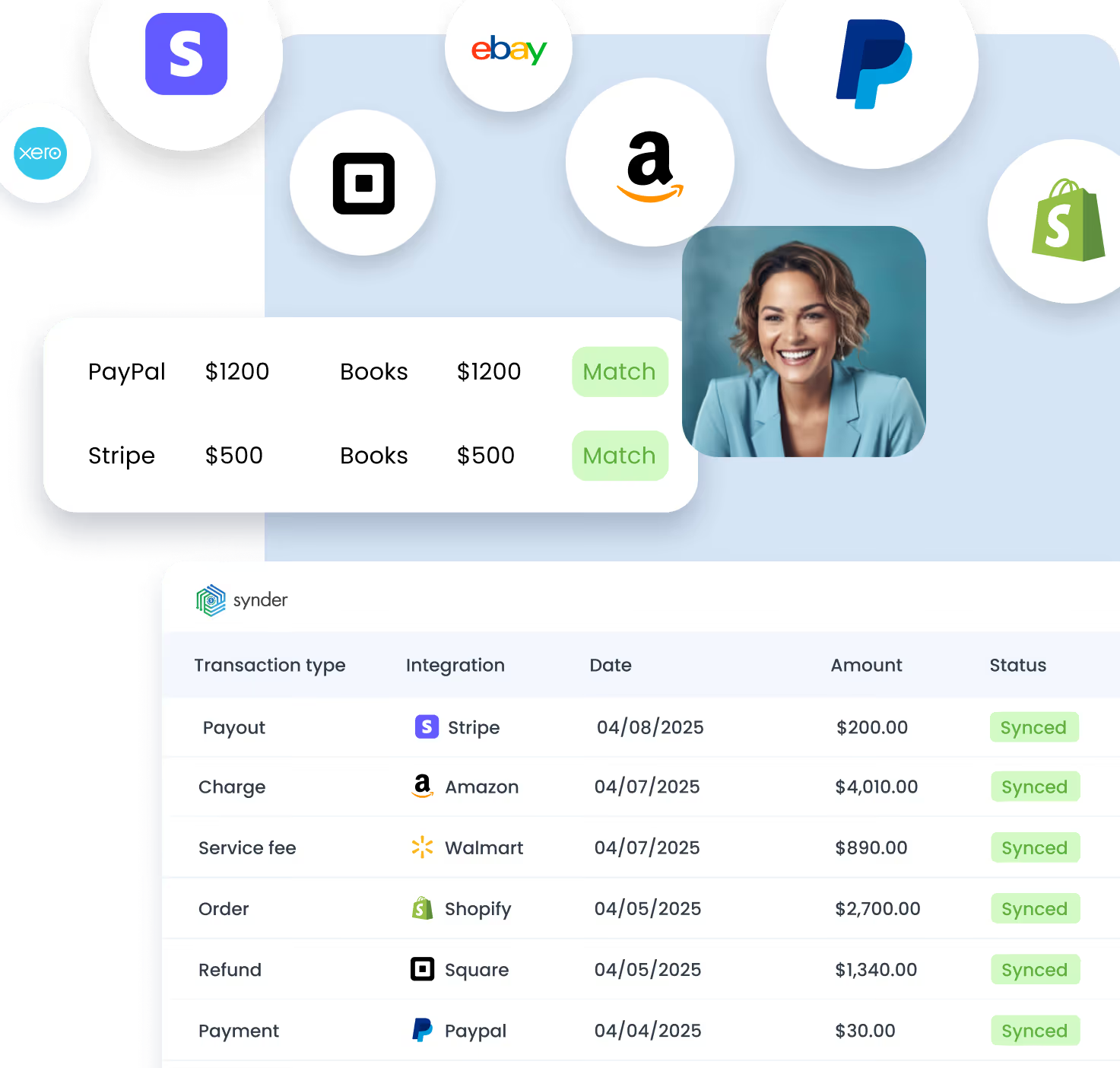
Synder records each platform's sales, fees and refunds in that platform's own clearing account. Per Transaction Sync posts each one as a separate entry, while Summary Sync posts them as summary entries for each period. When the platform pays out, Synder records the payout as a transfer from that clearing account to your bank account. Your accounting software then matches the transfer to the bank deposit, and you confirm the match.
Transaction Reconciliation flags any transactions that don't match the platform's own records. It runs automatically for Stripe, Shopify Payments and Amazon on QuickBooks Online, and on Xero, NetSuite and Sage with Summary Sync. Other platforms need a file upload. For platforms that don't send payout data, such as Clover, Walmart and Faire, you record the payout in your accounting software.
The Analytics tab in Synder accounting software for retail business turns your synced data into reports and charts. You can pick from 16 templates, such as sales by channel, gateway fees and refunds by product. You can also describe the report you need in Generate with AI, which builds the chart for you to review and adjust.
Accounting firms can manage several retail clients from one firm workspace, and each client keeps its own Synder organization with its own sales channels, accounting software and mapping. As a result, one client's data never mixes with another's. To connect a client, the client enters your Firm ID in their own Synder account, and you approve the request in your workspace. You then give each colleague a role for that client: a Manager has full access, including connections and subscription details, while a Member has limited access. Through the Partner Program, firms buy client licenses on their own billing at partner rates below list price and assign them to client organizations.
Synder offers a 15-day free trial with no credit card required, so you can connect your own sales channels and ledger before choosing a plan. To see a retail setup first, you can book a demo with the Synder team.
Setup time depends on how many sales channels, stores and mapping rules you have, so there's no fixed timeline. You'll connect each sales channel and payment platform, connect your accounting software, and choose how to track each store, for example by class or location. On Pro and higher plans, Synder's onboarding team helps with setup and tests it on recent transactions before your historical data is synced.
Synder imports historical retail data from a start date you choose, so you can switch at a clean cutoff or set up mid-year. Historical transactions use your plan's sync balance, and you can buy extra syncs for larger imports.