Synder is the verified data layer between your sales channels and your books. It collects sales, fees, refunds, and payouts from 30+ platforms and payment processors, checks that the numbers match, and sends them to QuickBooks Online, QuickBooks Desktop, Xero, Sage Intacct, NetSuite, Intuit Enterprise Suite, or Puzzle as audit-ready records.

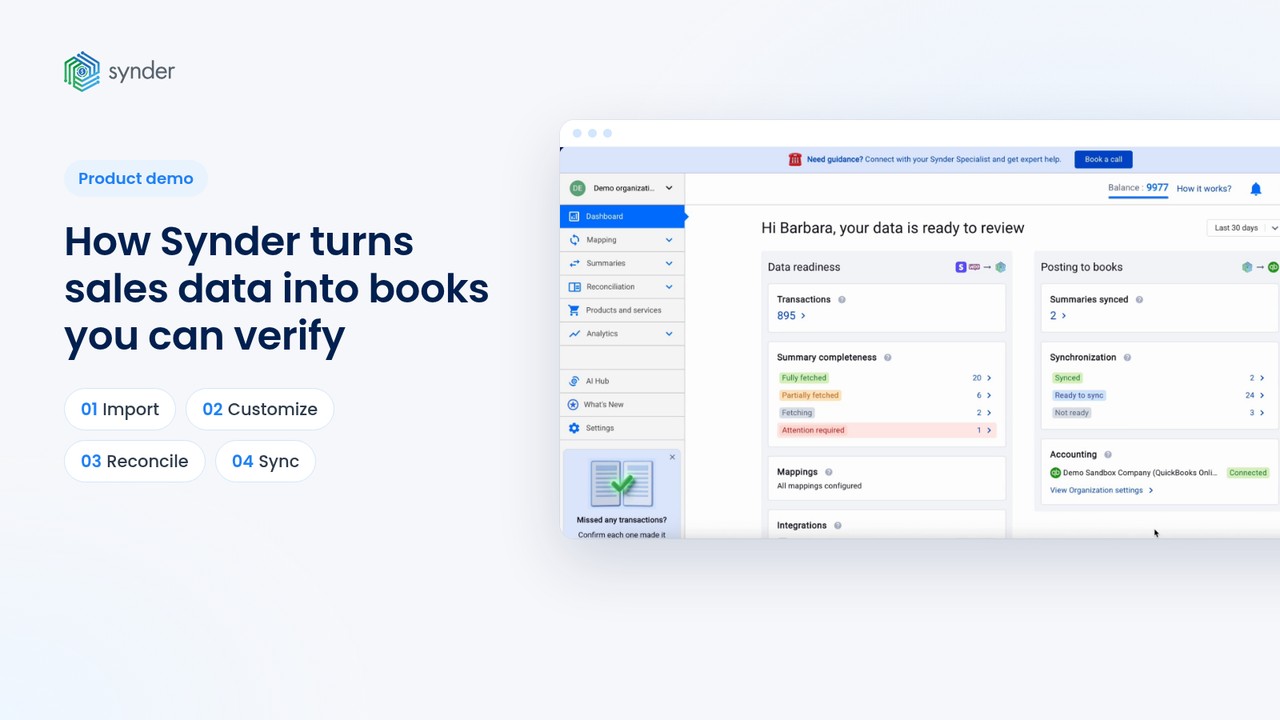
The preview follows Synder Summary Sync through four chapters: Import, Customize, Reconcile, and Sync.

Synder's 40-minute demo recording walks through the whole product, from connecting your platforms to sending clean records to your books. It's made for business owners, finance teams, and accountants who want to see how Synder handles real sales data before starting a trial. Leave your email to watch the full recording.
Every sale, refund and fee as its own record
One summary per day, payout or period
Synder helped businesses sync $30.8B in transactions in 2025 alone.
3,400+ reviews from users and accounting professionals
SOC 2 Type 2 certified, with GDPR and CCPA compliance
Stripe Verified Partner, Square Certified Partner, Intuit Platinum Partner and Xero Growth App 2025
Backed by Y Combinator (S21) and the AICPA Startup Accelerator (2023)
Synder is an accounting automation platform for businesses that take payments online, in person, or both. Its users include ecommerce and SaaS companies, organizations and associations that collect payments online, and restaurants and stores that use Square, Clover, or Toast. Synder connects 30+ sales channels and payment processors to general ledgers, such as QuickBooks Online, Xero, Sage Intacct, NetSuite, and more. It records every payment, fee, refund, and tax and matches each payout to its bank deposit, so accounts reconcile automatically. The platform also includes Synder RevRec for revenue recognition.
The Synder demo video runs about 40 minutes.
Per Transaction Sync gives you a detailed view, with each sale, refund, and fee recorded individually in your books. Summary Sync rolls your transactions into tidy summaries for the period you choose, whether daily, monthly, or per payout, so your books stay clean and easy to read. The detail never disappears: open any summary in Synder and every transaction behind it is right there. You pick your mode when you set up your account.
Synder Summary Sync groups transactions daily, monthly, or per payout, depending on your preferences and whether payment platforms support payouts. Xero supports daily and monthly summaries.
Synder Transaction Reconciliation compares the transactions Synder imported for a selected period with your platform's own records and shows any differences before you sync. As a result, you can be sure your summaries carry the full set of data. How the platform data reaches Synder depends on the integration: Stripe, Shopify, and Amazon are automated, while PayPal and other integrations use a file upload. For PayPal, Synder normalizes the uploaded file, so you don't have to map any columns.
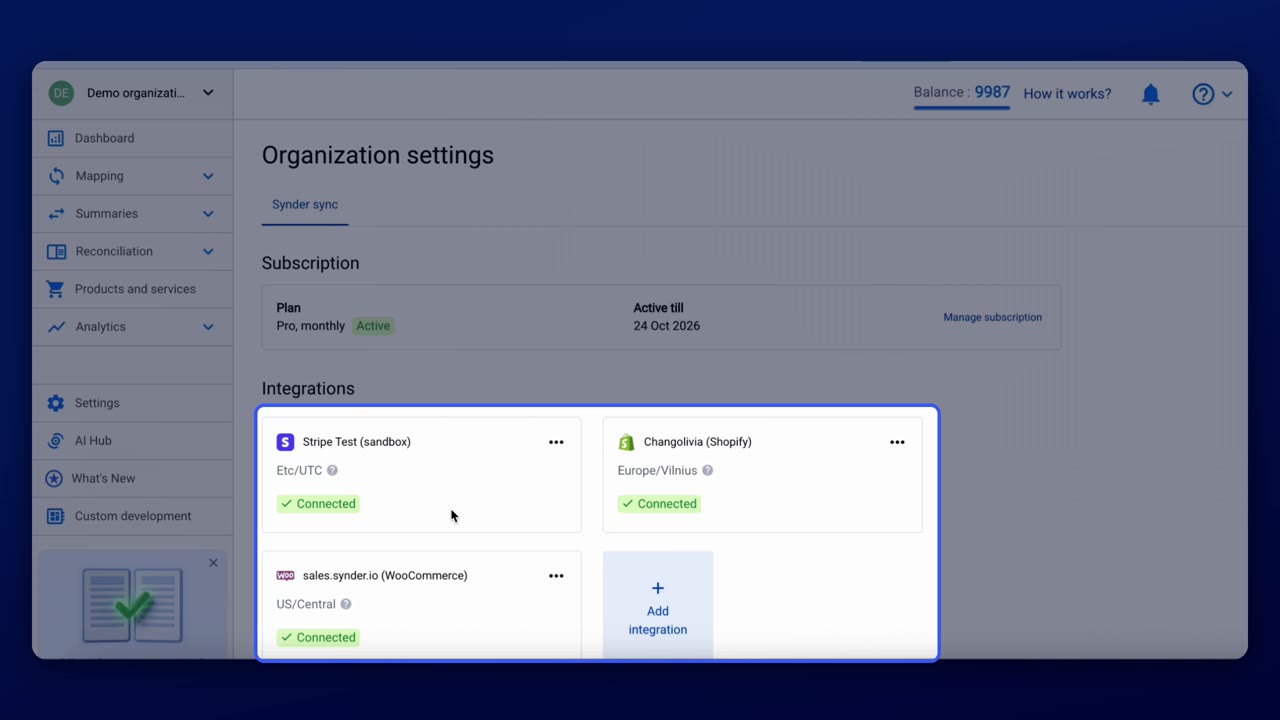
Synder setup starts with connecting your sales channels, payment processors, and accounting platform, and then choosing a sync mode. If you choose Summary Sync, Synder creates default groups and suggests a mapping based on your chart of accounts, which you review and adjust before you start syncing. If you choose Per Transaction Sync, you pick the settings that shape how your data flows into your books. You can also add Smart Rules to customize your transactions further.
Synder offers a 15-day free trial with no credit card required. You can connect your own platforms and test the same steps shown in the demo.
Synder’s team runs discovery calls for businesses and accounting firms that want to talk through their own setup. Book a time on the Book a demo page, and the team will walk you through the options for your platforms and plan.
Book a call with the Synder team to go over your platforms, your setup and the right plan.