The Infrastructure Gap: How to Know If Your Business Is Built for What’s Next
Get your copy ➔
Historical data import

Historical Sales Data Import: Bring Your Full Transaction History With You

Switching tools shouldn't mean losing your history. Pick a start date, import everything from that point, and start with books that actually reflect the full picture.
4+ years of data synced per client
$30B+ in transactions
10+ workdays saved monthly
Book a demo
Three business professionals, two women and one man, working together and looking at a desktop computer screen.
Woman with glasses and concerned expression holding a pen and paper, looking at a laptop with warning messages about incomplete history and unmatched transactions.Man in glasses and suit looking at papers with alerts about failed payment for invoice #5678 and 23 unmatched transactions on screen.

Incomplete history is easy
to overlook

Switching tools mid-year leaves gaps in your GL, making YTD reports unreliable until the history is backfilled.

Without a full year of transactions tax season means reconstructing data manually or filing with incomplete numbers.

Importing thousands of historical transactions one by one means days lost before you're even set up.

Historical sync that brings your full picture into focus

calendar icon
Flexible date range

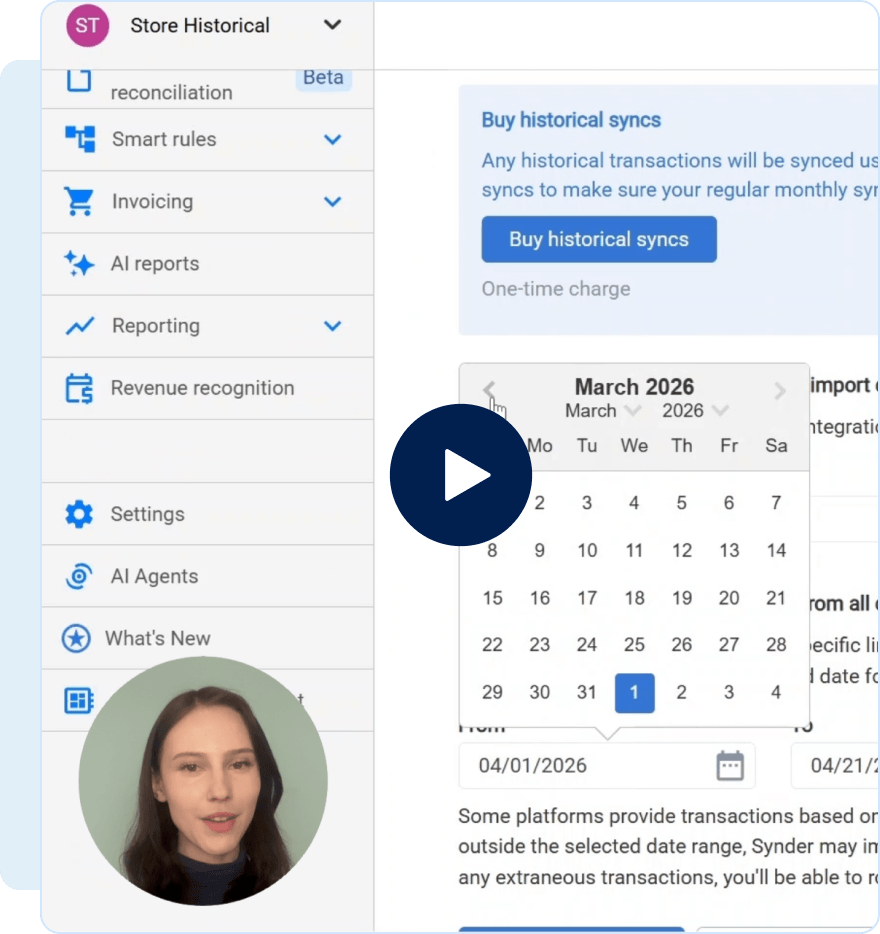
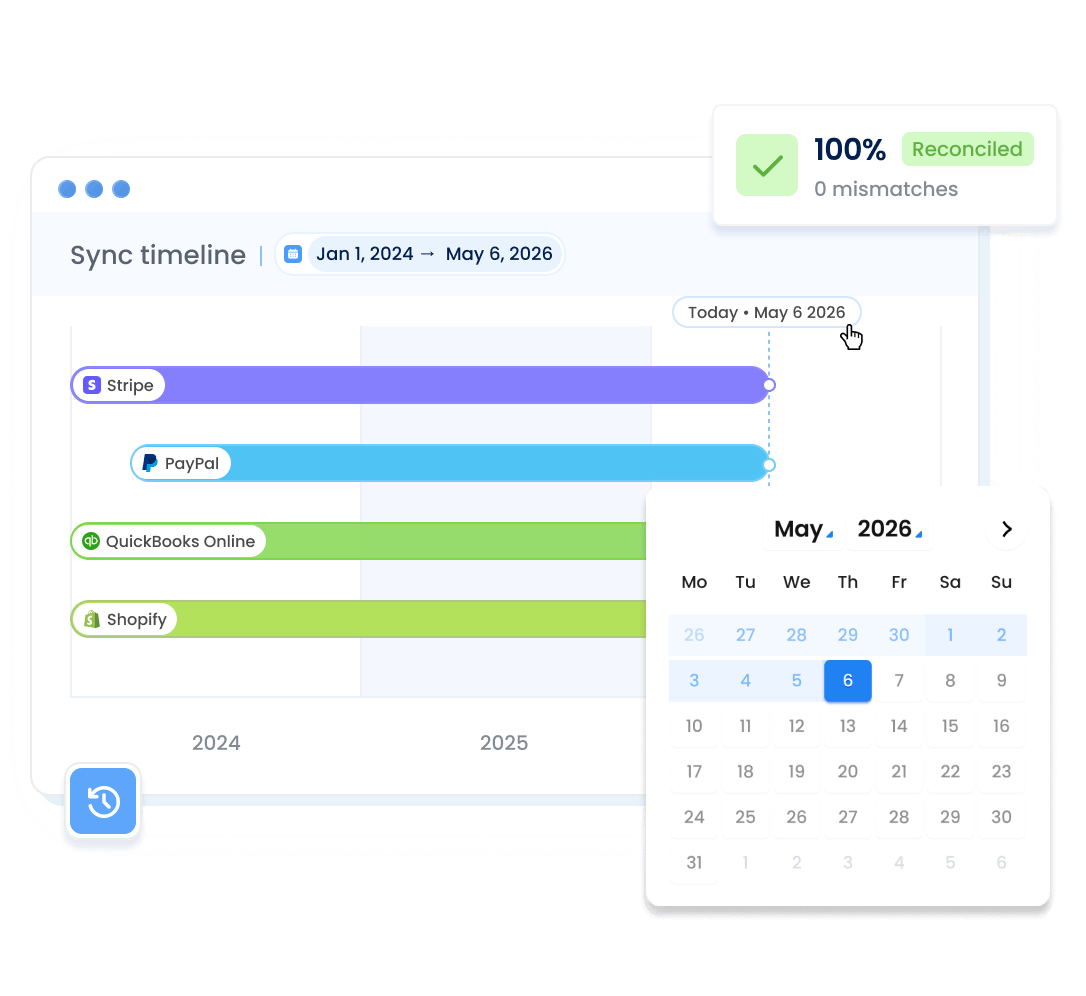
Set any start date you need – January 1st for a clean tax year, a mid-year switch date, or further back if your history demands it. How far you can go depends on your plan and the connected platform, so the range flexes with your situation.

import icon
Two-step import

Nothing posts to your books until you say so. With auto-sync off, transactions land in Synder first – review, filter, and confirm before anything hits your accounting software. Prefer a faster flow? Keep auto-sync on, and transactions move through as they import.

Both sync modes support

Whether you're on Per Transaction or Summary Sync, historical sales data import works the same way without any extra setup or mode-specific workarounds. The difference between modes only comes into play later, in how transactions are synced to your books.

chart-line icon
High-volume backfill support

Whether you're backfilling three months or three years, there's no transaction volume cap – import thousands or millions of records in a single operation. Every fee, refund, and payment is included, so your books reflect the full picture.

Built-in completeness check

Once your import is done, run transaction reconciliation to confirm nothing was missed. In Summary Sync, the system verifies that all transactions have been imported from your platforms to build accurate summaries. In Per Transaction, it checks that everything synced through to your accounting software.

Stop launching with half a year of books

From your switch date back to the date you choose – every transaction, fee, and refund imported in bulk, reviewed before posting, and ready for tax season.

Switching tools in September and having data from then

Picking a start date and importing everything

Needing January data for tax season, but not having it

Reviewing transactions before they hit your books

Sitting on 50,000 historical transactions with no systematization

Importing large backlogs in bulk without slowing setup

Having YTD reports that miss eight months of data

Getting day-one reports that reflect your full history

30+ integrations, one unified view of your finances

Synder connects 30+ sales channels and payment processors to your accounting platform or ERP automatically, so your books always reflect what's actually happening in your business.

Start a free trialSee all integrations
Shopify logoStripe logoAmazon logoSquare logoPayPal logoCloverlogoeBay logowoocommerce logobigcommerce logoXero logoQuickBooks logoOracle NetSuite logoSage company logo with stylized green text on transparent background.
Trusted by thousands of users and partners
4.7
average rating based on 3,400+ reviews
QuickBooks logoShopify logo

Built to handle your full transaction history

Explore how Synder helps businesses across industries

"Instead of a bookkeeper spending 40 hours a month manually reviewing thousands of transactions each month—clicking into each one, checking metadata, and categorizing it—Synder does it all automatically, the moment the charge happens. Which means we save 480 hours and almost $24K yearly."

Justin McKelvey
Head of Product at PlayYourCourt
Dermeleve brand name with a blue medical cross symbol to the left.
480+ hours
saved yearly on transaction categorization
$24K+
saved on bookkeeping services yearly
stop icon
No manual entry
effortless Stripe-QuickBooks integration

"Synder drastically speeds up the process of reconciliation and eliminates the need to manually check massive transaction files. It now takes me about 40 minutes to finish and review a month’s data, whereas manually, it would have taken at least two days."

Olena Svoiak
Financial Manager at Stape
Dermeleve brand name with a blue medical cross symbol to the left.
95% time
saved on manual reconciliation
180 hours
saved yearly on reviewing end-of-the-month data
check icon
100%
GAAP-compliant revenue recognition and reporting

"Since integrating Synder, Decimal has streamlined workflows, reduced reconciliation time by over 50%, and saved 6-8 hours per client each month, enabling the team to focus on strategic advisory services and client growth."

Kristin Miller
Team Lead at Decimal
Dermeleve brand name with a blue medical cross symbol to the left.
140 hours
saved monthly on month-end
close
team icon
20 clients
successfully integrated
with Synder
platfroms icon
9 platforms
accurate automated bookkeeping for Stripe, Shopify, QuickBooks, and more

FAQ

Ready to stop reporting on incomplete data?

Pick a start date, import what you need, and start reporting on complete data from the start.
Start importing data
Two calendar widgets showing dates selected from January 2024 and May 2026 with a blue refresh icon between them.
Close Cookie Preference Manager
Privacy Overview
This website uses cookies to improve your experience while you navigate through the website. Out of these, the cookies that are categorized as necessary are stored on your browser as they are essential for the working of basic functionalities of the website. We also use third-party cookies that help us analyze and understand how you use this website. These cookies will be stored in your browser only with your consent. You also have the option to opt-out of these cookies. But opting out of some of these cookies may affect your browsing experience.
Strictly Necessary (Always Active)
Cookies required to enable basic website functionality.
Made by
Oops! Something went wrong while submitting the form.