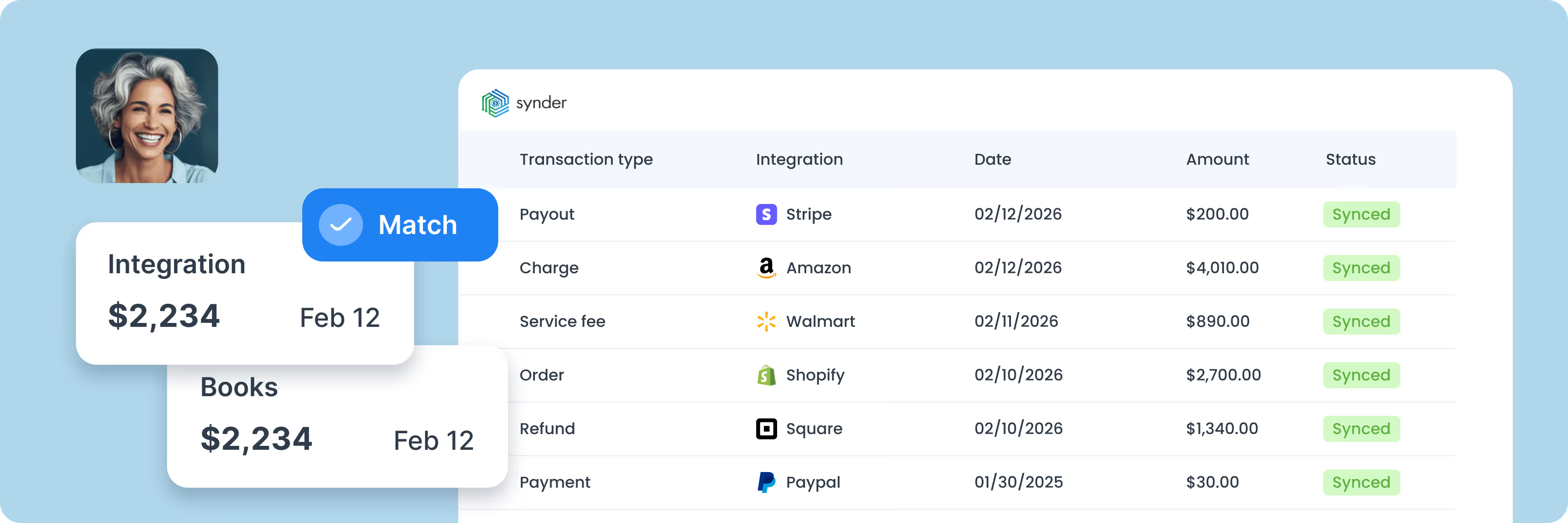
Synder is the QuickBooks Desktop integration that brings everything your business sells, refunds, and gets paid for into your company file as clean, correctly posted entries – so close runs on accurate books.


Connect your platforms and QuickBooks Desktop to Synder accounting software.
Personalize Synder to align perfectly with your business needs.
Enjoy streamlined bookkeeping and smooth reconciliation.
.png)
Synder pulls sales, fees, refunds, payouts, and taxes from 30+ platforms into one continuous feed for QuickBooks Desktop, so your books read every channel the same way.
Tax is captured at the exact rate and jurisdiction the platform recorded, then routed to the right liability account in QuickBooks Desktop – by the time filings are due, the math is already done.
Each incoming payment from Stripe, PayPal, or any connected gateway finds its open invoice in QuickBooks Desktop on its own – AR closes itself in the background.
Every time Synder imports a sale, it automatically assigns the right categories, whether it's a product sold, shipping fee, customer detail, or vendor charge. No manual sorting or adjustments needed. Just well-structured data that keeps your books clean from the start.
Items sold across Shopify, Amazon, and your other channels resolve to a single QuickBooks Desktop product by name and SKU – Shopify Pen and Amazon Pen become the same Pen in your books.
Foreign-currency transactions post to QuickBooks Desktop at the platform's own FX rate with both the original and home-currency amounts preserved, so your monthly close ties out even when half your sales happened in EUR.

QuickBooks Desktop Integration
$349.99/mo
Billed monthly
Everything included:
Premium integration with QuickBooks Desktop
Hourly automatic sync
Unlimited paid historical import
Reliable email support
QuickBooks Desktop Integration
$279.99/mo
Billed yearly
Everything included:
Premium integration with QuickBooks Desktop
Hourly automatic sync
Unlimited paid historical import
Reliable email support


Discover how accountants and bookkeepers are turning to Synder as their go-to tool to boost the success and growth of their online and subscription-based clients.
Explore accountants’ page"Synder helped us automate what was previously a very manual process. Instead of having to manually duplicate information between Shopify and QuickBooks, we can now focus on adding products to one system and let Synder handle the rest. The customer service team has been fantastic, they were really calm and easy to work with during implementation, and I really appreciate the monthly reporting emails and alerts when something doesn't sync properly. Overall, it's been a real breakthrough for keeping our books clean and our team focused on serving customers."

Yes. Synder posts each payout to QuickBooks Desktop in the same total your bank actually deposited, so the two records line up when you reconcile.
Synder pulls processing fees out of every payout and posts them as expenses to a dedicated fee account in QuickBooks Desktop, so revenue stays at gross and fees stay trackable.
Yes. Each order syncs with customer details, SKUs, product names, quantities, taxes, discounts, and shipping – the same level of detail the platform recorded.
Yes. You choose the document type during setup, and you can set rules so different orders post in different formats.
Synder works with QuickBooks Desktop for Windows – Pro, Premier, and Enterprise – from version 2012 onward, including the most recent release. Synder is installed on the same machine that hosts your QuickBooks company file.