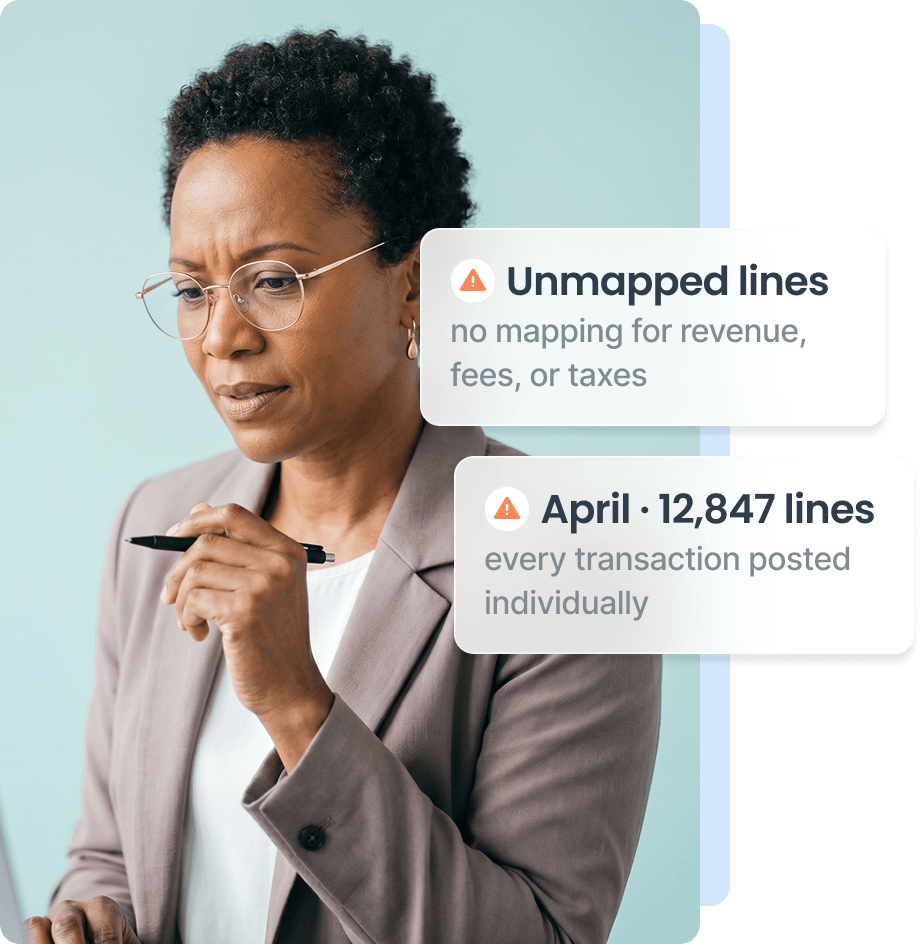
Every charge, fee, and refund as its own line turns your register into unauditable noise.
Hours disappear each month, rebuilding journal entries from platform exports.
Revenue, fees, and taxes blur together when nothing maps each line to the right account.
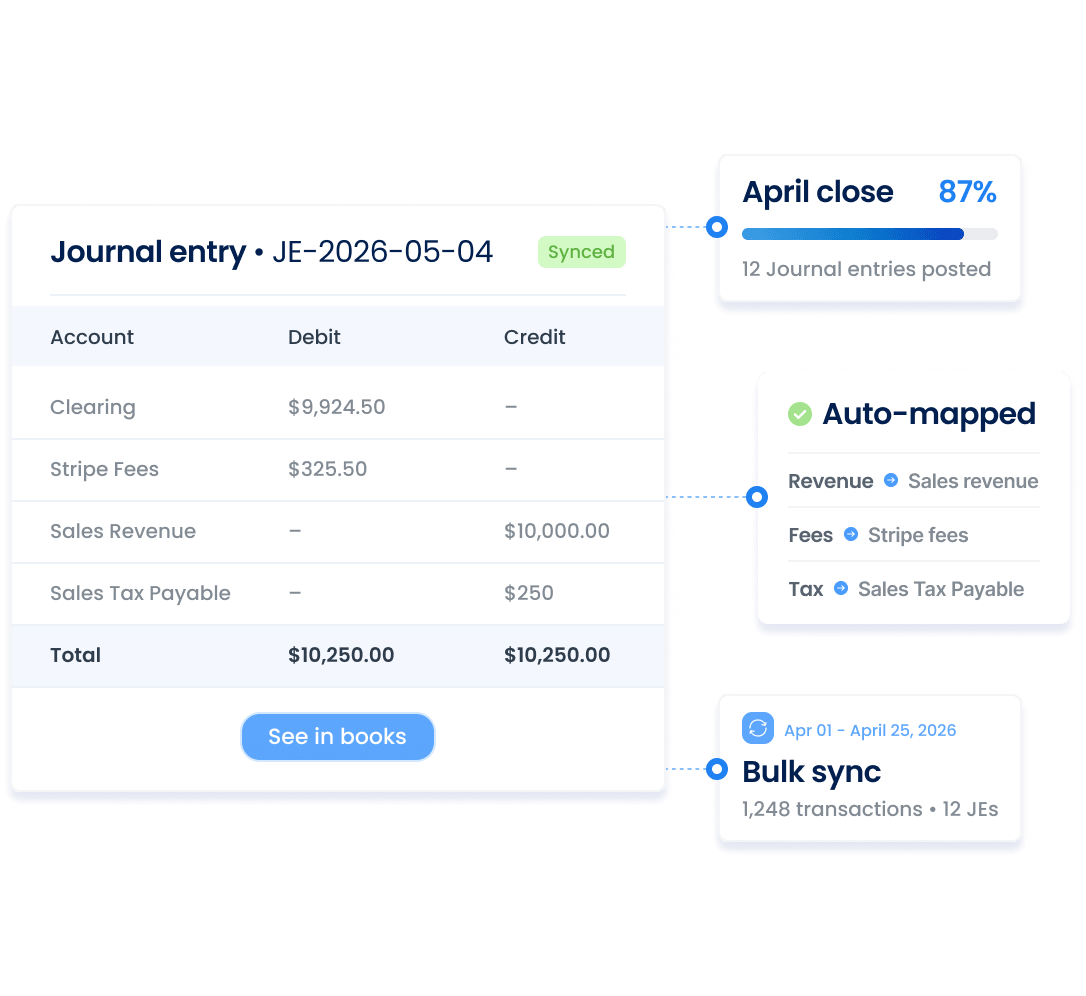
Aggregating transactions, mapping accounts, splitting revenue, handling stuck entries – Synder automates each step, so your close runs on time.
Seeing thousands of transactions clutter QuickBooks
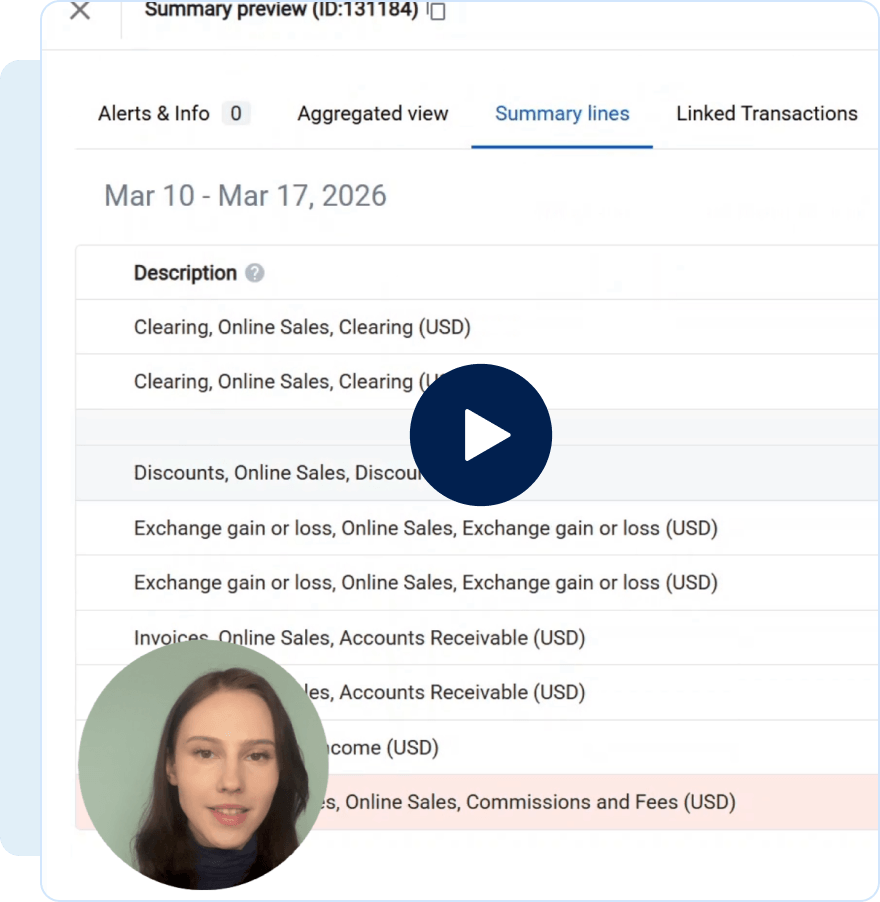
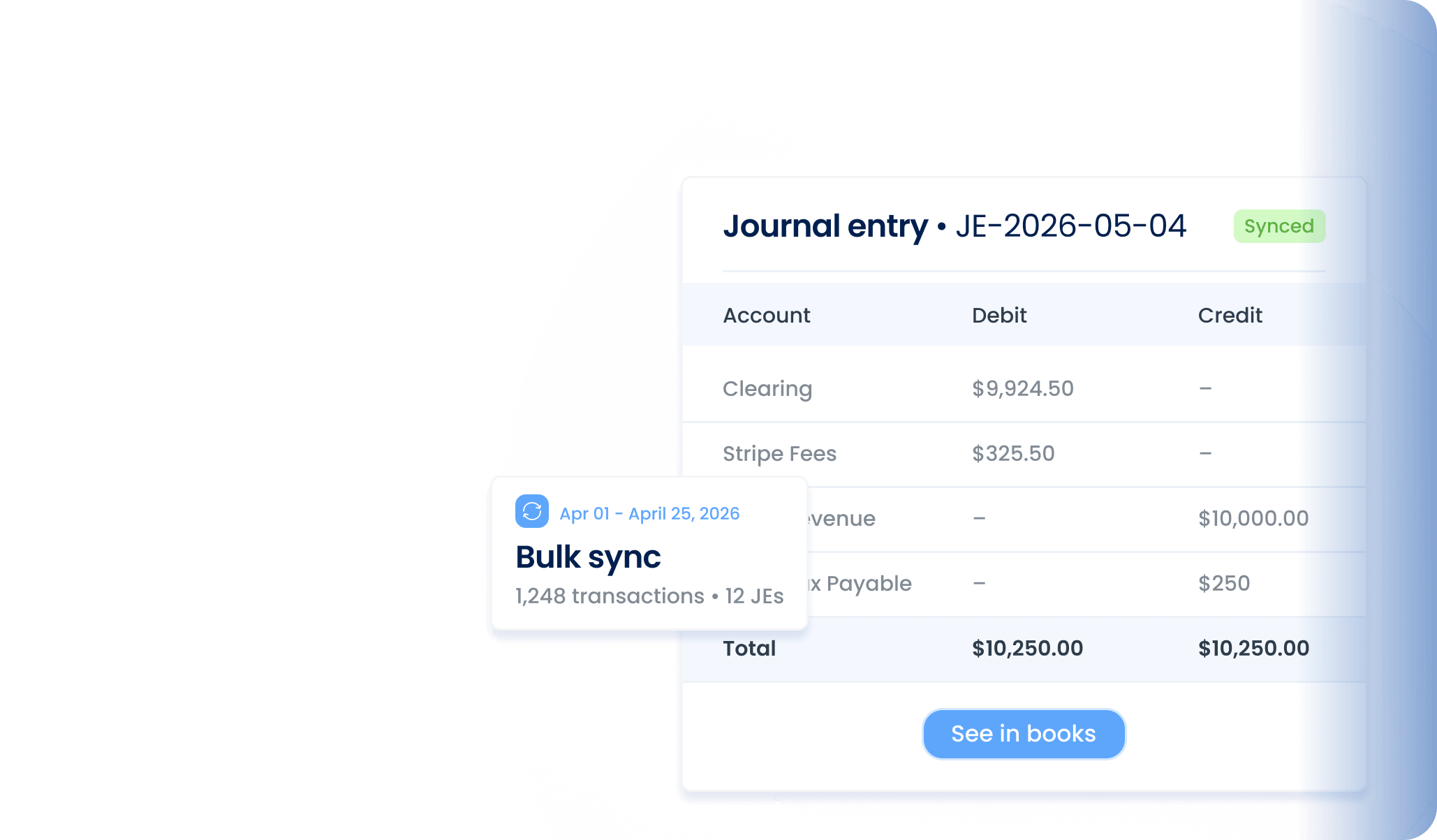
Posting clean JEs aggregated per period, not a receipt dump
Rebuilding journal entries from platform exports each month
Mapping entries to the GL based on your business flows
Dealing with pending and failed transactions at month-end
Adding tricky transactions manually and closing on time
Allowing tax lines and unwanted entries to sync
Controlling what is included or excluded in sync
Sorting revenue manually to get a category view
Splitting revenue streams by your custom conditions
Synder connects 30+ sales channels and payment processors to your accounting platform or ERP automatically, so your books always reflect what's actually happening in your business.
Explore how Synder helps businesses across industries
"Instead of a bookkeeper spending 40 hours a month manually reviewing thousands of transactions each month—clicking into each one, checking metadata, and categorizing it—Synder does it all automatically, the moment the charge happens. Which means we save 480 hours and almost $24K yearly."
"Synder drastically speeds up the process of reconciliation and eliminates the need to manually check massive transaction files. It now takes me about 40 minutes to finish and review a month’s data, whereas manually, it would have taken at least two days."
"Since integrating Synder, Decimal has streamlined workflows, reduced reconciliation time by over 50%, and saved 6-8 hours per client each month, enabling the team to focus on strategic advisory services and client growth."
Yes. Journal entries are summarized in your accounting system, but the individual transactions behind them remain available in Synder. You can open any summary and view the detailed sales, fees, refunds, and taxes that make up the entry.
Yes. Synder creates journal entries using standard accounting structure and posts them directly to your general ledger. Each entry reflects real transaction data, creating a clear audit trail.
Yes. You can customize journal entries in Synder using account mappings and Groups. Mappings control which account amounts are posted to, while Groups let you adjust how transactions are summarized in the entry.
Synder lets you control how often journal entries are created. Entries can be posted daily, monthly, per payout, or using custom aggregation period, allowing you to balance clean books with the level of reporting detail you need.
Yes! Synder offers a 15-day free trial with no commitment, so you can see how smooth ecommerce accounting can be when everything just clicks. From sales to reports, it all syncs automatically – perfect for Health & Wellness firms managing multiple products, promotions, and sales channels. Want a deeper look under the hood? Book a demo – we’ll walk you through it step by step.