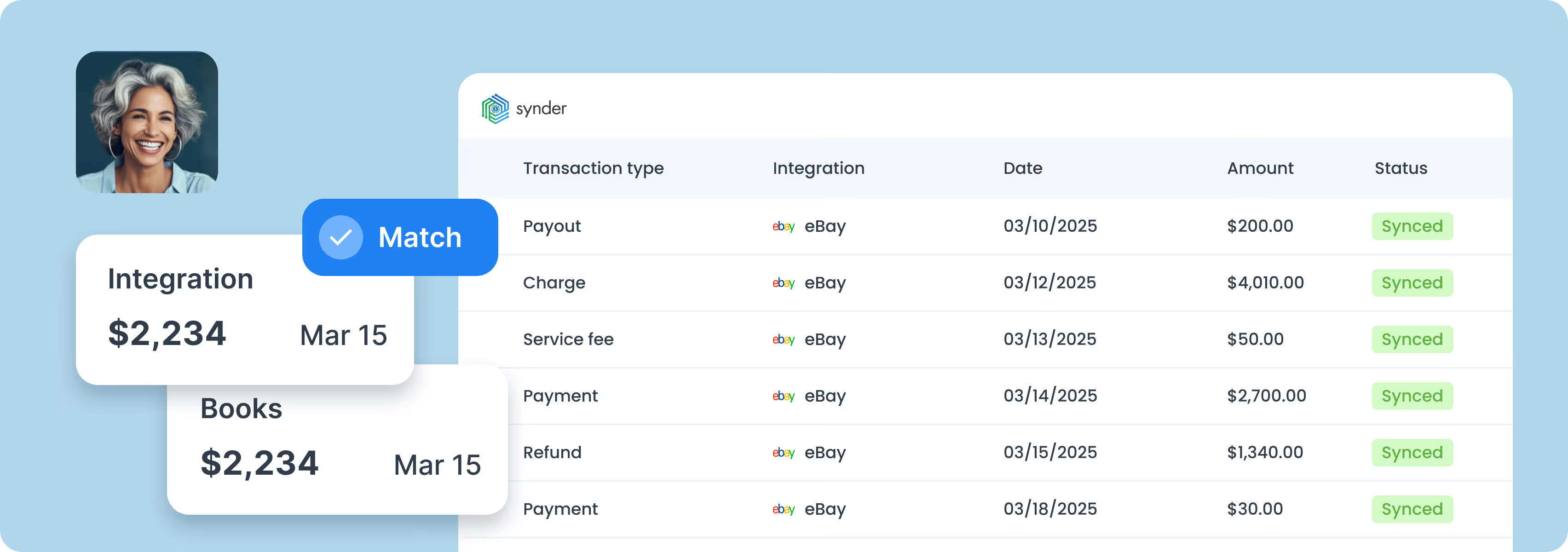
Connect eBay and QuickBooks to the Synder app.
Personalize Synder to align perfectly with your business needs.
Enjoy streamlined bookkeeping and smooth reconciliation.
.png)
Sync eBay alongside Amazon, Shopify, Etsy, and Walmart with your QuickBooks Online. Class and location tags mark every transaction by channel, so revenue, fees, and inventory reconcile against a single source of truth.
Synder matches eBay listings to QuickBooks Online products by title, SKU, or item number, and updates inventory automatically as orders come through. Customizable automation rules route product families to the right income accounts, classes, or tax codes.
Transaction Reconciliation matches every line in your clearing account against eBay's own records, flagging anything that doesn't tie 100%. And Balance Reconciliation verifies eBay's starting and ending balances before you post summaries, with a full audit trail per period.
Per Transaction mode posts each eBay order as an invoice or sales receipt in QuickBooks, built for order-level tax reconciliation and audit-heavy books. Summary Sync rolls a certain period's activity into a single journal entry, ideal for high-volume stores.
Connect regional sites in the same Synder workspace. Multi-currency payouts land in QuickBooks with the correct conversion applied, so your books reflect what actually cleared at your bank.
Refunds sync as Refund Receipts in QuickBooks and return the exact items to stock, not just a dollar amount. eBay disputes and dispute-related credits route to a configurable expense category in your Fees settings, keeping them separate from routine refunds.

To find the best solution for your business, book a call with our accounting automation expert. We'll dive into your needs and show how Synder can optimize your bookkeeping processes. Let us walk you through it!


Discover how to boost your online and subscription-based clients' success while saving time and increasing accuracy.
Explore accountants’ pageSOC 2 Type 2 certified, GDPR and HIPAA compliant, with end-to-end encryption built in. Synder keeps your data secure, helps you pass audits, and scales safely as you grow.
Synder's support team knows ecommerce accounting inside and out. Get help whenever you need it - chat, email, video call, or screen share. You're never stuck sorting things out alone.
Set up transactions exactly how you need them: rename line items, pull in custom data, adjust tax codes, and map everything to match your workflow perfectly.
Synder breaks down revenue by product, location, payment method, or date, from monthly snapshots to year-end reports. Get the data you need to make decisions.
"Synder saves me at least 10 hours a month on manual data entry and reconciliation. It gives me the ability to manage multiple income streams and separate clearing accounts for different locations, making month-end close so much easier and more accurate. It’s 100% worth the money."

Yes. Synder connects eBay, Amazon, and every other marketplace or processor you use to the same QuickBooks Online file. Each channel keeps its own class or location tag, so you can pull unified P&Ls or drill into a single marketplace without switching tools.
Synder uses the clearing-account workflow. As eBay records sales, fees, refunds, shipping reimbursements, and withheld tax, Synder posts each line to a clearing account in QuickBooks Online. When the net Managed Payments deposit lands in your bank, Balance Reconciliation matches it against the clearing balance, so the payout closes to zero, and every line item is traceable.
Yes. Synder maps eBay SKUs and item IDs to QuickBooks Online products, decrements stock as orders come in, and returns inventory on refunds. Customizable automation rules route product categories to the right income accounts, classes, or locations, so you can report by product line without manual re-tagging.
Per Transaction mode posts each eBay order as a separate line in QuickBooks, giving you a full audit trail. It's the right choice for about 1,000 transactions per month and for teams that need per-order visibility. Summary Sync rolls the certain period's activity into one journal entry, which suits high-volume stores where per-order detail would strain QuickBooks list limits.
Every deposit is broken into its component transactions: sales, final value fees, non-transaction fees (promoted listings, insertion fees, store subscriptions, ad fees), eBay shipping label charges, refunds, and marketplace facilitator tax. Each posts to its own QuickBooks account, so your P&L reflects the real economics of the sale, not a single lump-sum entry.