Connect HubSpot and QuickBooks to the Synder app.
Personalize Synder to align perfectly with your business needs.
Enjoy streamlined bookkeeping and smooth reconciliation.
.png)
Synder mirrors every HubSpot invoice state directly into your books. Open invoices created as an invoice in the books, paid invoices record the payment as a separate ledger entry, and voided invoices flow through as credit memos with no retroactive deletes.
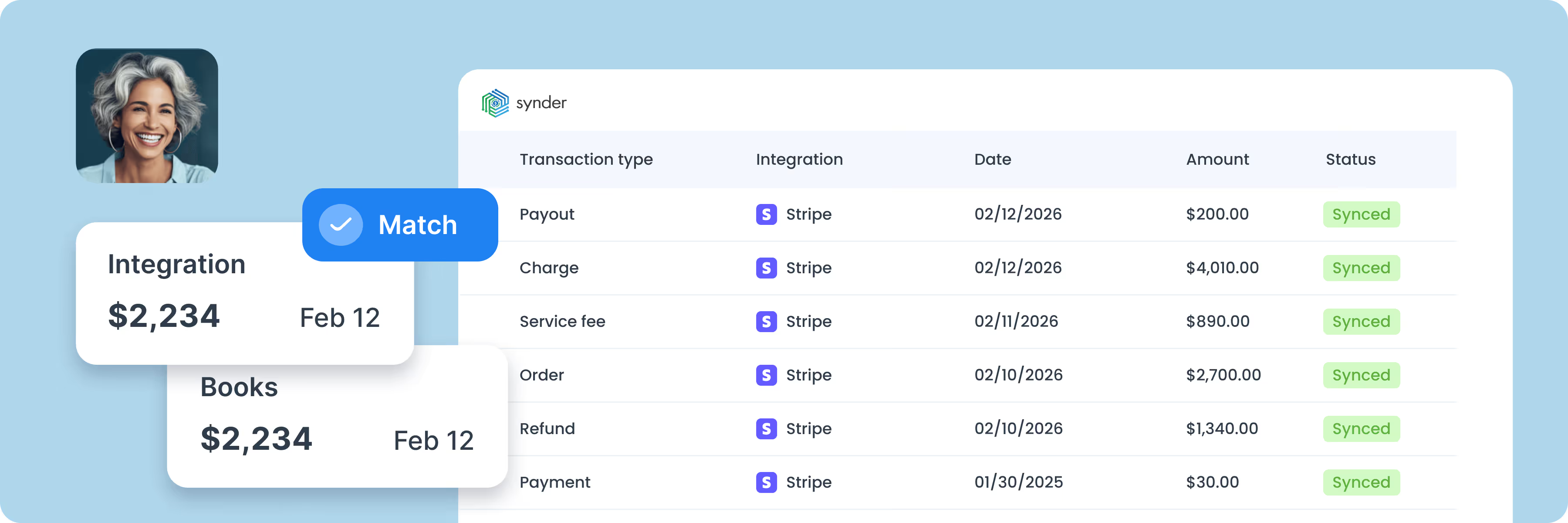
Stripe rolls dozens of payments into a single bank deposit that never matches any individual invoice. Synder posts each charge to a clearing account, then reconciles the payout against the clearing balance when it arrives.
For HubSpot Commerce, Stripe subscriptions, or payment-link rebills, Synder records each charge and schedules deferred revenue month by month. ASC 606 and IFRS 15 compliant, including mixed SaaS-plus-services models.
Map each HubSpot product or SKU to its own QuickBooks line item and GL account. Sales, COGS, and deferred revenue post to the right accounts on every invoice – set once, applied automatically.
HubSpot invoices don't natively carry VAT or GST fields, leaving UK, EU, and Canadian sellers to add tax manually in QuickBooks. Synder writes VAT, GST, and per-province Canadian tax to the correct QuickBooks tax codes automatically.
The native sync only handles new transactions, leaving years of past invoices and Stripe charges orphaned during cash-to-accrual transitions or platform migrations. Synder imports past HubSpot and Stripe transactions as far back as each platform stores them, including all details.

To find the best solution for your business, book a call with our accounting automation expert. We'll dive into your needs and show how Synder can optimize your bookkeeping processes. Let us walk you through it!


Discover how to boost your online and subscription-based clients' success while saving time and increasing accuracy.
Explore accountants’ pageSOC 2 Type 2 certified, GDPR and HIPAA compliant, with end-to-end encryption built in. Synder keeps your data secure, helps you pass audits, and scales safely as you grow.
Synder's support team knows ecommerce accounting inside and out. Get help whenever you need it - chat, email, video call, or screen share. You're never stuck sorting things out alone.
Set up transactions exactly how you need them: rename line items, pull in custom data, adjust tax codes, and map everything to match your workflow perfectly.
Synder breaks down revenue by product, location, payment method, or date, from monthly snapshots to year-end reports. Get the data you need to make decisions.
"Of all the apps that I use to help make QuickBooks more functional, Synder is the one I have the least complaints about. Before Synder, when our bookkeeper had to do it manually, it was taking between 5-10 hours a week of importing data, adding data, changing forms and sheets. With over 150k records now processed automatically, it's been a huge savings of both time and money."

Synder posts the HubSpot invoice to QuickBooks, applies the Stripe payment when it processes, and records the processing fee as a QuickBooks Online expense. The native HubSpot-QuickBooks connector doesn't close this Stripe loop, which is why invoices often stay open in QuickBooks Online even after Stripe collects.
The native HubSpot-Intuit sync covers contacts, products, invoices, and credit memos – nothing more. It doesn't apply Stripe payments, recognize revenue, handle non-US tax, or post Stripe processing fees. Synder covers each of those gaps, plus historical backfill and multi-channel reporting.
Synder matches customers across HubSpot, Stripe, and QuickBooks using configurable rules, so the same buyer doesn't end up with three different records. When a contact's name or email changes in one system, the QuickBooks customer record stays consistent across the others.
Yes. Synder records each subscription charge and schedules deferred revenue month by month according to ASC 606 and IFRS 15. That includes yearly plans, recognized monthly, milestone-based services, and mixed SaaS-plus-services models.
HubSpot and Stripe own the invoice scheduling and NET-term logic. Synder syncs the invoices and charges they generate, including NET-15 or NET-30 terms, scheduled rebills, and recurring subscriptions, posting each one to QuickBooks as it triggers.
Each Stripe charge posts to a clearing account in QuickBooks. When the payout arrives in your bank, Synder matches the deposit against the clearing balance and includes FX adjustments for multi-currency payouts. You review only the lines that don't tie 100%.
Yes. Synder syncs Stripe metadata into the QuickBooks Memo field, and Smart Rules use those values to route charges. If your HubSpot, BigCommerce, and Shopify integrations write a source identifier into Stripe metadata, each charge automatically maps to the correct QuickBooks Online category, even from a single Stripe account.
Yes. Multiple Stripe charges against a single HubSpot invoice – common in deposit-plus-balance B2B flows – sync cleanly into QuickBooks. The native HubSpot-QuickBooks Online integration drops payments split across invoices.
Yes. Each HubSpot product or SKU maps to its own QuickBooks line item and GL account, so revenue, COGS, and deferred revenue post to the correct accounts on every invoice. Set the mapping once, and Synder applies it across all future syncs.