


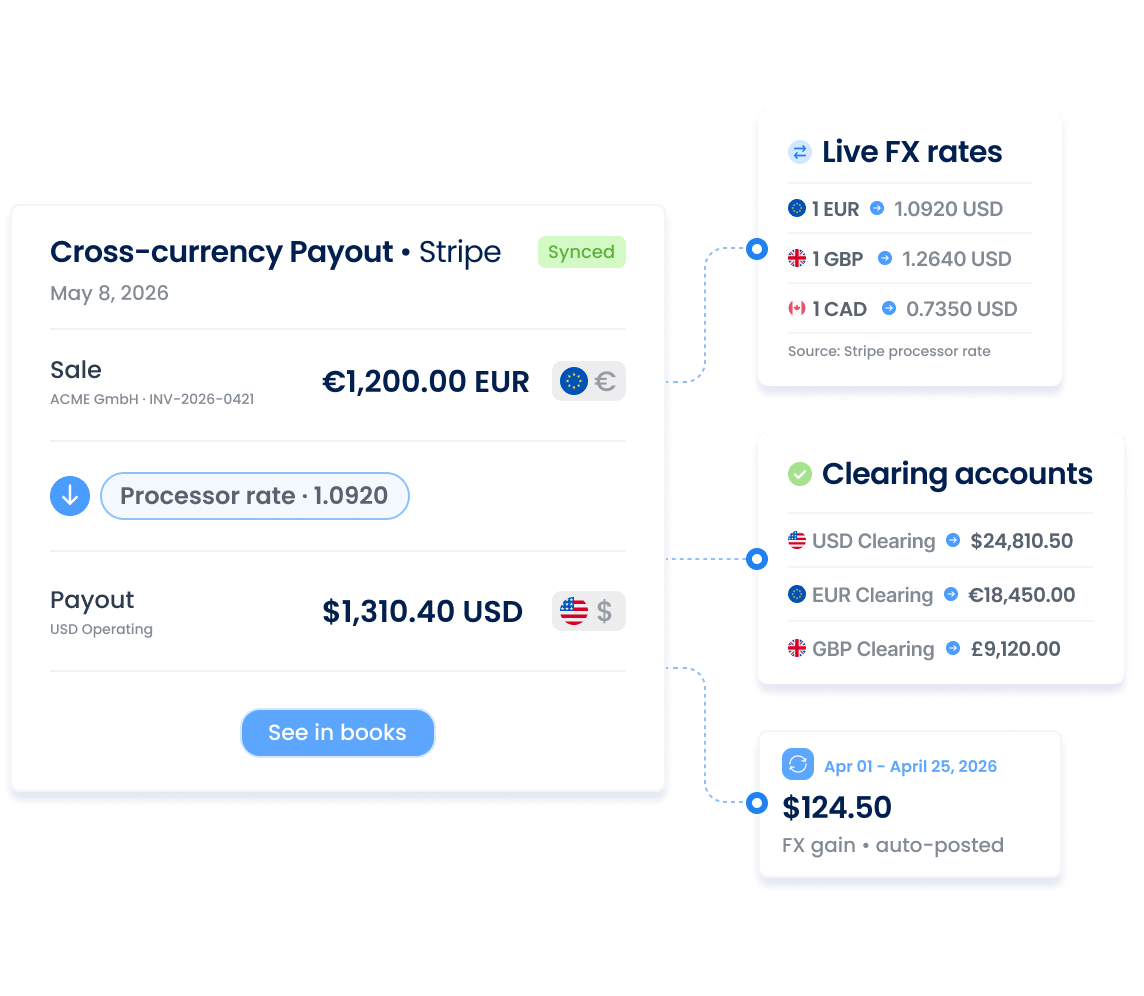









The exchange rate in your accounting doesn't match the rate you actually got.
Cross-currency payouts (EUR settling USD sales) break reconciliation.
One clearing account mixing every currency = a mess.


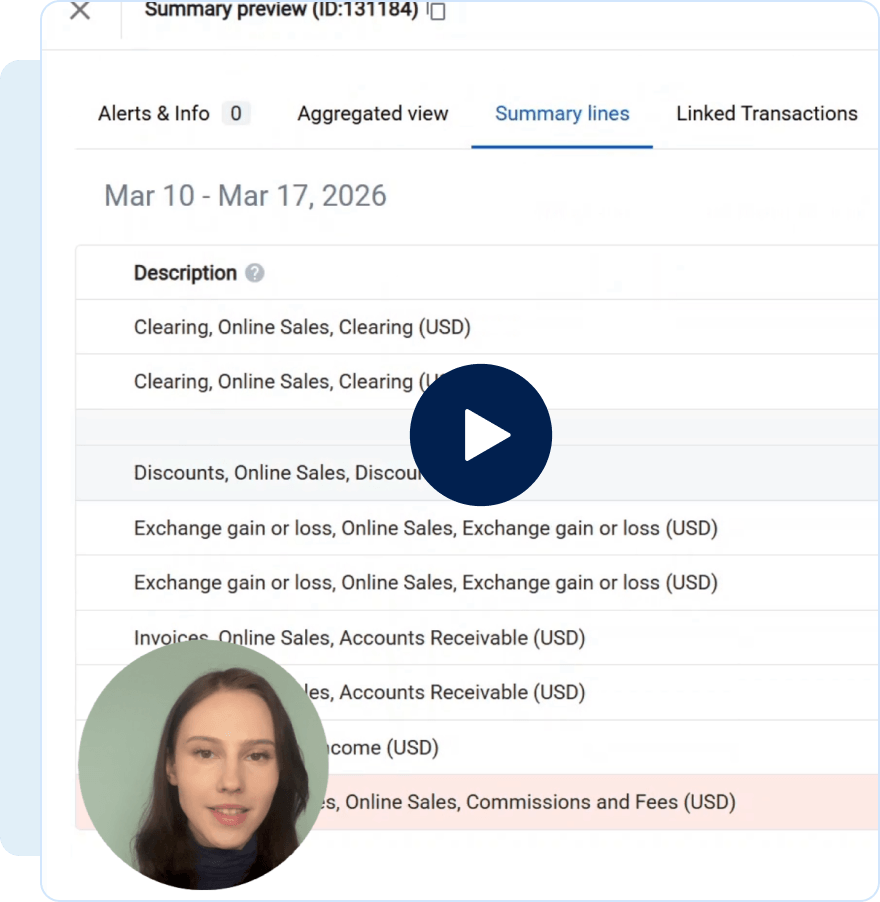

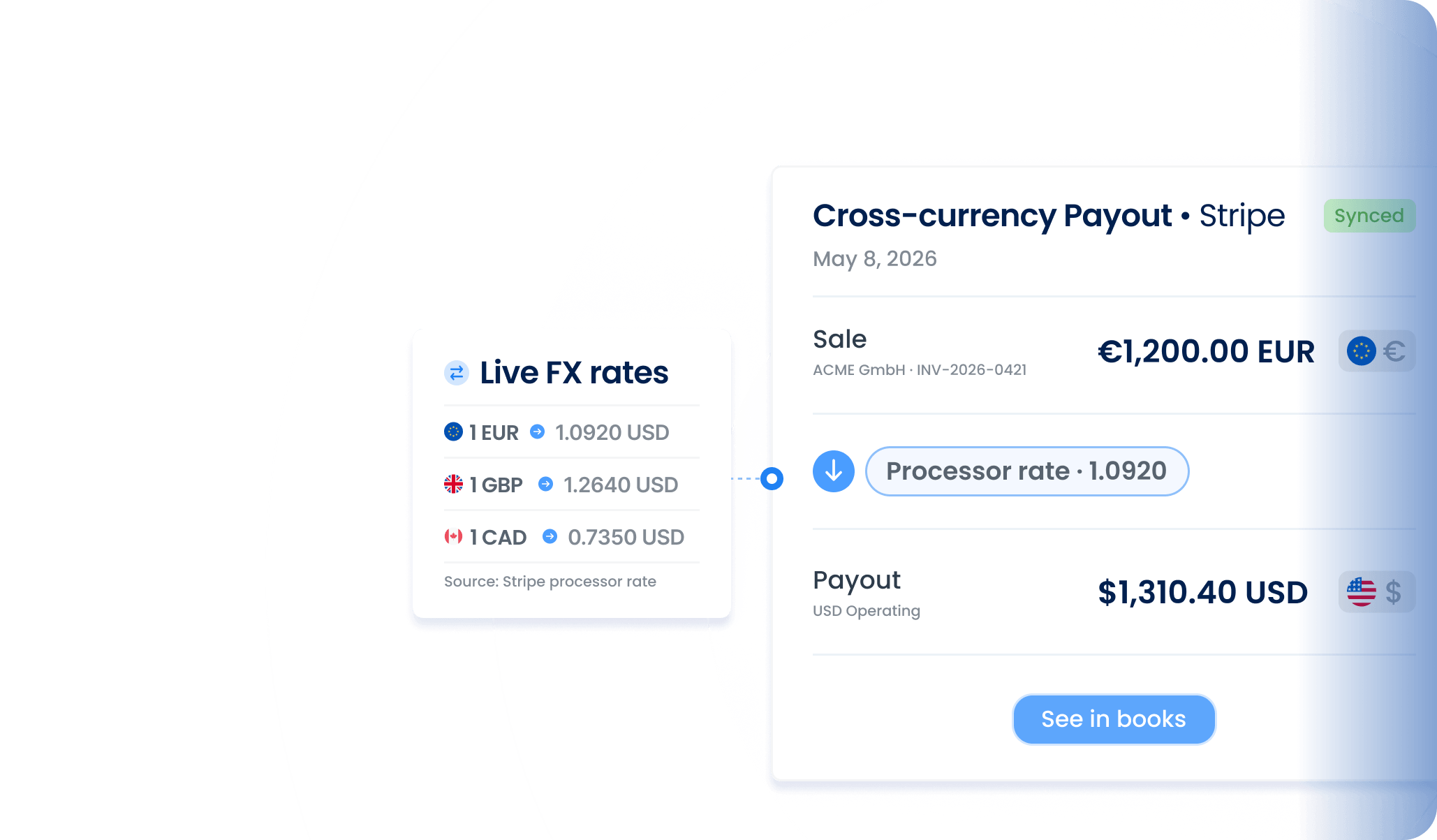
Sales post at the exact rate customers paid, payouts clear across currencies automatically, and each currency gets its own clearing account.

Seeing USD in your books not match what customers paid

.svg)
Syncing each transaction at the rate the customer paid
Reconciling USD payouts against EUR sales in spreadsheets
Clearing USD payouts against EUR sales with a conversion JE
Posting all currencies to one clearing account with no visibility
Assigning each currency its own clearing account
Logging CAD payments as USD in QuickBooks
Posting sales in the original currency at the right rate
Synder connects 30+ sales channels and payment processors to your accounting platform or ERP automatically, so your books always reflect what's actually happening in your business.


%202.svg)







Explore how Synder helps businesses across industries
"Instead of a bookkeeper spending 40 hours a month manually reviewing thousands of transactions each month—clicking into each one, checking metadata, and categorizing it—Synder does it all automatically, the moment the charge happens. Which means we save 480 hours and almost $24K yearly."


.svg)
.svg)

"Synder drastically speeds up the process of reconciliation and eliminates the need to manually check massive transaction files. It now takes me about 40 minutes to finish and review a month’s data, whereas manually, it would have taken at least two days."
.svg)
"Since integrating Synder, Decimal has streamlined workflows, reduced reconciliation time by over 50%, and saved 6-8 hours per client each month, enabling the team to focus on strategic advisory services and client growth."
.svg)
.svg)




.svg)
.svg)
.svg)