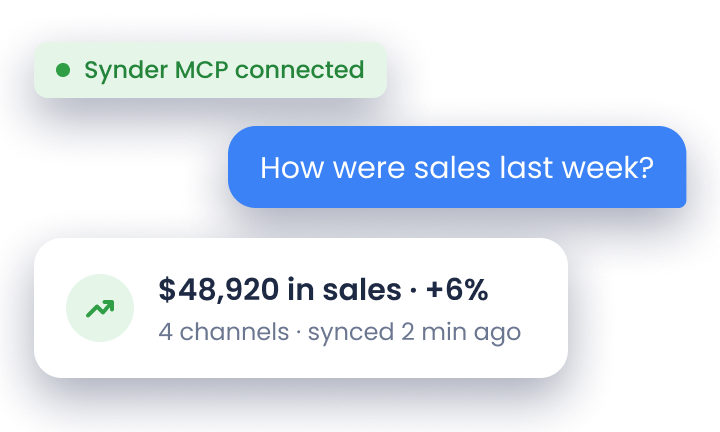

Every ecommerce business eventually hits the same wall: there’s too much work and not enough hours. Inventory needs tracking, orders need processing, customers need responses, and your books need to stay accurate. When you’re doing everything manually, growth means chaos.
A Deloitte survey found that businesses can reduce operational costs by up to 30% through process automation. For ecommerce businesses, especially finance teams drowning in transaction data from multiple platforms, automation stops being optional once you scale past a certain point.
This guide covers the automation tools that actually matter: what they do, what they cost, and how businesses use them to scale without burning out their teams or budgets.
TL;DR
- Ecommerce automation eliminates repetitive manual work: improves speed, accuracy, and consistency across accounting, marketing, inventory, fulfillment, and customer support.
- Different automation tools serve specific functions: accounting systems sync financial data, marketing platforms handle customer communication, inventory tools prevent stockouts, support software manages inquiries, analytics consolidate metrics.
- Start with your biggest operational bottlenecks: choose processes that consume the most time or cause the most errors, then select solutions that integrate with existing systems.
- Implementing automation early accelerates growth: tools like Synder foster faster decisions from reliable data and profitable scaling without proportional costs.
What is ecommerce automation?
Ecommerce automation takes over routine tasks that become overwhelming as order volume increases. Instead of manually performing the same actions across multiple sales channels, automation ensures data flows reliably between your storefront, payment processors, fulfillment systems, and accounting software. This consistency prevents errors and frees your team to focus on strategic work.
Essential ecommerce automation tools
Knowing these core categories will help you figure out where automation can deliver the most value for your specific business needs.
Accounting automation tools
Accounting automation connects ecommerce platforms, payment processors, and accounting software so transactions flow directly into your books. Sales, taxes, fees, refunds, and payouts sync automatically, eliminating manual CSV exports and reducing reconciliation from hours to minutes. For multi-channel sellers, this prevents mismatched payouts and keeps financial records audit-ready without constant oversight.
Marketing automation solutions
Marketing automation delivers personalized communication at scale through email sequences, SMS campaigns, and cart recovery flows. These platforms track customer behavior, segment audiences, and trigger messages at optimal moments. To ensure these automated flows actually reach the inbox, savvy retailers perform a SURBL reputation check to verify that their promotional links aren’t being flagged by spam filters. Abandoned cart reminders, welcome series, and post-purchase follow-ups run continuously, improving engagement and driving repeat purchases without manual intervention.
Inventory management automation
Inventory automation maintains real-time stock accuracy across all sales channels and forecasts demand based on sales velocity and seasonality. This prevents overselling on one platform while products remain available on another. During peak periods, automated inventory management ensures listings reflect actual availability, eliminating fulfillment delays and the revenue loss from stockouts.
Customer service automation tools
Customer service automation centralizes support requests into one interface where AI-powered chatbots handle common questions instantly. Many ecommerce businesses also use a customer support chatbot to automate FAQs, order updates, and ticket routing while improving response times across multiple support channels.Complex issues route to team members with full context, maintaining consistent service quality without expanding headcount proportionally to order volume. AI helpers can support customer service through 24/7 chatbot assistance, helping ecommerce teams manage higher support volumes more efficiently. Teams spend less time on routine inquiries and more on issues requiring human judgment.
Data analytics and reporting tools
Analytics automation consolidates data from ecommerce platforms, advertising channels, CRMs, and financial systems into unified dashboards that update in real time. Instead of manually pulling reports from multiple tools, you see accurate performance metrics automatically. This consolidated view helps monitor customer acquisition costs, product profitability, and marketing ROI for faster, data-driven decisions.
Top 5 ecommerce automation tools
Here’s a breakdown of leading automation tools and when they make the most sense for your business.
1. Synder (accounting automation + inventory & COGS tracking + data & reporting)
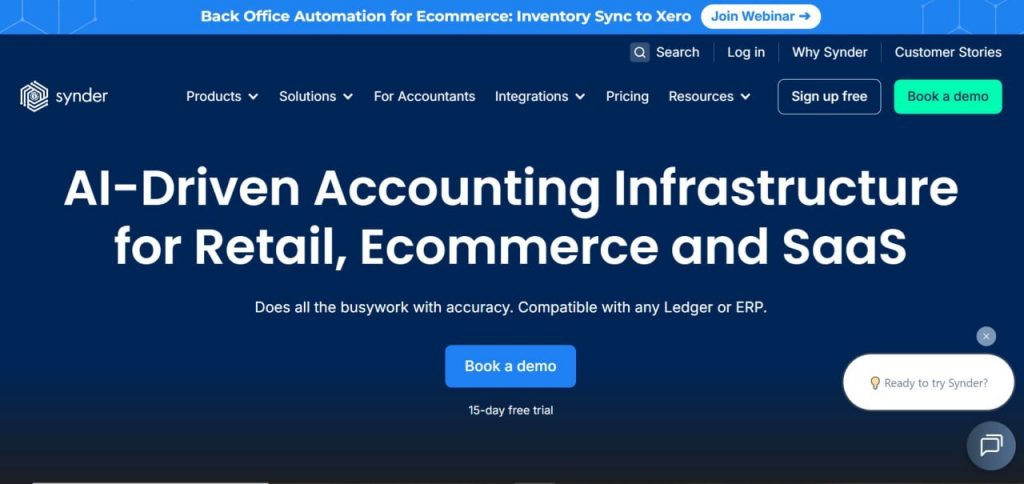
Synder automates ecommerce accounting by syncing transactions from over 30 platforms directly into QuickBooks Online, Xero, Sage Intacct, or NetSuite.
Key features
- Syncs sales, fees, taxes, refunds, and discounts automatically
- Matches and reconciles payouts to transactions
- Applies Smart Rules for custom categorization based on your chart of accounts
- Offers Summary Sync or Per Transaction sync depending on your reporting needs
- Supports multi-entity setups for businesses with multiple stores or legal entities
- Maps products to track revenue by SKU or category
- Generates built-in reports for sales performance, fee breakdowns, and channel comparisons
- Tracks inventory and COGS to maintain accurate cost and stock records
Pricing
Best for
Synder works best for ecommerce businesses selling across multiple platforms who need accurate, automated bookkeeping without spending hours on manual entry – especially helpful if you’re tracking inventory costs and stock levels.
For more information about Synder, book a demo or start a 15-day free trial to test-drive it yourself.
2. Klaviyo (marketing automation + data & reporting)
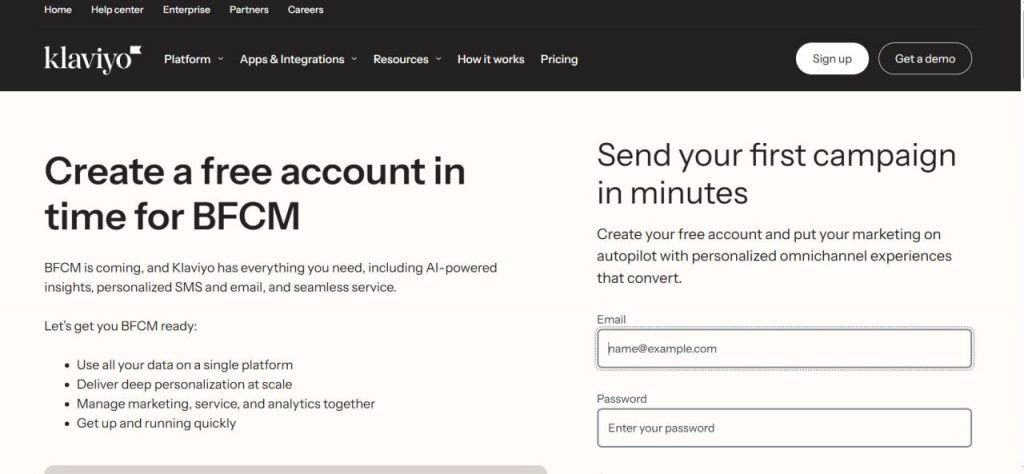
Klaviyo helps ecommerce brands automate customer communication, from welcome emails to abandoned-cart reminders, while collecting data to drive smarter marketing decisions.
Key features
- Creates behavior-based automated flows (welcome series, cart recovery, re-engagement)
- Segments audiences dynamically based on customer actions and attributes
- Predicts customer behavior (churn risk, next-purchase probability)
- Tracks detailed customer profiles and audience engagement data
- Tests and personalizes messages with built-in A/B testing tools
- Integrates with major ecommerce platforms and ad channels
Pricing
| Plan | Price (monthly) | Notes |
| Free | US $0 | Up to 250 contacts |
| from US $20 | Basic email plan for small lists | |
| Email & SMS | from US $35 | Includes both channels for marketing automation |
Best for
Klaviyo is the go-to choice for ecommerce brands focused on building customer relationships through personalized email and SMS campaigns that drive repeat purchases.
3. SendPulse (customer support automation + chatbot & messaging)
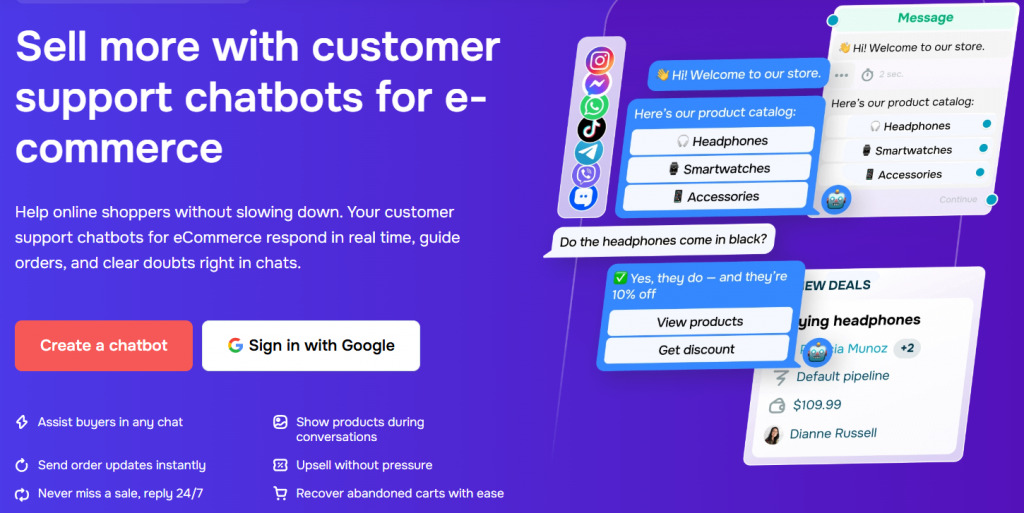
SendPulse centralizes customer conversations from WhatsApp, Instagram, Facebook, TikTok, Telegram, and Viber into one shared workspace. E-commerce support chatbots automate replies and order updates so your team can handle more shoppers without adding headcount.
Key features
- Routes incoming chats from all major messaging apps into a single shared team inbox
- Automates responses to common order, delivery, and return questions using chatbot flows
- Triggers instant replies to comments, story tags, and DMs across social platforms
- Syncs support interactions with built-in CRM to update deal cards and order history in real time
- Uses AI-powered responses tuned to each platform’s tone of voice and your brand style
- Supports abandoned cart recovery by sending follow-up messages directly in chat
Pricing
| Plan | Price (monthly) | Notes |
| Basic | Free | Up to 500 subscribers, 10,000 messages/month, 3 chatbots |
| Pro | From US $12/month | Unlimited chatbots and messages; scales by subscriber count (from US $9.60/month billed annually) |
Best for
SendPulse fits ecommerce stores that sell through social channels and messaging apps and need to automate customer support, order updates, and cart recovery across multiple platforms without juggling separate tools for each one.
4. ShipBob (inventory management & fulfillment automation + data & reporting)
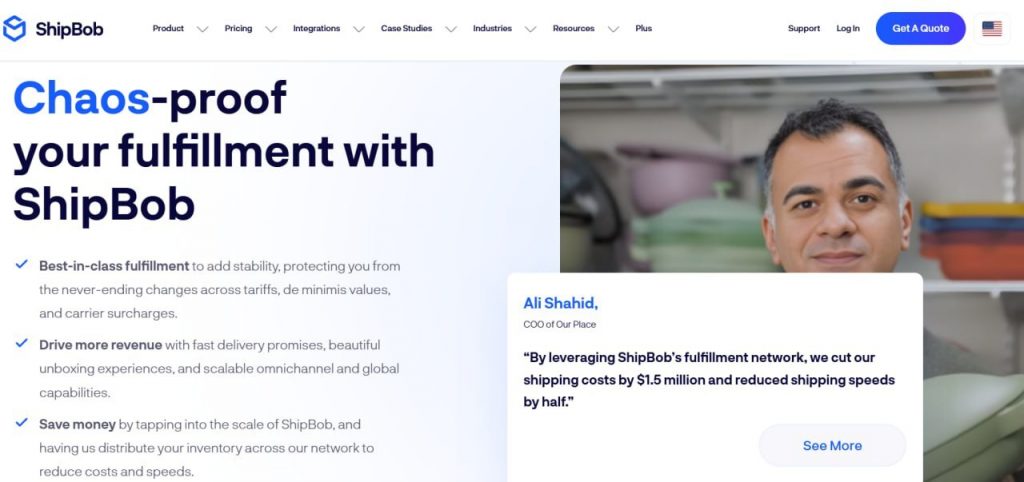
ShipBob automates fulfillment and inventory management, helping store owners manage stock, shipping, and warehouse logistics without manual intervention.
Key features
- Tracks inventory in real-time across multiple warehouses
- Routes orders automatically to the nearest fulfillment center
- Integrates with major ecommerce platforms and marketplaces
- Generates shipping labels and automates logistics workflows
- Manages returns and restocks inventory automatically
- Distributes inventory across a warehouse network for faster delivery
Pricing
| Cost type | Notes |
| Activity-based pricing (storage, pick/pack, shipping, handling) | Costs depend on volume, items stored, and shipping needs, without a fixed monthly subscription |
Best for
ShipBob is ideal for growing ecommerce businesses that want to outsource warehousing and fulfillment while maintaining tight control over inventory accuracy and shipping speed.
5. Gorgias (customer service automation + data & reporting)
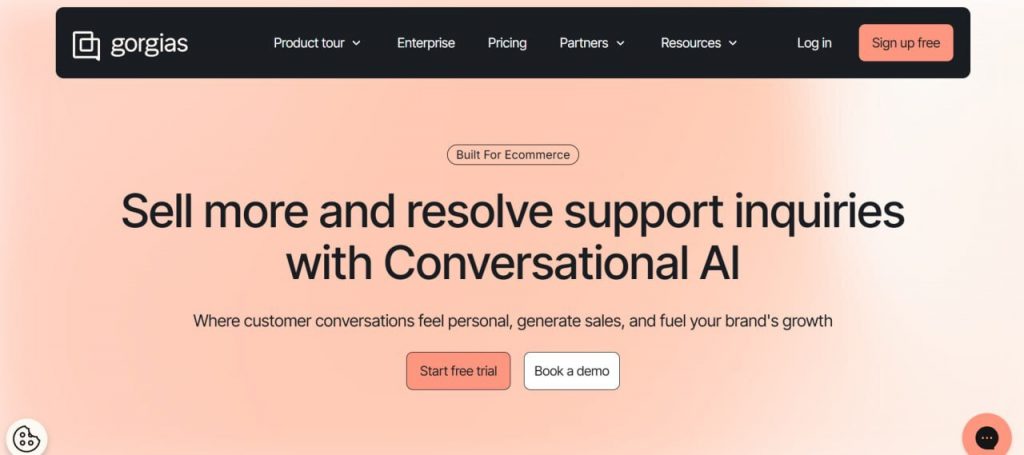
Gorgias centralizes customer support and automates responses to common inquiries, which is useful when you want to offer fast, consistent support without scaling your support team immediately.
Key features
- Unifies email, live chat, and social media messages in one inbox
- Automates replies and workflows using customizable macros
- Routes, tags, and prioritizes tickets based on urgency and type
- Pulls real-time order information (status, tracking, purchase history)
- Applies rules-based automation for returns, refunds, and FAQs
- Tracks support performance and ticket trends with built-in analytics
Pricing
| Plan | Price (monthly) | Notes |
| Basic | US $10 | Up to 50 tickets/month |
| Pro | US $140 | For growing support volumes and advanced features |
| Advanced | US $300 | Higher-ticket volume stores with larger support needs |
| Enterprise | Custom pricing | For large or complex operations needing bespoke support workflows |
Best for
Gorgias fits ecommerce stores managing high support volumes across email, chat, and social media that need to automate routine inquiries without losing the personal touch.
6. Glew.io (comprehensive data analytics & business reporting)
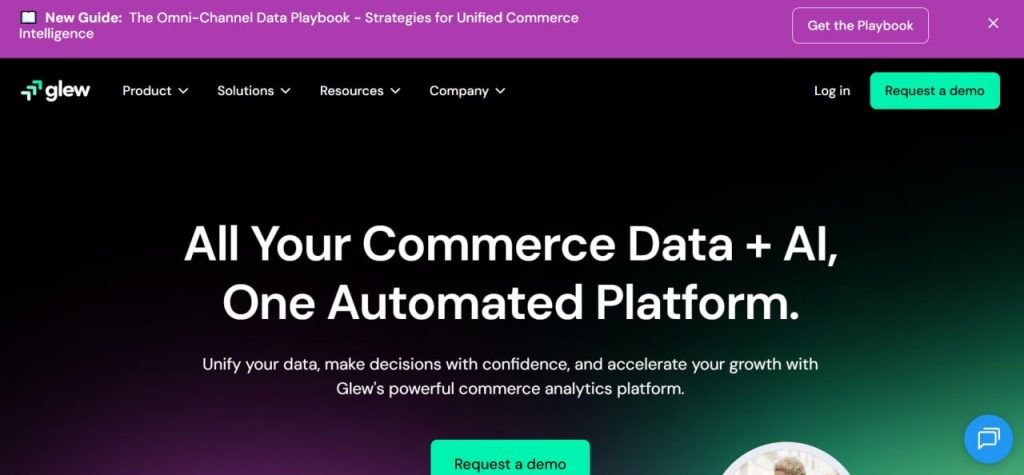
Glew.io aggregates data from ecommerce platforms, marketing channels, and ad networks, offering unified analytics, financial reports, and business intelligence dashboards tailored for ecommerce merchants.
Key features
- Reports on sales performance and channel-level metrics
- Segments customers and analyzes cohort behavior over time
- Tracks product-level profitability and margin performance
- Attributes marketing ROI and measures ad spend effectiveness
- Analyzes inventory turnover and stock performance (when synced)
- Builds custom dashboards and schedules automated reports
Pricing
| Cost structure | Notes |
| Monthly fee + order-volume tier | Pricing depends on the number of orders and store complexity, based on the use case |
Best for
Glew.io suits ecommerce businesses that need detailed visibility into profitability, customer lifetime value, and inventory performance as they scale beyond basic platform reporting.
Benefits of implementing ecommerce automation
Automation improves ecommerce operations that can slow teams down and create errors. When software handles data syncing, inventory updates, customer communication, and reporting automatically, teams work faster, customers get better experiences, and revenue opportunities stop slipping through the cracks. Marketing becomes more precise, financial data stays reliable, and different systems like storefronts, payment processors, fulfillment tools and accounting software share information consistently without manual checks.
The table below shows how common automation tools deliver these benefits in practice.
| Benefit | Example tools | How they do it |
| Operational efficiency | Synder, ShipBob | Accounting data sync, payout reconciliation, inventory updates, order routing, fulfillment workflows |
| Customer experience | Gorgias, Klaviyo | Automated support responses, order-status replies, personalized email/SMS messaging |
| Revenue growth | Klaviyo, Synder | Abandoned cart flows, post-purchase sequences, accurate revenue reporting across channels |
| Marketing ROI | Klaviyo, Glew.io | Segmentation, A/B testing, campaign performance tracking, multi-channel analytics |
| Unified ecosystem/channel integration | Synder, ShipBob, Gorgias | Connecting storefronts, accounting, fulfillment, and support tools with clean data flow |
Real-world example: How automation boosts workflows
Dermeleve, a company that deals with over-the-counter medications, sells them through Shopify, Amazon, wholesale partners, and major retailers like Walmart and Target. As the brand grew, tracking payouts, fees, and transactions across four different platforms became overwhelming. What started as a few hours of weekly bookkeeping turned into a constant drain on the team’s time.
After implementing Synder, an accounting automation tool, the change was immediate. Over 170,000 transactions now sync automatically with 99.5%+ accuracy, eliminating manual data entry entirely. The company avoided more than $60,000 in additional staffing costs and freed the team to focus on expansion and product development instead of reconciling spreadsheets.
Bottom line: Automate early to scale faster and more profitably
When your operations run on reliable systems instead of manual effort, you stop wasting time on data entry, reconciliation errors, and routine customer inquiries. Your team shifts from firefighting to strategic work. Your financial records stay accurate without constant supervision. Your customers get faster, more consistent service. And as order volume increases, your operational costs don’t scale proportionally because the infrastructure already handles the load.
The businesses that automate early build momentum that’s hard for competitors to match. They make faster decisions because their data is current and trustworthy. They scale profitably because their cost structure doesn’t require adding headcount for every incremental sale. Start with the operational bottlenecks costing you the most time or money, choose tools that integrate cleanly with your existing systems, and prioritize solutions built to grow alongside your business.
FAQ
What tasks can be automated in ecommerce?
You can automate order processing, inventory updates, customer support responses, email marketing, abandoned cart recovery, shipping labels, payment reconciliation, and financial reporting across all sales channels.
Is ecommerce automation difficult to set up?
Most modern automation tools offer pre-built templates and no-code workflows that connect in minutes. Complex integrations may require initial technical setup, but ongoing maintenance is typically minimal once configured properly.
Can small businesses benefit from automation?
Yes, automation helps small businesses compete by handling repetitive tasks without hiring additional staff, reducing errors, and maintaining consistent customer service as order volume grows beyond manual capacity.
Does automation replace human employees?
No. Automation handles routine tasks so your team can focus on strategy, analytical work, and complex issues requiring human judgment. It increases team productivity rather than eliminating positions.