.png)
Ecommerce accounting has become more demanding as businesses sell through more platforms, accept more payment methods, and operate across more tax jurisdictions. Even when the right accounting software is in place, day-to-day work often involves extra steps to make sense of payouts, fees, refunds, and timing differences between when a sale happens and when money reaches the bank.
Recent studies show that over 70% of SMBs and SMEs globally use accounting software to handle their finances. For ecommerce businesses, the question is no longer whether to use accounting software, but which setup actually supports their sales model and transaction volume. In this article, we look at ecommerce accounting software options used today, how they differ in practice, and what to consider when choosing a solution that fits the way ecommerce operations work.
TL;DR
- Ecommerce accounting involves sales, payouts, fees, refunds, and timing differences that need to be reflected accurately.
- Platforms like QuickBooks Online, Xero, Sage Intacct, NetSuite, and Puzzle are commonly used by ecommerce businesses.
- The right choice depends on transaction volume, sales channels, and reporting requirements.
- Synder helps ensure ecommerce data is recorded accurately and consistently, supporting reliable reporting and compliance.
What is ecommerce accounting software?
Ecommerce accounting software is the system you use to keep track of what your online sales actually mean financially. It records revenue, expenses, and reports in a way that works with high order volume and platform-generated data.
In practice, this means working with sales data coming from ecommerce platforms, payment processors, and marketplaces, and recording that information in a way that produces accurate financial statements. How that data gets into the system, whether manually or through integrations, varies by business and setup.
That basic setup works well on paper, but in practice, ecommerce accounting software often runs into limitations once real transaction data starts flowing in.
Limitations of ecommerce accounting software
Ecommerce accounting software does a solid job recording financial data. The difficulty starts with how ecommerce data arrives. Sales do not come in as finished accounting entries. They arrive as pieces that need to be aligned before the numbers make sense.
It’s similar to unpacking deliveries from several couriers for a single order. Each box is labeled correctly, but none of them explains how everything fits together. Ecommerce accounting software stores the boxes. Someone still has to match them.
These limitations typically show up as:
- Sales, fees, refunds, and payouts recorded separately with no built in linkage
- Batched deposits that don’t clearly map back to individual orders
- Payment processor fees mixed into revenue instead of tracked as expenses
- Inconsistent product, tax, or payment method data across channels
- Growing transaction volume that makes reviews and reconciliation harder
How to handle these limitations
As accounting automation software, Synder addresses this by preparing ecommerce data before it’s posted to the books. It connects sales channels and payment providers and posts transactions in a way that reflects how money actually moved, not just where it came from.
Synder supports ecommerce accounting software by:
- Posting sales, refunds, and adjustments with a consistent structure.
- Separating payment processor fees into clear expense entries.
- Aligning transactions with payouts so bank deposits are explainable.
- Applying uniform categorization across products, taxes, and payment methods.
- Handling high transaction volume without overwhelming the ledger.
With this setup, ecommerce accounting software becomes easier to review and maintain, but the benefits are measurable. Teams spend fewer hours reconciling payouts, make fewer corrections to misclassified fees, and avoid rebuilding reports at month end. In real terms, that often means significant time and cost savings, along with more reliable financial data.
For example, Rad cut over 40 hours of manual data entry per month after switching to Synder, while PlayYourCourt saved more than 480 hours annually and reduced accounting costs by $24,000 a year. Both examples show what happens when ecommerce data reaches the books in a structured, review ready form.
Tired of explaining payouts and reconciling fees manually? Start a free account or book a demo to see how Synder prepares ecommerce data for your accounting software.
Best ecommerce accounting software
The accounting platforms below are commonly used together with accounting automation software like Synder by ecommerce businesses at different stages, from early growth to more complex, multi-channel operations. Each offers stable core accounting, strong security practices, and ongoing product development.
1. QuickBooks Online (integrated to Synder)
QuickBooks Online is one of the most widely used accounting platforms among ecommerce businesses, largely because it covers core accounting needs without adding unnecessary complexity. It supports everything from basic bookkeeping to inventory tracking and detailed reporting, and its interface is familiar to most accountants. Synder complements QuickBooks Online by bringing ecommerce and payment data into the system in a consistent, controlled way, so sales activity reflects what actually happened across channels.
Instead of manually shaping ecommerce data to fit accounting records, Synder posts transactions into the appropriate QuickBooks accounts using either Per Transaction or Summary Sync modes. This makes it easier to keep the ledger readable while still being able to trace payouts, fees, and refunds when questions come up.
Key features
- Bank feeds with reconciliation tools and transaction matching
- Sales receipts and invoices with customer and product details
- Expense tracking with flexible account mapping
- Sales tax tracking and reporting by jurisdiction
- Inventory and cost of goods sold tracking
- Multi-user access with permission controls
- Standard and customizable financial reports
Pricing plans
| Plan | Price | Features |
| Simple Start | $35/month | Basic income and expense tracking, invoicing, reporting, 1 user |
| Essentials | $60/month | Bill management, time tracking, multi-user access, 3 users |
| Plus | $90/month | Inventory tracking, project profitability, advanced reporting, 5 users |
| Advanced | $200/month | Custom permissions, batch transactions, enhanced reporting, 25 users |
Best for
QuickBooks Online is a solid choice for small and mid-sized businesses that need dependable financial reporting and a broad set of accounting features. It’s commonly used by ecommerce sellers, retailers, and other growing businesses that want an established system with strong reporting capabilities.
2. Xero (integrated to Synder)
Xero is often chosen by ecommerce teams that want a clean, modern accounting interface without heavy setup. It’s designed to be easy to navigate, even for users who aren’t accountants, and it supports collaboration by allowing unlimited users across all plans. This makes it practical for businesses where founders, finance teams, and external advisors all need access to the same data.
Synder extends Xero’s ecommerce capabilities by organizing sales and payment data before it’s recorded. You can choose between Per Transaction or Summary Sync modes, so multi-channel transactions arrive mapped to the chart of accounts in a way that stays consistent without manual adjustments as order volume grows.
Key features
- Bank feeds with reconciliation tools that learn matching patterns over time
- Sales invoicing and quotes with branded layouts and automated follow-ups
- Expense tracking with receipt uploads and review flows for approvals
- Inventory support with purchase orders and stock availability tracking
- Job and project cost visibility using time entries and allocated expenses
- Financial dashboards showing cash position and upcoming obligations
- Payroll connections through supported regional partners
Pricing plans
| Plan | Price | Features |
| Starter | $29/month | Basic accounting features including a limited number of invoices and bills, bank transaction reconciliation, and real-time reporting |
| Standard | $50/month | Unlimited invoices and bills, bank reconciliation, reporting, and expanded features |
| Premium | $75/month | All Standard features plus advanced reporting, bulk reconciliation, and additional tools for growing businesses |
Best for
Xero is well-suited for ecommerce businesses that need collaborative access to accounting data across internal teams and external advisors. It works particularly well for growing online sellers who value a simple interface, shared visibility, and consistent financial reporting across multiple sales channels.
3. NetSuite (integrated to Synder)
NetSuite is built for businesses that have moved beyond basic accounting needs and now manage more complex operations. It combines accounting with inventory, order management, CRM, and reporting in a single system, which reduces the need to juggle multiple tools. Ecommerce companies usually arrive at NetSuite when transaction volume, operational structure, or reporting requirements become too demanding for small business platforms.
For high-volume ecommerce, posting every individual sale into an ERP is rarely practical. Synder connects to NetSuite using summary-based syncing, grouping large numbers of transactions into structured journal entries. This keeps the general ledger readable while still reflecting payouts, fees, and revenue accurately at scale.
Core features
- Full financial management covering general ledger, receivables, payables, and cash
- Support for multiple entities, subsidiaries, and currencies within one system
- Revenue recognition for subscriptions, contracts, and deferred revenue scenarios
- Inventory and warehouse management with demand and supply planning
- Order lifecycle tracking from sale through fulfillment and payment
- Built-in customer and sales management tools
- Configurable dashboards and performance metrics across departments
- Approval flows and process controls for finance and operations
Pricing plans
| Plan | Price | Features |
| Core platform | Around $999/month | Base financial management functionality |
| Additional user access | Around $99/month | Pricing varies by user role |
| Additional modules | Custom | Inventory, CRM, ecommerce, and others priced separately |
| Implementation | $25,000-$100,000+ | Depends on scope and customization |
Best for
NetSuite is a strong fit for mid-market and larger ecommerce businesses operating across multiple entities or regions. It suits teams that need advanced reporting, structured controls, and the ability to manage finance and operations within a single system as the business continues to scale.
4. Sage Intacct (integrated to Synder)
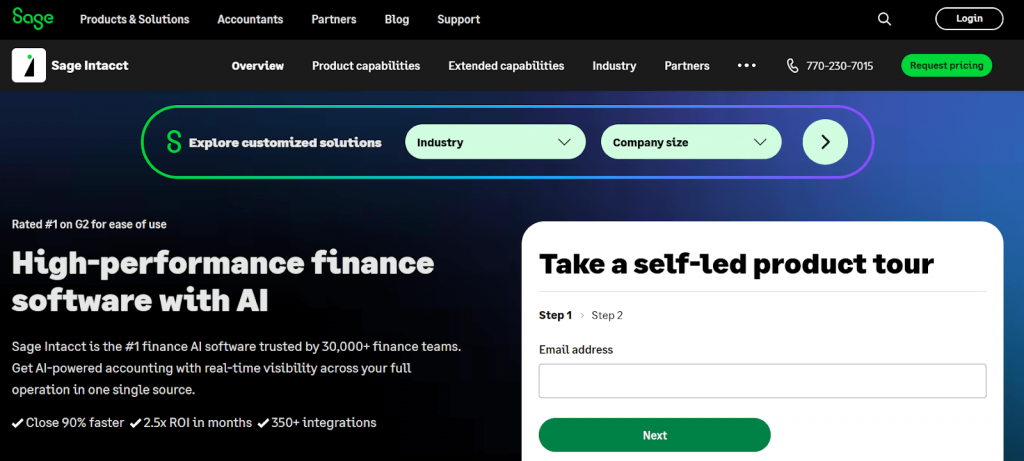
Sage Intacct is often chosen by ecommerce businesses that need strong financial controls without moving into a full ERP. It focuses primarily on accounting and reporting, with an emphasis on accuracy, auditability, and visibility across entities. Many businesses adopt Sage Intacct when standard ecommerce accounting platforms start to feel limited, but operational systems remain separate.
For ecommerce businesses with growing transaction volume, details can quickly become noise. Synder connects to Sage Intacct using summary-based syncing, posting aggregated entries that reflect sales activity, fees, refunds, and payouts without flooding the general ledger.
Core features
- Core financials including general ledger, payables, receivables, and cash management
- Multi-entity support for managing multiple companies or subsidiaries
- Multi-currency support with consolidated reporting
- Dimensional accounting using locations, departments, and custom dimensions
- Budgeting, planning, and financial forecasting tools
- Audit trails and approval workflows for stronger financial controls
- Customizable dashboards and financial reports
Pricing plans
Sage Intacct uses a custom pricing model based on your company’s size, required modules, and usage needs. Pricing is provided through direct consultation, allowing the setup to match your reporting, transaction volume, and operational structure.
Best for
Sage Intacct is well-suited for ecommerce businesses that require detailed financial reporting and strong internal controls. It works particularly well for companies managing multiple entities or revenue streams that need accurate consolidation without the overhead of a full ERP.
5. Puzzle (integrated to Synder)
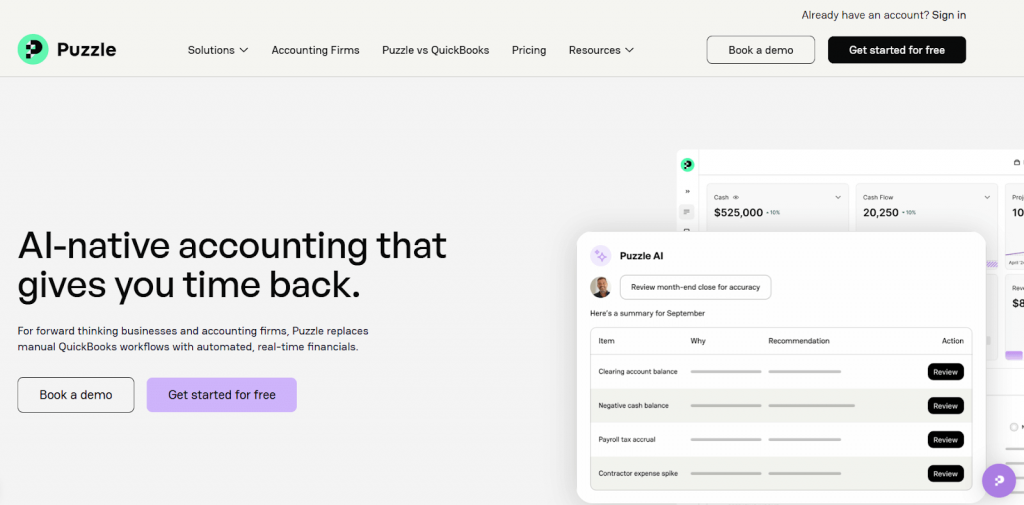
Puzzle is a newer accounting platform built with modern, fast-growing businesses in mind. It focuses on real-time visibility, automation-friendly workflows, and a clean interface that appeals to teams who want immediate insight into their numbers without heavy navigation. Puzzle is often adopted by ecommerce and tech-driven companies that value speed and transparency over legacy complexity.
Synder connects ecommerce platforms and payment providers to Puzzle using summary-based sync, posting aggregated transactions that reflect sales, fees, refunds, and payouts accurately. This allows Puzzle to deliver up-to-date financial views that remain reliable as transaction volume grows.
Core features
- Real-time general ledger updates and financial visibility
- Automated transaction posting and categorization
- Clear revenue and expense tracking with minimal manual input
- Built-in dashboards for monitoring cash flow and performance
- Support for scalable accounting workflows as volume increases
- Modern interface designed for operational and finance teams
Pricing plans
| Plan | Price | Features |
| Accounting basics | $0/month | Core accounting, cash and accrual books, profit & loss, balance sheet, automatic categorization (free up to a transaction threshold) |
| Accounting + Insights | $50/month | All basics plus real-time insights, revenue and spend explorers, significant change monitoring |
| Accounting + Advanced Automation | $100/month | All Insights features plus advanced automation and continuous accuracy monitoring |
| Accounting + Scale | $300/month | Priority support and expanded capabilities tailored for larger businesses |
Best for
Puzzle is a good fit for ecommerce businesses that want a modern accounting system with real-time visibility and minimal friction. It works well for teams that prioritize fast access to financial data and rely on consistent transaction input across sales channels.
6. FreshBooks
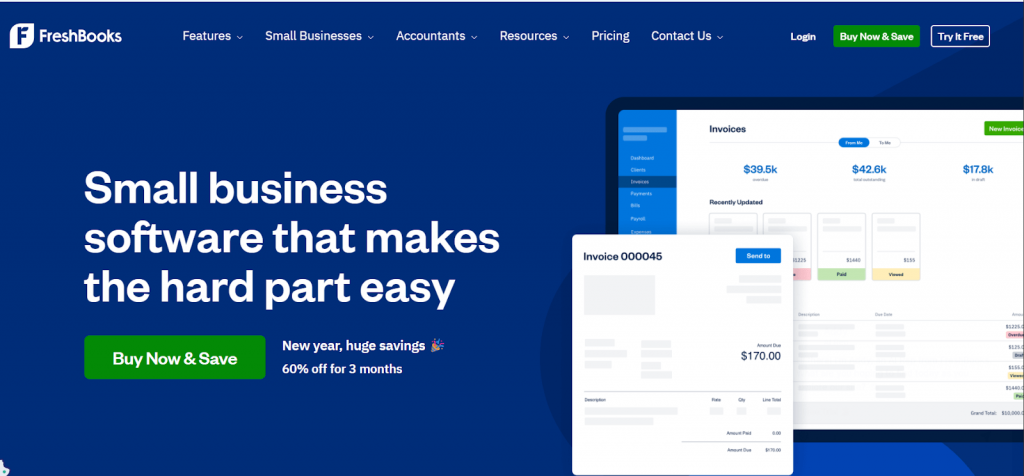
FreshBooks is designed primarily around client billing rather than product sales. It’s built for businesses that charge for time, projects, or retainers, with invoicing and time tracking at the center of the workflow. This focus makes it popular with freelancers and service-based teams who want to bill clients quickly and keep payments organized without managing a full accounting setup.
For ecommerce businesses, FreshBooks is usually not a primary accounting system. It doesn’t handle order-based sales, payouts, or inventory in the way ecommerce requires. However, some businesses with a strong services component alongside ecommerce use it to manage client work separately from product sales.
Key features
- Customizable invoices with automatic reminders and late fee rules
- Time tracking that converts billable hours directly into invoices
- Expense tracking with receipt capture and mileage logging
- Project-level reporting showing time spent versus revenue earned
- Client portal for viewing invoices and submitting payments
- Integrated payment acceptance for cards and bank transfers
- Proposal creation with electronic approval
- Retainer management for recurring client work
Pricing plans
| Plan | Price | Features |
| Lite | $19/month | Up to 5 clients, invoicing, expense tracking, mileage, basic reporting |
| Plus | $33/month | Up to 50 clients, proposals, late fees, retainers, accounting connections |
| Premium | $60/month | Unlimited clients, project profitability, client statements, accountant access |
| Select | Custom | Dedicated support, custom onboarding, priority assistance |
Best for
FreshBooks is best-suited for freelancers and service-based businesses that bill clients for time or projects. It works particularly well for consultants, creatives, legal professionals, and small agencies where invoicing and client payments matter more than ecommerce-specific accounting workflows.
7. Zoho Books
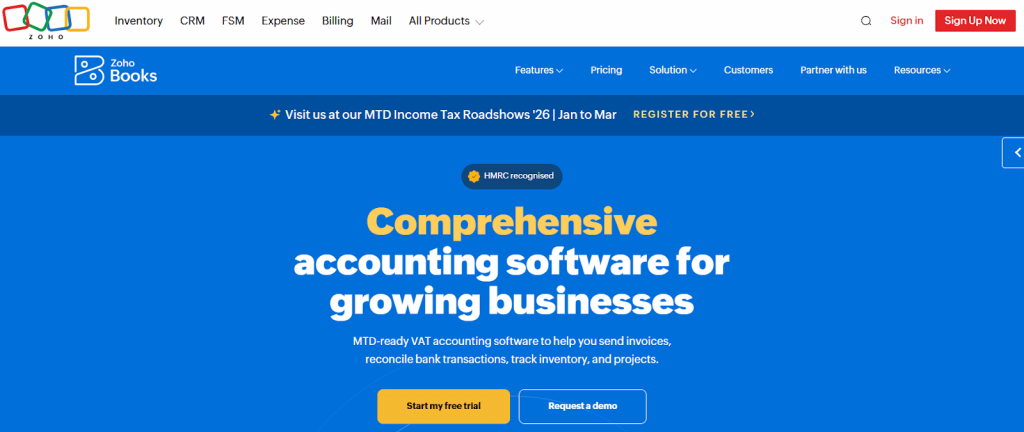
Zoho Books is a cloud accounting platform designed for small to mid-sized businesses that want an affordable, structured accounting system with broad functionality. It covers core accounting needs such as invoicing, expense tracking, bank reconciliation, inventory, and tax handling, and it fits naturally within the wider Zoho ecosystem for CRM, ecommerce, and operations.
For ecommerce businesses, Zoho Books can support order-based sales and inventory tracking, especially for sellers already using other Zoho products. It works best when sales channels are limited and transaction volume is manageable. As operations grow more complex or spread across multiple platforms, additional tools are often needed to keep sales data consistent and reconciliation predictable.
Core features
- General ledger, payables, receivables, and bank reconciliation
- Invoicing and sales receipts with customer and product details
- Inventory tracking with stock adjustments and reorder points
- Expense tracking and categorization with receipt capture
- Sales tax and VAT handling for supported regions
- Reporting tools for financial statements and cash flow
Pricing plans
| Plan | Price | Features |
| Free | £0/month | Basic accounting for micro businesses (limited invoices and contacts) |
| Standard | £12/month | Core accounting, bank reconciliation, invoices, expenses, basic reports |
| Professional | £24/month | Inventory management, project billing, and more detailed reporting |
| Premium | £30/month | Advanced workflows, customizations, extended automation |
| Elite | £99/month | Full feature set with global tax support and priority support |
Best for
Zoho Books is a practical option for small ecommerce businesses that want an affordable accounting system and operate within the Zoho ecosystem. It suits sellers with relatively simple setups who value cost efficiency and integrated tools over advanced ecommerce specific workflows.
How to choose the right accounting software for ecommerce
Choosing accounting software for ecommerce requires attention to a few practical details. These tips help you focus on what actually matters.
- Start with how money reaches your bank. Check how payouts work on your sales channels. If platforms batch multiple days of sales, your accounting software must support payout-based reconciliation. If every deposit needs manual matching, the setup will not scale.
- Decide how much detail you actually need. Some teams need order-level data for inventory, customer analysis, or audits. Others only need accurate totals by day or payout. Choose software that can support your preferred level of detail without locking you into one approach.
- Account for fees and refunds explicitly. Payment processing fees, marketplace commissions, and refunds should not live inside revenue by default. Make sure the software can record them as separate, traceable entries so margins and expenses remain clear.
- Check multi-channel support early. Even if you sell on one platform today, growth often adds marketplaces or new payment methods. Switching accounting software later is harder than planning for multi-channel data upfront.
- Review tax handling, not just tax calculation. Look at how the software records collected tax, withheld tax, and remittances. Clear tax records matter more than automated rates when it’s time to report or explain balances.
- Consider who needs access. Founders, finance teams, and external accountants often need different views and permissions. Make sure the software supports collaboration without forcing workarounds.
- Think about volume, not just today’s numbers. Test how the system behaves with higher transaction counts. If reports slow down or the ledger becomes unreadable, the tool will become a bottleneck as the business grows.
Bottom line
Ecommerce accounting software sets the foundation for how clearly you understand your business. When it fits your sales model, transaction volume, and reporting needs, the numbers explain themselves. When it doesn’t, accounting turns into a recurring clean-up exercise that eats time and confidence.
The safest way to choose is to test with real data. During trials and demos, run actual payouts, refunds, and fees through the system. If basic questions already require workarounds or manual checks, those issues will only grow as volume increases.
For sales data to arrive in a usable form, it needs to be prepared before it reaches the accounting system. Synder does this by structuring ecommerce transactions so payouts reconcile cleanly and reports reflect what actually happened without constant adjustments. By preparing sales, fees, refunds, and payouts before they hit the books, Synder reduces the gap between ecommerce activity and financial reporting.
FAQ
What is the best ecommerce accounting software?
The best ecommerce accounting software depends on your transaction volume, sales channels, and reporting needs. Platforms like QuickBooks Online, Xero, Sage Intacct, NetSuite, and Puzzle are commonly used by ecommerce businesses, often paired with tools like Synder to handle payouts, fees, refunds, and multi-channel sales data accurately.
How do ecommerce businesses handle payouts and fees in accounting?
Ecommerce businesses typically receive payouts that combine multiple orders, fees, and refunds into a single bank deposit. Accounting software records these transactions, while tools like Synder group sales by payout and post fees and refunds as separate entries, allowing deposits to be reconciled accurately and financial reports to remain clear.
Do ecommerce businesses need accounting automation software?
Yes, while accounting software alone records data, ecommerce businesses often need accounting automation to manage high transaction volume and multiple sales channels. Automation tools help ensure sales, fees, taxes, and payouts are recorded consistently, reducing manual reconciliation and improving accuracy as the business scales.