.png)

Amazon businesses tend to hit a familiar ceiling: orders increase, payouts grow, fees multiply, and suddenly there’s more operational work than time to handle it. Tracking inventory, monitoring performance, responding to customers, and keeping financial records accurate all compete for attention. When most of that work is handled manually, growth doesn’t feel like progress but pressure.
That’s usually when automation becomes less of an optional enhancement and more of a structural decision. According to research from Deloitte, companies that adopt process automation can reduce operational costs by up to 30 percent. This article focuses on Amazon automation tools that solve real operational problems. You’ll see what these tools actually handle, where they fit into an Amazon business, and how to choose software that supports growth without adding unnecessary overhead or risk.
TL;DR
- Amazon automation tools help reduce manual work across accounting, fulfillment, marketing, and reporting once order volume increases.
- Not all automation solves the same problem; choosing tools depends on where operational friction shows up first.
- Accounting automation becomes critical when payouts, fees, and refunds are hard to track manually, which is where tools like Synder fit best.
- The most effective automation setups focus on accuracy and time savings, not adding more dashboards or complexity.
What are Amazon automation tools?
Amazon automation tools handle the repeatable work that grows with order volume. This includes:
- Posting sales
- Tracking fees
- Managing inventory
- Adjusting prices
- Turning Amazon activity into accounting entries.
The common thread is simple: less manual handling as the business scales.
Automation tools vary in purpose and focus. Some optimize operational workflows, such as inventory management or advertising, while others organize financial data, ensuring that orders, refunds, and fees match actual payouts. These differences matter because complexity tends to appear first in financial operations.
Top 6 Amazon automation tools for 2026
See the best automation software for Amazon operations in 2026, each designed for different business needs.
1. Synder (top-notch accounting automation)
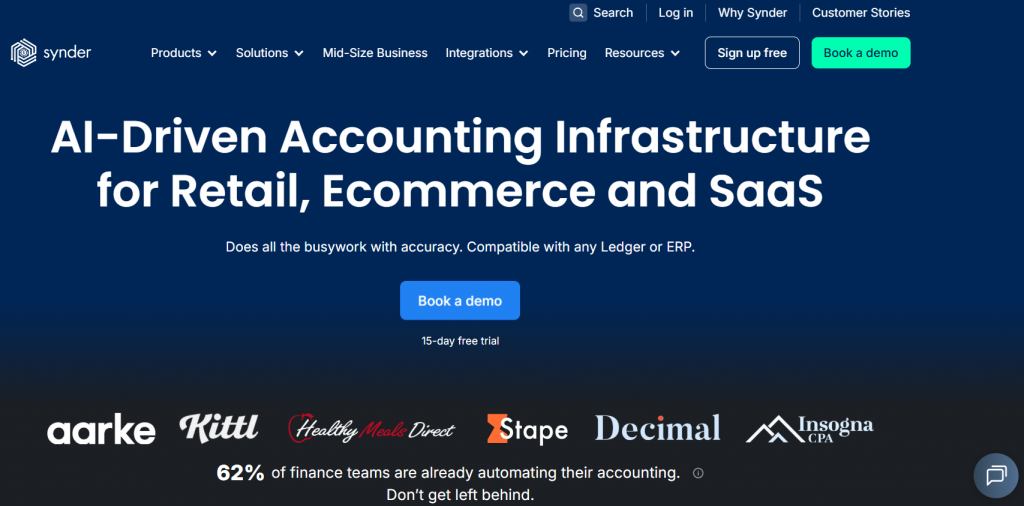
Synder is an accounting automation software that syncs Amazon transactions directly into accounting systems like QuickBooks Online, Xero, Sage Intacct, NetSuite, and Puzzle. It also supports 30+ ecommerce platforms and payment providers, which makes it useful once Amazon sales are no longer isolated from the rest of the business.
Key features
- Syncs Amazon sales, refunds, fees, taxes, and discounts into accounting software
- Matches Amazon payouts to underlying transactions for clean reconciliation
- Supports summary-based or per-transaction posting, depending on reporting needs
- Applies custom categorization rules based on the chart of accounts
- Maps products to track revenue by SKU or category
- Tracks inventory movements and COGS for margin visibility
- Provides built-in reports for sales performance, fees, and channel comparison
Pricing
| Pricing plan | Price (billed annually) | Features |
| Basic | $52/month | Up to 500 transactions per month, two connected platforms, daily sync frequency, and core inventory and multi-currency support |
| Essential | From $92/month | 500 to 3,000 transactions per month, unlimited platform connections, hourly syncs, and expanded inventory tracking |
| Pro | From $220/month | Up to 50,000 transactions per month, advanced product mapping, bundle and assembly support, and guided onboarding |
| Premium | Custom pricing | Multi-entity structures, tailored onboarding, and priority level support |
Best for
Synder is a strong fit for Amazon businesses that operate across multiple sales channels and need accounting records they can trust without constant manual cleanup. It’s especially useful when inventory costs, fees, and payouts need to be reflected accurately in the books.
Take a closer look at Amazon accounting without manual fixes. Start a free Synder account or book a demo to see how transaction data lands in your books.
2. ShipBob (order fulfillment and inventory automation)

ShipBob is a tech-enabled fulfillment platform that handles online order processing, inventory storage, and shipping on your behalf. When you connect your Amazon store and other sales channels to ShipBob, orders are automatically routed to their fulfillment centers, where inventory is picked, packed, and shipped to your customers.
Key features
- Automates order import and fulfillment once a customer places an order
- Stores inventory across a distributed network of warehouses for faster delivery
- Offers real-time inventory visibility and alerts to avoid stockouts
- Generates fulfillment and shipping reports for planning
- Supports returns processing and carrier rate options across major couriers
Pricing
ShipBob doesn’t list fixed plans. Costs depend on usage and fulfillment needs. Fees typically include inventory receiving, storage, picking, packing, and shipping charges based on order volume and warehouse locations.
Best for
ShipBob makes sense for Amazon sellers who need reliable order fulfillment and inventory automation but don’t want to handle warehousing or logistics manually.
3. Seller Snap (repricing automation)
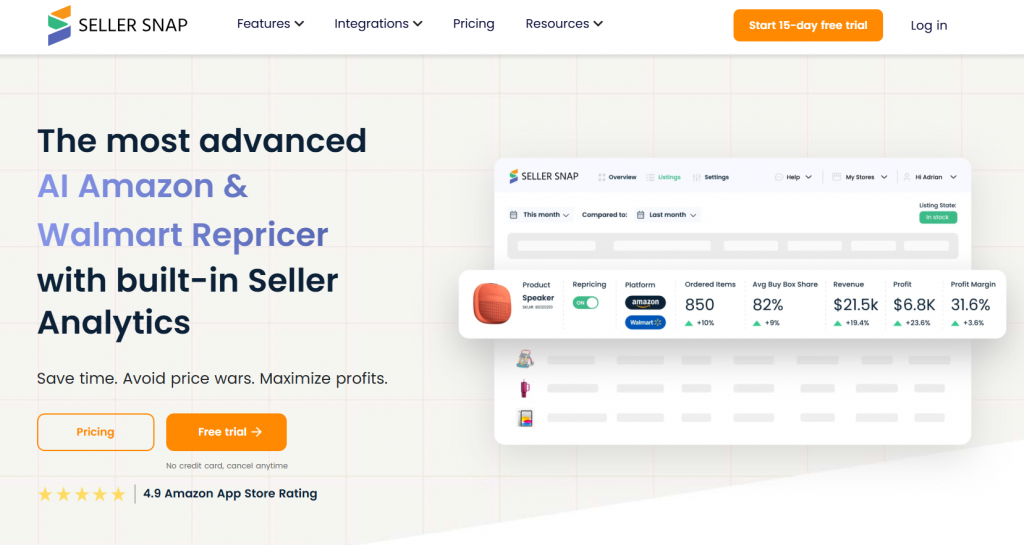
Seller Snap focuses on pricing logic for Amazon listings, where small changes can have a direct impact on Buy Box share and margins. It uses rule-based and algorithmic repricing to adjust prices automatically based on competition and market conditions.
What it does
- Adjusts prices in real time based on competitor activity
- Applies minimum and maximum price boundaries to protect margins
- Supports Buy Box-focused pricing strategies
- Allows different rules by SKU, category, or brand
- Tracks repricing activity and price history
Pricing
| Pricing plan | Price (billed annually) | Features |
| Starter | $100/month | Repricing for up to 1,000 SKUs, 1 user, revenue limit up to $15,000, access to core repricing logic |
| Accelerator | $250/month | Repricing for up to 1,000 SKUs, up to 3 users, revenue limit up to $30,000, advanced repricing controls |
| Standard | $500/month | Repricing for up to 15,000 SKUs, up to 3 users, unlimited revenue, full feature access |
| Custom | Custom pricing | Custom SKU limits, users, and features based on business needs |
Best for
Seller Snap is a fit for Amazon sellers competing in crowded categories where pricing moves frequently. It’s most useful once manual price updates start lagging behind the market and consistent Buy Box presence becomes harder to maintain without automation.
4. Helium 10 (listing optimization and performance analytics)

Helium 10 is used when Amazon sellers want tighter control over how listings perform rather than how orders are fulfilled or recorded. It focuses on visibility, conversion, and diagnostics around why certain products sell and others stall.
What it does
- Analyzes keywords and search demand for Amazon listings
- Audits listings for indexing and content gaps
- Tracks keyword ranking and listing changes over time
- Flags listing issues that affect visibility or compliance
- Provides performance analytics across products and marketplaces
Pricing
| Pricing plan | Price (billed annually) | Features |
| Starter | $29/month | Access to core Amazon seller tools with limited usage caps, beginner-friendly research and listing features |
| Platinum | $99/month | Expanded research, keyword and listing tools, higher usage limits, analytics, and Amazon seller insights |
| Diamond | $279/month | Broad access to most Helium 10 capabilities, advanced analytics and performance tracking, and higher limits across features |
Best for
Helium 10 fits Amazon sellers who already have products live and want to pinpoint what’s driving their listing performance. It’s most useful once decisions around content, keywords, and visibility start affecting revenue more than product selection itself.
5. Klaviyo (marketing automation, data and reporting)
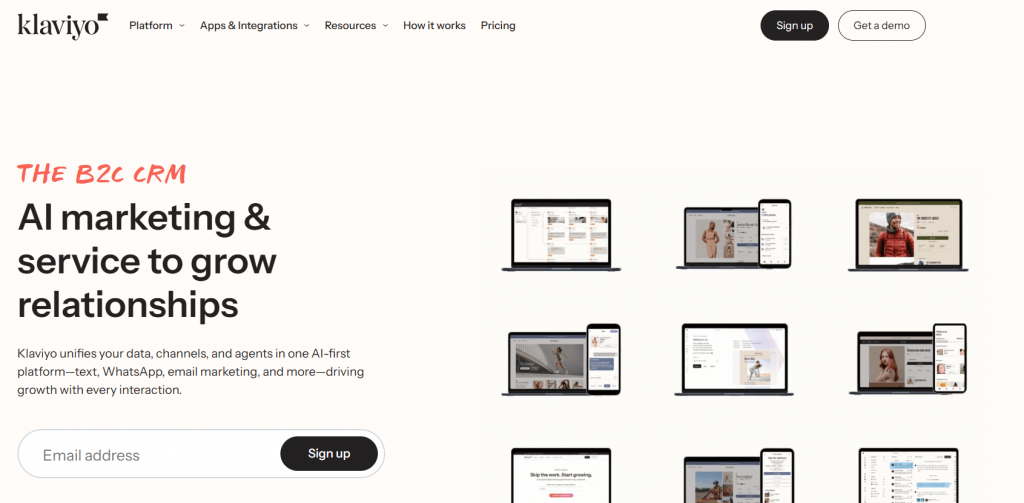
As an AI marketing tool, Klaviyo gives Amazon sellers control over how customer data transforms into repeat purchases. It focuses on email and SMS automation, using purchase behavior and engagement signals to support ongoing customer communication rather than one-off campaigns.
What it does
- Syncs customer and order data from Amazon and other sales channels, including Shopify, WooCommerce, etc
- Automates email and SMS flows based on customer behavior
- Segments audiences using purchase history and engagement data
- Tracks campaign performance and revenue attribution
- Provides reporting on customer lifetime value and retention
Pricing
| Pricing plan | Price (monthly) | Features |
| Free | $0 | Up to 250 contacts |
| From $20/month | Basic email plans | |
| Email & SMS | From $35/month | Email and SMS channels for marketing automation |
Best for
Klaviyo suits Amazon sellers who want direct ownership of post-purchase communication and customer retention. It works well once email and SMS stop being occasional campaigns and start playing a consistent role in driving repeat orders and long-term value.
6. DataHawk (Amazon performance and competitive tracking)
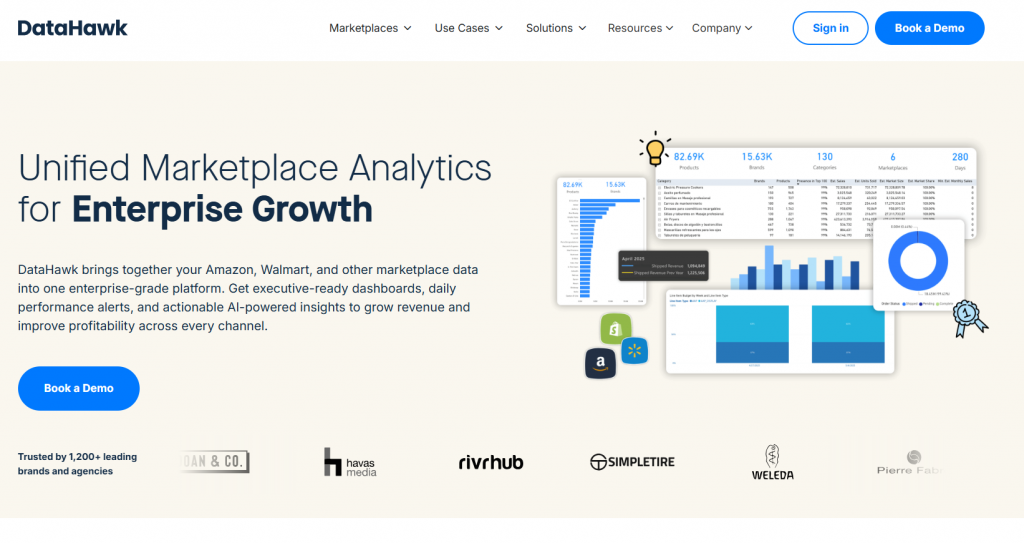
DataHawk pulls sales, traffic, keyword, advertising, and inventory data into one place so performance questions don’t require jumping between Seller Central reports. It focuses on how products, keywords, and competitors behave over time, not on execution or fulfillment.
Key features
- Tracks sales, pricing, and stock changes at ASIN level
- Monitors keyword rankings and visibility shifts
- Compares product performance against direct competitors
- Highlights changes in Buy Box ownership and pricing pressure
- Generates scheduled reports for teams managing multiple brands or regions
Pricing
DataHawk’s pricing is based on data volume, number of marketplaces, products, and reporting requirements.
Best for
DataHawk fits Amazon sellers managing large catalogs or multiple marketplaces who need to spot pricing, ranking, or competitive changes quickly.
Benefits of Amazon automation
Amazon automation delivers value where the pressure is easiest to measure. The impact shows up in hours reclaimed, fewer corrections, and more reliable numbers across the business:
- Time savings. Automation removes the need to manually post orders, reconcile payouts, adjust fees, or update inventory records. Tasks that used to take hours each week are handled automatically, which shortens closes and frees time for review rather than data entry. Over the course of a year, this can add up to more than 480 hours of bookkeeping effort that no longer needs to happen manually.
- Higher accuracy. When transactions are recorded directly from Amazon activity, there’s less room for missed fees, duplicate entries, or incorrect totals. With automated synchronization, it’s possible to reach over 99.5% reconciliation accuracy, significantly reducing mismatches across sales channels. Sales, refunds, and costs follow consistent rules, reducing the risk of errors that surface later in reporting or audits.
- Cleaner reconciliation and more reliable reporting. Automated handling of payouts and settlements makes it easier to match bank deposits to underlying activity. Instead of tracking down differences, balances line up as expected, and exceptions become easier to spot. With consistent data flowing in, financial and operational reports reflect actual performance. Margins, fees, and inventory costs can be reviewed with confidence instead of being adjusted after the fact. In practice, for high-volume ecommerce teams, month-end close starts taking just minutes, becoming a review task instead of a cleanup exercise.
- Lower operational drag as volume grows. As order volume increases, automation absorbs the extra workload without adding more manual steps. Processes stay predictable during peak periods, sales spikes, or marketplace expansion. This way, businesses can process, for example, over 150,000 records automatically, and even higher volumes can be handled without extra manual effort.
How to choose the right Amazon automation software for your business
A useful way to judge any automation software is to consider how much it reduces reliance on manual fixes. The best tools let you focus on monitoring results rather than repairing mistakes, and the following tips can help you identify which solutions deliver that benefit:
- Prioritize error prevention. Select software that minimizes reconciliation mistakes, missed fees, and duplicate entries. If the tool requires frequent corrections, it will not save time or improve efficiency.
- Match the tool to your workflows. Your processes for order fulfillment, inventory management, accounting, and reporting are unique. The software should integrate smoothly with these processes and automate repetitive tasks without forcing major changes.
- Focus on proactive monitoring. Effective automation highlights exceptions quickly and provides clear reporting. You should be able to review results and address issues only when necessary.
- Evaluate scalability. The software should accommodate your business as it grows. Even if you manage a small catalog today, it should handle larger order volumes, multiple sales channels, and more complex reporting in the future.
- Ensure flexibility. Tools that allow customizable rules, configurable workflows, and tailored reporting deliver more value than rigid, one-size-fits-all solutions.
- Test for measurable time savings. Verify that the software reduces repetitive tasks and frees your time for strategic work. A demo or free trial period is useful to confirm that the tool delivers the efficiency improvements it promises.
Conclusion
Amazon automation works best when it’s applied with intent. The tools that matter are the ones that remove real operational friction, reduce manual work, and make outcomes easier to verify. Adding software without a clear purpose rarely pays off. Focusing on accuracy, time savings, and control does.
For teams moving beyond basic Amazon operations, financial clarity starts to matter more. Payouts need to reconcile, fees need to be visible, and reports need to hold up under review. Accounting automation tools like Synder help keep Amazon activity aligned with the books, so day-to-day decisions are based on numbers you can rely on.
FAQ
What is Amazon automation software?
Amazon automation software helps manage repeatable tasks such as accounting, fulfillment, pricing, marketing, or reporting. These tools reduce manual work and help sellers keep operations and data consistent as order volume increases.
Do Amazon sellers need accounting automation?
Yes, once sales, fees, refunds, and payouts become harder to track manually. Accounting automation ensures Amazon transactions are recorded accurately, payouts reconcile correctly, and financial reports reflect real activity without constant adjustments.
Which Amazon automation software is best for accounting?
The best Amazon accounting automation software records sales, fees, refunds, and payouts in a way that matches Amazon settlements and reconciles cleanly with bank deposits. For example, Synder is designed specifically for this purpose and integrates directly with accounting systems such as QuickBooks Online, Xero, Sage Intacct, NetSuite, and Puzzle.