Connect Stripe and Intuit Enterprise Suite to the Synder app.
Personalize Synder to align perfectly with your business needs.
Enjoy streamlined bookkeeping and smooth reconciliation.

Handle Stripe payments for all entities in Intuit Enterprise Suite through a single integration via Synder. Each entity can connect its own Stripe account, with consolidated reporting and support for intercompany revenue allocation when needed.
Sales, fees, and payment-related costs can be grouped by product line, fee type, location, department, customer segment, or other Intuit Enterprise Suite dimensions. This gives you detailed, flexible reporting on Stripe revenue and costs at scale, without manual tagging.
Automate the recognition of Stripe subscription revenue in line with GAAP requirements. Payments are deferred and recognized on a monthly schedule, with support for multi-entity allocation to keep recognized and deferred revenue accurate at scale.
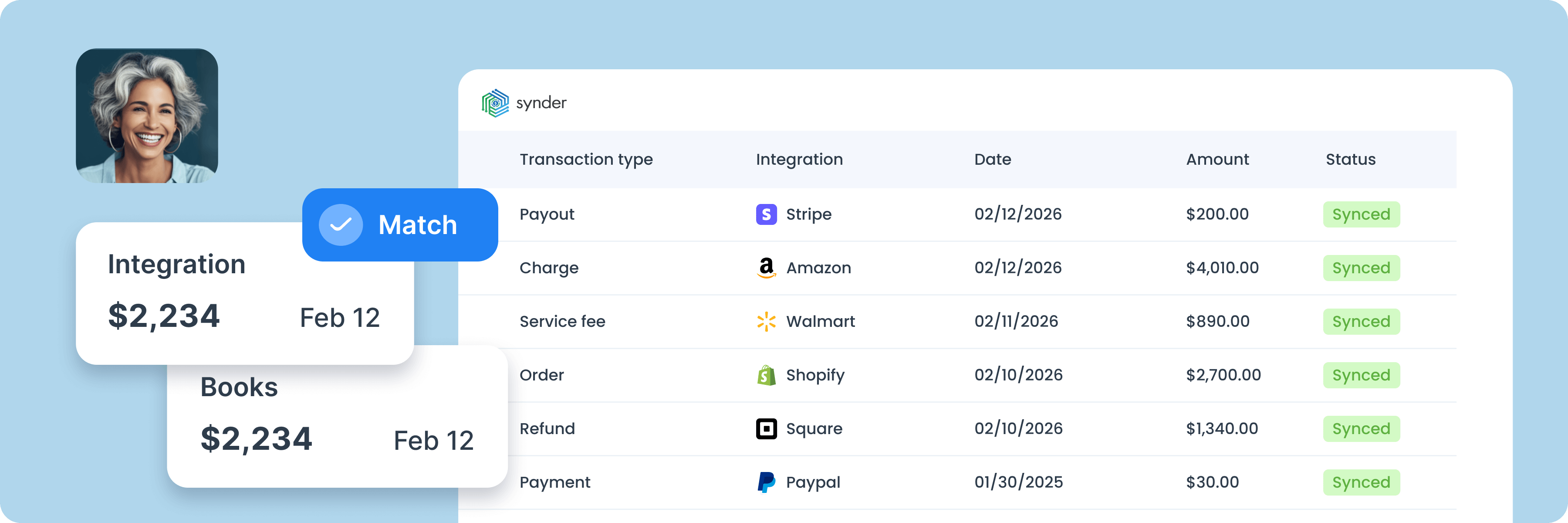
Speed up month-end close by reconciling Stripe activity automatically. Synder matches payouts to bank deposits in real time, reconciles clearing accounts, and records fees and refunds without manual entry, across all entities in one streamlined process.

To find the best solution for your business, book a call with our accounting automation expert. We'll dive into your needs and show how Synder can optimize your bookkeeping processes. Let us walk you through it!


Discover how to boost your online and subscription-based clients' success while saving time and increasing accuracy.
Explore accountants’ pageSOC 2 Type 2 certified, GDPR and HIPAA compliant, with end-to-end encryption built in. Synder keeps your data secure, helps you pass audits, and scales safely as you grow.
Synder's support team knows ecommerce accounting inside and out. Get help whenever you need it - chat, email, video call, or screen share. You're never stuck sorting things out alone.
Set up transactions exactly how you need them: rename line items, pull in custom data, adjust tax codes, and map everything to match your workflow perfectly.
Synder breaks down revenue by product, location, payment method, or date, from monthly snapshots to year-end reports. Get the data you need to make decisions.
"Time is money. Instead of a bookkeeper spending 40 hours a month manually reviewing thousands of transactions each month—clicking into each one, checking metadata, and categorizing it—Synder does it all automatically, the moment the charge happens. Which means we save 480 hours and almost $24K yearly.”

Yes, you can sync Stripe payments, fees, refunds, and related transactions directly into Intuit Enterprise Suite via Synder with detailed categorization and automated reconciliation.
Synder handles Stripe payments across multiple entities in Intuit Enterprise Suite through a single integration. You can connect separate Stripe accounts, route payments to the correct entities or reporting dimensions, and still view consolidated Stripe performance across the organization.
Yes. Synder lets you use all available Intuit Enterprise Suite dimensions for Stripe transaction categorization. You set up rules that map Stripe data to specific dimensions, and Synder applies them automatically during sync, so Stripe sales, fees, and costs are categorized correctly without manual tagging.
Synder reconciles Stripe activity in Intuit Enterprise Suite using clearing accounts per entity. Payments, fees, and refunds are recorded when they happen, and payouts match automatically to bank deposits. Each entity reconciles cleanly, while consolidated reporting shows Stripe results across the organization.
Migrating from QuickBooks Online to Intuit Enterprise Suite typically requires updating your accounting setup to match the new entity and reporting structure. During migration, you’ll confirm entity configuration, dimensions, and account mappings so data flows correctly in Intuit Enterprise Suite after the switch.
Synder records Stripe fees and payouts separately for each entity in Intuit Enterprise Suite. Fees post as individual entries tied to the underlying payments, while payouts flow through clearing accounts per entity and match automatically to bank deposits. This keeps entity-level balances accurate while still supporting consolidated reporting.
Synder reconciles Stripe payouts by comparing what was synced to your books with Stripe’s actual balance and payout data. It pulls Stripe balance change and payout reports, matches them against your clearing account activity, and highlights any differences. When everything lines up, payouts match bank deposits cleanly; if not, Synder shows exactly which transactions are missing or mismatched, so you can resolve issues without manual digging.
Yes. When setting up Intuit Enterprise Suite, Synder can bring in your Stripe history and apply the correct categorization during import. Data can be pulled as far back as Stripe retains it, helping you start in Intuit Enterprise Suite with complete and consistent records.
Synder syncs all essential Stripe activity for accurate accounting, including payments, invoices, subscriptions, refunds, fees, payouts, and transfers. This ensures Stripe revenue, costs, and cash movements are fully reflected in your accounting system without manual work.
Synder handles Stripe fees by mapping them to the correct accounts based on Stripe’s balance transaction types. Processing and balance-related fees post under Fees, Connect-related charges under Application Fees, and Issuing-related costs under Expenses, keeping your books clean and accurate.