
FloQast helps teams organize the close through checklists and review workflows. That structure is useful, but it doesn’t solve every reconciliation problem. As transaction volume grows or accounting setups become more complex, teams often find that balances are still prepared elsewhere and reviewed in FloQast rather than built there.
This article looks at seven FloQast alternatives to consider in 2026. Each option approaches reconciliation and close from a different angle, whether through deeper automation, closer alignment with source data, or better support for complex environments. The goal is to help you compare those approaches and decide which one fits how your close actually works.
TL;DR
- FloQast alternatives differ mainly in where reconciliation work happens, not in how checklists are displayed.
- Tools that work closer to source transactions tend to reduce follow-up questions during close.
- Software like Synder focuses on preparing balances correctly as data enters the accounting system, which limits cleanup during month-end.
- The right alternative depends on whether your close slows down during data preparation or review.
What is FloQast?
FloQast is a financial close and reconciliation support platform used by accounting teams to manage checklists, control tasks, and centralize evidence during the month-end process. Recognized for its rapid growth, FloQast ranks No. 267 on the Deloitte Technology Fast 500. Instead of replacing your core accounting system, it connects to it so teams can bring in balance data and organize close work with visibility across reviewers and preparers.
The platform offers direct integrations with some ERPs and accounting systems, including NetSuite, Sage Intacct, Microsoft Dynamics, SAP, and Xero. It allows GL balances and related data to flow into FloQast for review and automation features. FloQast also works with collaboration tools like Slack and cloud storage services to help teams manage and document reconciliations.
Why choose FloQast alternatives
FloQast brings structure to the close, but that structure comes with trade-offs. Teams usually start evaluating alternatives when those limits begin to affect how reconciliations are prepared, not just how they’re reviewed.
Common limitations that drive teams to look beyond FloQast include:
- Reconciliations are reviewed in FloQast but built outside the system, often in spreadsheets.
- Balance changes late in the close require manual updates and re-uploads rather than recalculation.
- There’s limited involvement with source data such as payouts, fees, refunds, or settlement timing.
- No direct integrations with popular ecommerce platforms, which adds friction for ecommerce businesses handling marketplaces and payment processors.
- Growing transaction volume increases prep work without reducing review effort.
- Complex entity or currency setups need more flexibility than checklist-driven workflows provide.
- Close status is visible, but root causes behind balance differences still require explanation.
For teams running into these constraints, the search for alternatives usually comes down to one thing: reducing how much reconciliation work happens outside the system. Tools that work closer to source data tend to surface fewer questions during review and make the close easier to defend.
Top FloQast alternatives for 2026
Let’s take a look at the best FloQast alternatives, including their core features and pricing models.
1. Synder
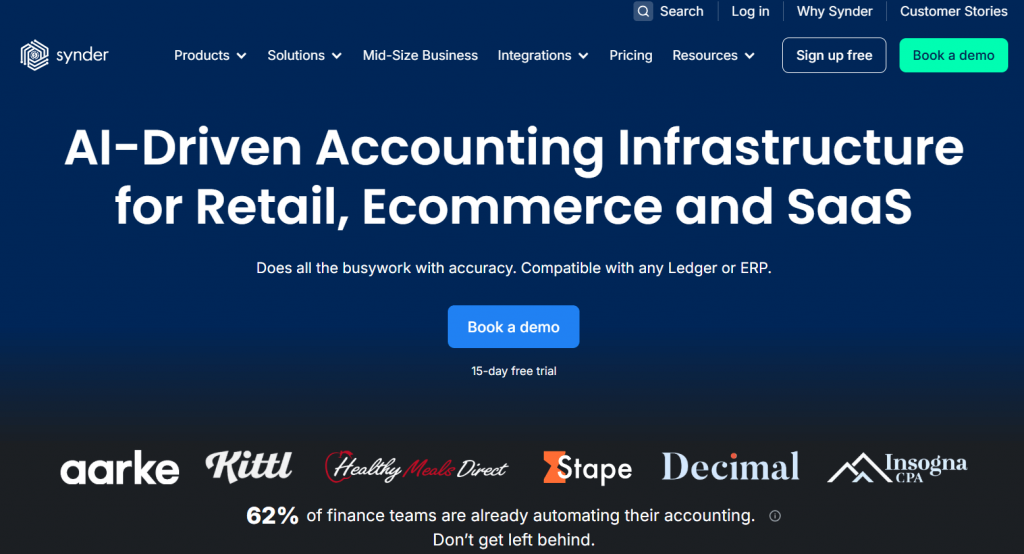
Synder is an accounting automation platform that integrates directly with accounting software and ERPs such as QuickBooks Online, Xero, NetSuite, Sage Intacct, and Puzzle. Synder approaches the close from the opposite direction compared to FloQast. Instead of organizing reconciliation work after the fact, it focuses on preparing balances correctly as data enters the accounting system. The emphasis is on source accuracy, consistent logic, and reducing the amount of manual cleanup required during close.
Key features
- Direct integrations with 30+ ecommerce platforms and payment processors
- Automatic breakdown of payouts into sales, fees, refunds, and taxes
- Summary Sync and Per Transaction syncing modes with consistent posting rules
- Built-in reconciliation logic for clearing accounts
- Support for multi-entity accounting
- Multi-currency accounting functionality
- Real-time balance reconciliation
Pricing
| Pricing plan | Price (billed annually) | Features |
| Basic | $52/month | Up to 500 transactions per month, two connected platforms, daily sync frequency, and core inventory and multi-currency support |
| Essential | From $92/month | 500 to 3,000 transactions per month, unlimited platform connections, hourly syncs, and expanded inventory management |
| Pro | From $220/month | Up to 50,000 transactions per month, advanced product mapping, bundle and assembly support, and guided onboarding |
| Premium | Custom pricing | Multi-entity structures, tailored onboarding, and priority level support |
Best for
Synder suits accounting teams that want reconciliation issues addressed at the data level, especially in ecommerce or high-volume environments.
Explore what happens when reconciliation work moves closer to source data. Start a free Synder account or book a demo to see how transactions land in your accounting system.
Synder vs. FloQast: how the approaches differ
Here’s a practical comparison based on how teams actually use both tools during close.
| Area | Synder | FloQast |
| Software type | Accounting automation software | Accounting transformation software |
| Role in the close | Prepares accounting data before close | Organizes review during close |
| Data source depth | Works directly with payouts, settlements, fees, refunds | Relies on GL balances pulled from ERP |
| Reconciliation style | Automated clearing and consistency at entry | Review and approval of prepared reconciliations |
| Ecommerce support | Native integrations with marketplaces and payment processors | No direct ecommerce integrations |
| Handling late changes | Recalculates based on source data | Requires manual updates and re-uploads |
| Fit for volume | Designed for high-transaction counts | Growing review effort with volume |
2. BlackLine
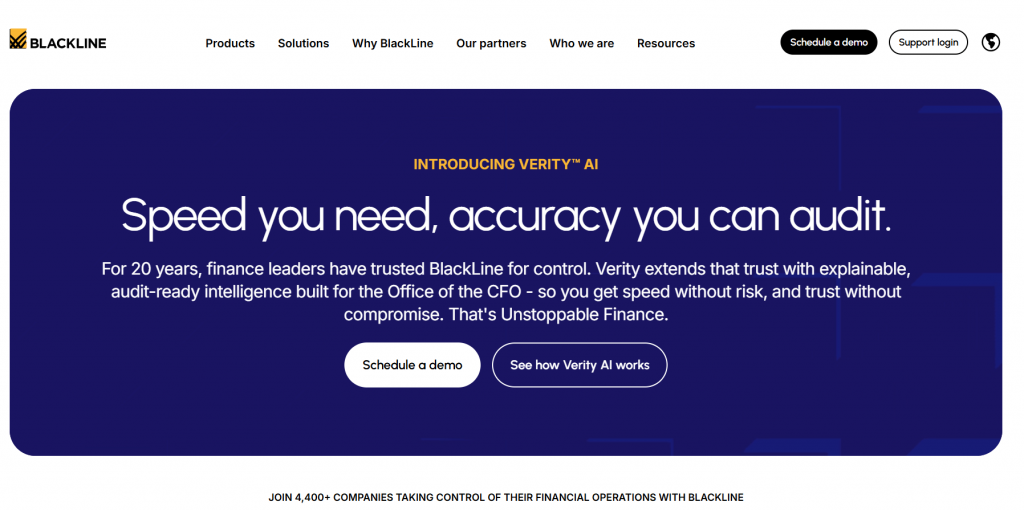
BlackLine is one of the most established platforms in the financial close space. It covers account reconciliations, journal entries, transaction matching, and close task management in a single system. It connects directly to ERP systems such as SAP, Oracle, NetSuite, and Microsoft Dynamics. Compared to FloQast, BlackLine goes deeper into reconciliation logic and control. But implementation takes time, configuration is heavier, and day-to-day usage often requires dedicated ownership within the accounting team.
Key features
- Account reconciliations with standardized templates and controls
- Journal entry creation, approval, and posting workflows
- Transaction matching for high-volume balance activity
- Close task management with dependencies and sign-offs
- Audit trails and compliance reporting across entities
Pricing
Cost depends on entities, integrations, and transaction volume.
Best for
BlackLine is best for large enterprises that need formalized reconciliation controls and are prepared to invest time and resources into a structured close platform.
3. Trintech (Cadency and Adra)

Trintech offers financial close and reconciliation software through two main products: Cadency and Adra. Cadency is positioned as a unified close and control platform, while Adra focuses on reconciliation and close management workflows. Both products connect to ERP systems such as SAP, Oracle, NetSuite, and Microsoft Dynamics, pulling balance data into Trintech for preparation, review, and control.
Key features
- Account reconciliations with predefined rules and review workflows
- Close task management with status tracking and approvals
- Journal entry preparation and certification
- Balance sheet substantiation and documentation storage
- ERP integrations for balance and transaction data
Pricing
Trintech pricing is subscription based and varies depending on whether Cadency or Adra is selected. Costs are influenced by the number of entities, users, and modules in use, as well as the scope of ERP integrations.
Best for
Trintech is a good fit for accounting teams that want standardized close processes and controlled reconciliation workflows across multiple entities.
4. OneStream

OneStream is a unified finance platform that combines financial close, consolidation, planning, and reporting in a single system. It integrates with ERPs such as SAP, Oracle, NetSuite, and Microsoft Dynamics. OneStream approaches the close as part of a broader financial management automation cycle, where reconciliations, consolidation, and planning are closely connected.
Key features
- Financial close and consolidation in a single data model
- Account reconciliations and certification workflows
- Journal entry management with approvals
- Integrated planning, forecasting, and reporting
- ERP integrations for balance and transactional data
Pricing
OneStream pricing depends on user count and functional scope. Setup and configuration costs vary by complexity.
Best for
OneStream suits finance teams that want close, consolidation, and planning managed within the same platform and are comfortable with a more involved system setup.
5. CCH Tagetik
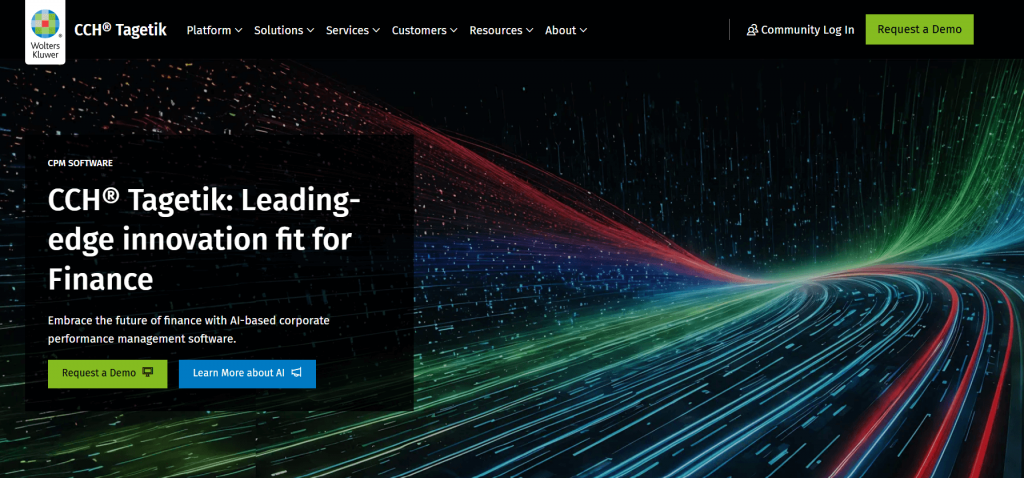
CCH Tagetik is part of the Wolters Kluwer finance portfolio and is built around performance management, consolidation, and regulatory reporting. Financial close capabilities are embedded within that broader framework rather than delivered as a standalone close layer. The platform connects with ERPs such as SAP, Oracle, Microsoft Dynamics, and Workday, using financial data as the basis for consolidation, compliance reporting, and close controls.
Key features
- Financial close and consolidation workflows
- Account reconciliations and balance certification
- Regulatory and statutory reporting support
- Integrated planning and performance management
- ERP integrations for financial and consolidation data
Pricing
Pricing depends on selected modules and scope.
Best for
CCH Tagetik works well for finance teams that manage close activities alongside consolidation and regulatory reporting within a single performance management system.
6. SolveXia

SolveXia is a financial automation platform designed to handle data-heavy accounting work that usually sits between source systems and the general ledger. Instead of focusing on close coordination, it’s used to automate reconciliation logic, data validation, and exception handling before balances are reviewed. SolveXia connects to systems such as ERPs, banks, and external data sources, allowing finance teams to standardize how financial data is prepared, checked, and analyzed as part of recurring accounting processes.
Key features
- Automated reconciliation using configurable matching rules
- Data ingestion from ERPs, banks, suppliers, and spreadsheets
- Exception detection with alerts and review workflows
- Workflow management for issue resolution and approvals
- Analytics and reporting based on validated financial data
Pricing
SolveXia uses a subscription pricing model that scales based on the number of automated processes, data sources, and transaction volume.
Best for
SolveXia suits finance teams that want to automate reconciliation and data validation earlier in the accounting process, before balances reach the review stage.
7. Cube
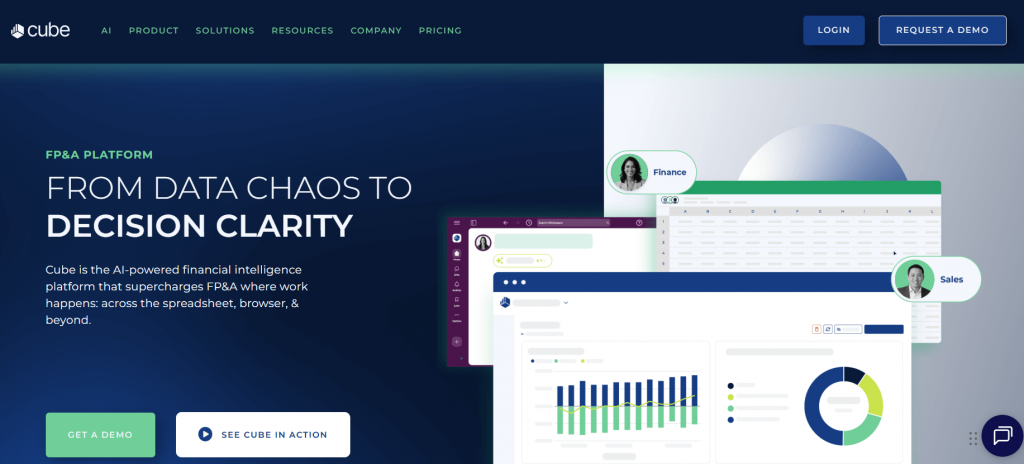
Cube is built around the idea that many finance teams still do their most important work inside spreadsheets. Instead of replacing Excel or Google Sheets, Cube connects them directly to accounting systems so actuals, adjustments, and reporting data stay in sync. During close, Cube is typically used to review results, analyze variances, and prepare reports based on finalized balances rather than to perform reconciliations inside the general ledger.
Key features
- Native integration with Excel and Google Sheets
- Cell-level audit visibility for financial data
- Centralized data from multiple source systems
- Reporting workflows with review and approval steps
- Integrations with accounting platforms for actuals
Pricing
Cube’s pricing is tailored to your business needs with custom plans that typically start around $32,000 annually, and final costs depend on factors like team size, data integrations, and reporting requirements.
Best for
Cube is ideal for finance teams that rely on spreadsheets for reporting and analysis and want tighter control over data accuracy and approvals during close.
How to choose the best alternative
Not every FloQast alternative solves the same problem. Before comparing features, it helps to step back and look at how your close actually breaks down.
- Where reconciliation work happens. Some tools organize review, others shape balances before review starts. The more work happens upstream, the fewer questions tend to appear during close.
- Access to source data. Platforms that work directly with payouts, fees, refunds, and settlements usually surface issues earlier than tools that only see GL totals.
- Impact on preparation effort. Visibility alone doesn’t reduce prep time. Look for tools that lower the amount of manual work required before balances are ready for review.
- Flexibility across entities. Multi-entity setups often expose limits in rigid workflows, especially around intercompany activity, approvals, and close sequencing.
- Flexibility across currencies. Multi-currency environments require configurable posting and FX handling, where hard-coded templates tend to break down.
- Close ownership and accountability. Some tools clarify who approved what, others clarify why a number exists. Decide which gap creates more friction in your close today.
- Long-term fit as volume grows. Transaction volume tends to increase faster than headcount. Tools that scale reconciliation logic usually age better than those that scale review effort.
Conclusion: where FloQast alternatives actually differ
The tools compared in this article solve different parts of the close, even when they’re labeled as FloQast alternatives. Some exist to organize work. Others exist to explain numbers. A smaller group exists to prevent issues before the close begins at all.
If your reconciliations already tie out cleanly and the problem is coordination, review-oriented platforms can work just fine. If most close discussions start with tracing payouts, fees, or timing differences, tools that operate closer to transaction data tend to remove more friction.
A useful way to decide is to look at your last close and ask one simple question: where did time disappear? The answer usually points directly to the type of platform that will matter most, without needing another checklist.
FAQ
Can FloQast alternatives support audit readiness without external tools?
Yes, many FloQast alternatives include built-in audit trails, approval histories, and documentation storage, which can reduce reliance on separate audit management or evidence collection tools. For example, Synder tracks every transaction, fee, and payout automatically, providing detailed records that simplify audits without additional tools.
Do FloQast alternatives work with hybrid ERP setups or legacy systems?
Some platforms support hybrid environments by integrating with both modern cloud ERPs and legacy systems through APIs, flat files, or database connections, though setup effort varies by tool.
How long does it typically take to implement a FloQast alternative?
Implementation timelines range from a few weeks to several months depending on data complexity, number of entities, and how much reconciliation logic is automated versus reviewed manually.