Most teams don’t wake up one morning and decide to replace SaaSant. The decision usually comes after a few quiet frustrations stack up. A payout that doesn’t tie out. A month-end close that takes longer than expected. A report that needs extra explaining before anyone trusts it. Individually, these moments seem small. Together, they raise an uncomfortable question. Is this tool still keeping up with how your business operates today?
As sales volume grows and payment flows become more layered, syncing data is only part of the job. You also need visibility into how that data lands in your books and how easily it can be reviewed, reconciled, and explained. In this article, you’ll see when it makes sense to move on from SaaSant, what usually triggers that shift, and which alternatives are best suited for different stages of growth.
TL;DR
- SaaSant works for basic syncing but can struggle as transaction volume and complexity increase.
- Different alternatives solve different needs, from simple Stripe setups to full service bookkeeping.
- Businesses using multiple payment platforms need tools built for cleaner reconciliation and scale.
- Synder fits teams that want reliable automation and accounting that grows with the business.
When to shift from SaaSant
Here are the most common signals that indicate SaaSant may no longer align with how your accounting operates today.
- Reconciliations take more time than they should. If clearing accounts require frequent adjustments or payouts rarely match on the first pass, the tool may no longer support the level of control your workflow needs.
- Reporting needs extra explanation. When financial reports look correct but still need manual context before sharing with leadership, it often points to gaps in how data is structured in the books.
- Transaction volume keeps growing. What works at lower volume can become hard to manage as sales, refunds, and fees increase. More activity means higher expectations for consistency and reviewability.
- Business complexity increases. Adding new sales channels, payment providers, or subscription models changes how money moves. At that point, basic syncing can fall short of supporting real accounting needs.
Comparing top competitors to SaaSant (PayTraQer)
Here’s a practical look at the most common alternatives teams consider after SaaSant, starting with the option that tends to cover the widest range of accounting scenarios.
1. Synder
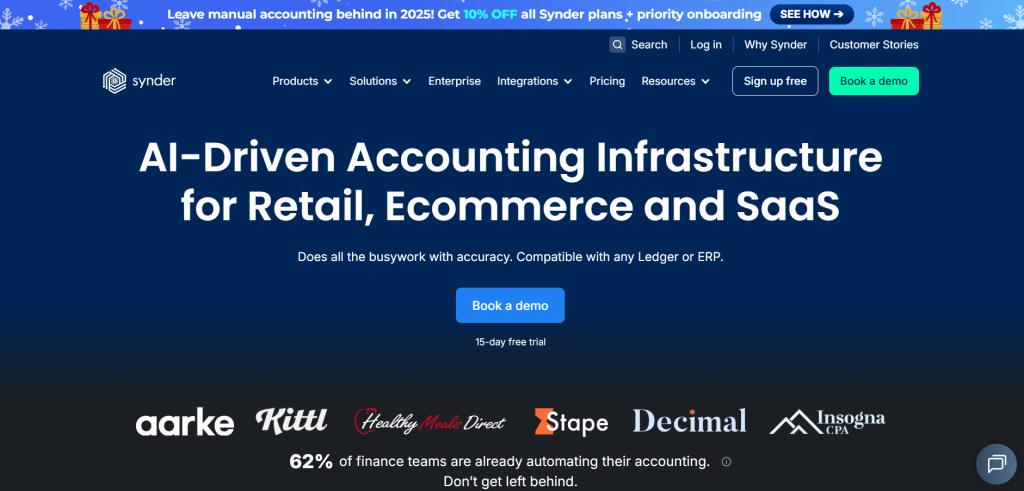
Synder is built for moments when moving data is no longer the hard part. The real challenge is making sure payments from Stripe, Shopify, Amazon, PayPal, Square, TikTok Shop, WooCommerce, and other platforms land in your accounting system in a way that actually makes sense. As an accounting automation software, Synder connects these channels directly with accounting software and ERP like QuickBooks Online, Xero, Sage Intacct, NetSuite, and Puzzle, and focuses on keeping the books structured and review ready.
Key features
- Multi-channel sync for sales, refunds, taxes, and fees across 30 plus platforms
- Clearing account logic that keeps payouts balanced and easier to reconcile
- Custom automation rules to categorize transactions and standardize postings
- Choice between transaction level sync or summarized entries
- Inventory and cost of goods sold (COGS) tracking across connected sales channels
- GAAP and ASC 606 compliant revenue recognition for subscription and installment based revenue
Pricing
| Pricing plan | Price (billed annually) | Features |
| Basic | $52/month | Supports up to 500 transactions, includes two connected platforms, runs daily syncs, and covers core inventory and multi-currency needs. |
| Essential | From $92/month | Handles 500 to 3,000 transactions, allows unlimited integrations, increases sync frequency to hourly, and adds more detailed inventory tracking. |
| Pro | From $220/month | Supports up to 50,000 transactions with advanced product mapping, bundle and assembly syncing, plus guided onboarding. |
| Premium | Custom pricing | Includes multi-entity structures, with tailored onboarding and priority level support. |
When to choose
Synder is a top choice for ecommerce and SaaS businesses searching for the best alternative to SaaSant, especially when scalable automation, clean reconciliation, and flexibility are needed.
Considering a move away from SaaSant? Start a free Synder account or book a demo to see how cleaner reconciliation and multi-channel accounting work in practice.
Synder vs. SaaSant: Quick comparison
Here’s a clear comparison between Synder and SaaSant based on their typical capabilities and common usage patterns.
| Feature | Synder | SaaSant |
| Supported accounting and ERP platforms | QuickBooks, Xero, Sage Intacct, NetSuite, Puzzle | QuickBooks Online and Xero only |
| Supported sales/payment channels | 30+ platforms like Stripe, Shopify, Amazon, PayPal, Square, etc. | 17 ecommerce platforms and payment gateways, including Shopify, Amazon, Stripe, etc. |
| Posting flexibility | Summary or Per Transaction Sync | Per transaction sync option |
| Fee/refund handling | Automated with structured clearing accounts | Fee and refund syncing with categorization, often requiring manual review |
| Reconciliation support | Automated payout matching, clearing balance tracking | Limited reconciliation requiring manual verification |
| Customization & rules | Advanced Smart Rules for mapping and tagging | Basic defaults with some configuration options |
| GAAP / ASC 606 support | Yes, supports deferred revenue and compliance logic | Not specifically designed for GAAP / ASC 606 automation |
| Scalability | Designed for high volume multi-channel businesses | Best-suited for smaller to mid-volume ecommerce use cases |
| Customer support | 24/7 live chat and onboarding specialists | Support through email and onboarding guides |
2. Dext
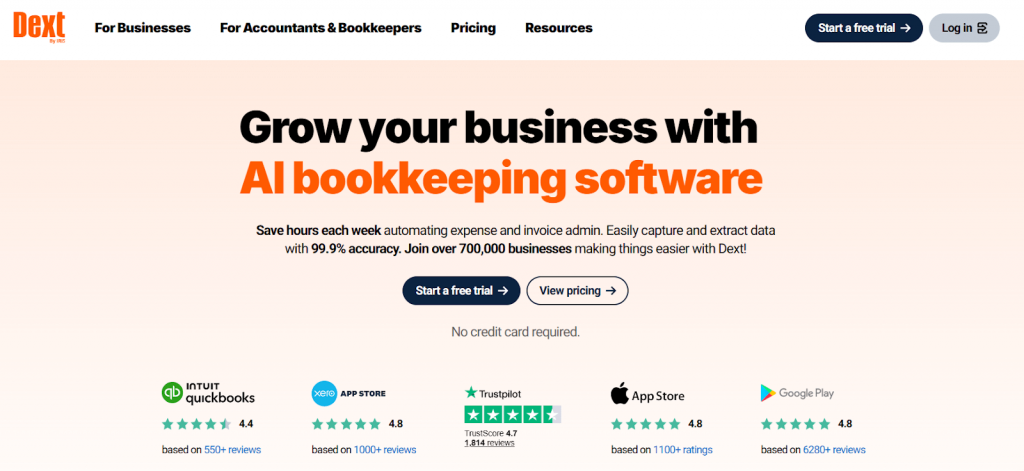
Dext tends to attract teams that care deeply about traceability. Dext focuses on capturing detailed records from multiple platforms and organizing them in a way accountants can follow without digging. That strength also defines its boundaries. Dext shines when it comes to document management and expense data, but it is less focused on end-to-end ecommerce sales flows.
Key features
- Transaction level data capture across supported ecommerce and payment platforms
- Support for Shopify, Amazon, Stripe, Square, and similar channels
- Expense categorization for ongoing tracking and review
- Document storage for audit and compliance needs
Pricing
| Pricing plan | Price | Features |
| Starter | From $25.21/month (annual billing) | Supports up to 5 users and processes up to 250 documents each month. |
| Commerce Lite (add-on) | $7.50/month | Adds ecommerce specific automation and features to the Starter plan. |
| Vault (add-on) | Free up to 100MB (additional storage from $4/month) | Provides secure document storage with optional expanded capacity. |
When to choose
The tool is suitable for accounting teams and businesses that prioritize detailed records and audit readiness, and are comfortable pairing Dext with another tool to handle full ecommerce sales and reconciliation workflows.
3. Sush.io
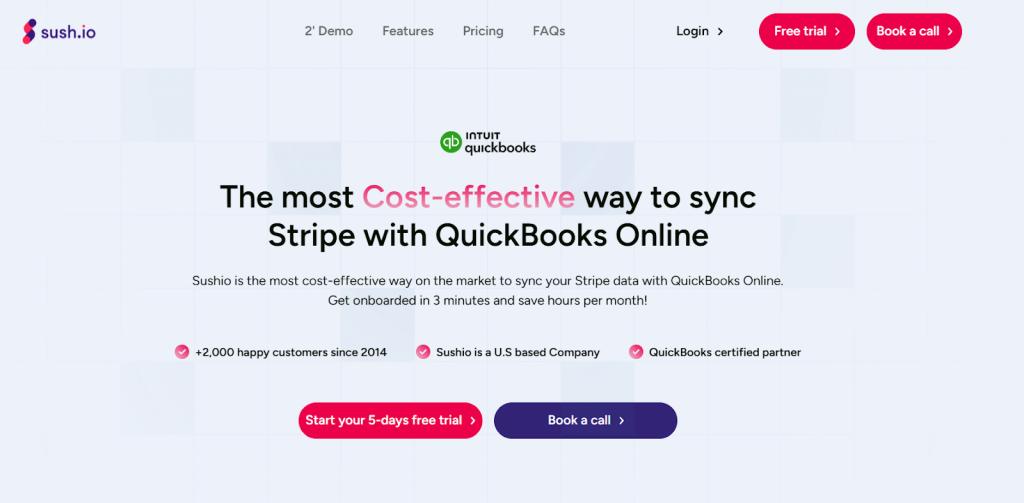
Sush.io is a focused option built around one very specific workflow – Stripe into QuickBooks Online. If your entire revenue runs through Stripe and you want transactions to land in accounting without manual imports, this tool keeps things simple. Sales, fees, refunds, disputes, taxes, and payouts are pulled in automatically, and historical Stripe data can be synced as well.
Key features
- Automatic import of Stripe sales, refunds, fees, taxes, disputes, and payouts
- Simple setup with a low learning curve
- Basic handling of fees and refunds for gross and net reporting
- Historical Stripe data import
Pricing
| Pricing plan | Price | Features |
| Monthly | $9/month | Includes unlimited transactions, unlimited users, full historical imports, daily sync, support for all Stripe services, email support within 24 hours, and personalized video onboarding. |
| Yearly | From $7.4/month (billed annually) | Includes all features of the monthly plan with a lower effective monthly cost when billed annually. |
When to choose
Sush.io is a good fit for freelancers and very small businesses running exclusively on Stripe who want to reduce manual bookkeeping without managing complex accounting logic or multiple sales channels.
4. Wave
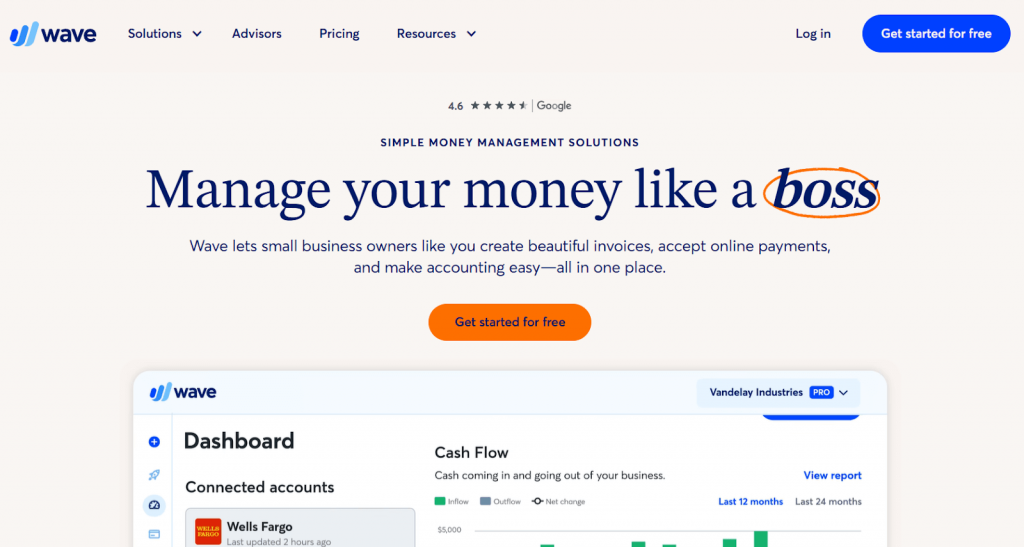
Wave combines basic bookkeeping, invoicing, and light payment tracking in one cloud-based system, with Stripe support built in. If your setup is straightforward and volume is low, it can cover the essentials without much effort. Where Wave draws a clear line is scale. There’s no deep reconciliation logic, no connection to accounting platforms like QuickBooks or Xero, and limited flexibility once transactions increase.
Key features
- Free bookkeeping and invoicing tools
- Basic Stripe and bank connections
- Simple dashboard for tracking cash flow
Pricing
| Pricing plan | Price | Features |
| Starter | Free | Includes unlimited invoices, bills, and bookkeeping, with optional online payments charged per transaction. |
| Pro | $19/month | Includes everything in Starter plus automatic bank imports, transaction categorization, receipt capture, and late payment reminders. |
| Wave Advisors | From $199/month | Includes Pro features along with a dedicated bookkeeper, monthly financial statements, and expert guidance. |
When to choose
Wave may suit freelancers and single-founder businesses that value simplicity and low cost over advanced automation or multi-channel accounting.
5. Bench
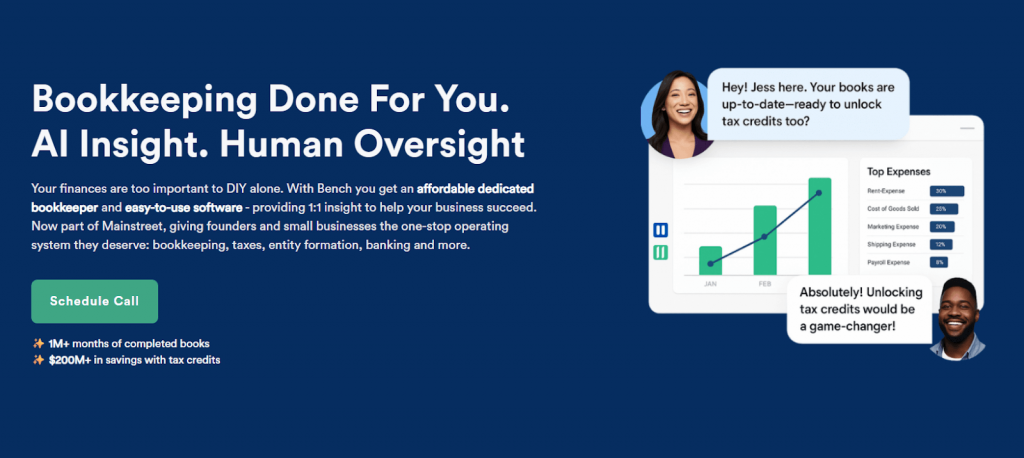
Bench takes a very different approach compared to automation first tools. Instead of giving you full control over how data flows into your books, it pairs software with a team of accountants who handle bookkeeping on your behalf. That structure also sets clear boundaries. Because bookkeeping is service driven, customization and real-time visibility are limited. You’re relying on a team to process and review data rather than shaping the logic yourself.
Key features
- Full service bookkeeping with a dedicated accounting team
- Automated imports from ecommerce platforms and payment processors
- Monthly and quarterly closes with tax preparation support
- Simplified financial reports for performance tracking
Pricing
| Pricing plan | Price | Features |
| BenchGrow | $189/month billed annually or $199/month billed monthly | Includes monthly bookkeeping, year end financials, Profit and Loss, Balance Sheet, and 1099 reporting. |
| Core | $339/month billed annually or $399/month billed monthly | Includes everything in BenchGrow plus unlimited communication with your bookkeeping team. |
| Core + Tax | $599/month billed annually or $699/month billed monthly | Includes full bookkeeping with tax filing and ongoing guidance from licensed tax professionals. |
When to choose
Bench is a solid option for small and mid-sized businesses that prefer outsourced bookkeeping and are comfortable trading real-time visibility and customization for managed accounting services.
Why Synder is the best alternative to PayTraQer
When teams compare alternatives side by side, the difference often comes down to confidence in the numbers. Synder is built to support accounting workflows that grow more complex over time, without adding friction or extra cleanup. The difference becomes clearer when you look at how the platform works:
- Control over how data is recorded. You’re not locked into a single posting logic. Whether you need transaction level detail for audits or summarized entries to keep the ledger readable, Synder lets you choose without rebuilding your workflow.
- Multi-channel by design. Adding another payment provider or marketplace doesn’t mean adding another workaround. Synder is built to handle multiple platforms in one system, which keeps reporting consistent as your sales stack expands.
- Payouts that actually reconcile. Instead of leaving you to piece together deposits, fees, and refunds after the fact, Synder structures entries so clearing accounts stay balanced. That means fewer manual adjustments and less time explaining why numbers don’t line up.
- Accounting ready features, not just syncing. Inventory, cost of goods sold, and revenue recognition aren’t treated as add-ons. They’re part of the same workflow, which helps financials hold up during reviews and planning.
- Support for growth without rework. As accounting maturity increases, processes usually need tightening. Synder supports that progression without forcing you to replace tools or redesign how your books are managed.
Final thoughts
Switching away from SaaSant usually happens when accounting work starts taking longer instead of becoming more reliable. Extra reconciliation steps, repeated checks, and growing exceptions are signs that the tool no longer matches how money moves through the business.
The alternatives covered here solve different problems. Some focus on simplicity, others on services or narrow workflows. For ecommerce and SaaS businesses handling multiple payment platforms, higher volume, or more demanding reporting, Synder offers a more structured approach that keeps reconciliations cleaner and financial data easier to rely on as the business grows.
FAQ
Are there free alternatives available? Which ones?
Yes. Wave is a common free alternative to SaaSant. But such alternatives to SaaSant come with clear limits. For example, Wave offers free bookkeeping and invoicing, which can work for freelancers or very small businesses with simple payment flows. These options usually lack deeper features, multi-channel support, and flexibility. Free tools are best viewed as entry-level solutions rather than long-term accounting systems.
Which alternative is the best for small businesses compared to SaaSant (PayTraQer)?
That depends on how simple your setup is. If you run exclusively on Stripe and want minimal configuration, a focused tool like Sush.io can be enough. Once you start using multiple payment platforms or need cleaner month-end reconciliation, Synder tends to fit such businesses better by reducing manual fixes while still keeping setup manageable.
Are there tailored alternatives for large enterprises?
Yes, in this space, platforms that integrate with ERP such as Sage Intacct or NetSuite are the right fit, because they offer the scalability, control, and audit readiness that large organizations demand. Synder is one example that works with these systems and can handle enterprise-level workflows.