.png)

For finance teams, closing the books is still a marathon of manual work. A month-end close survey covered by CFO.com shows that 50 percent of finance teams still need more than a week to close their books, with reconciliation alone taking 20 to 50 hours per month. Another finance benchmark survey found that more than a third of teams spend over a quarter of their working time on manual accounting tasks. What makes this more frustrating is that many of these teams already use solid accounting software such as QuickBooks Online. The issue is not the ledger itself. It is everything that happens before data gets there: payments, fees, refunds, adjustments, and payouts arriving from multiple systems in different formats.
This is where accounting automation software becomes relevant in a very practical way. It works alongside your accounting system, not instead of it. In this article, we explain what accounting automation software actually does, which solutions stand out today, and how to evaluate them based on how your business operates in practice.
TL;DR
- Accounting automation reduces manual work by structuring sales, fees, refunds, and payouts before they reach your books.
- Tools differ in focus: some handle sales and payments, others focus on payables, expenses, or document processing.
- The right solution depends on transaction volume, sales channels, and how much cleanup happens at month-end.
- When automation fits your workflow, accounting becomes more predictable, accurate, and easier to manage over time.
- Synder stands out for businesses that need detailed, payout-level accuracy across multiple payment platforms without relying on manual reconciliation.
What is accounting automation software?
Accounting automation software handles the part of accounting that usually causes the most friction. Not the reports or the ledger itself, but everything that feeds into it. Financial data flows in from multiple sources and in different shapes, and someone has to make sense of that before it ever reaches your books.
Instead of relying on exports and after-the-fact fixes, automation tools connect directly to your sales and payment systems and apply consistent logic as data comes in. Sales remain mapped to revenue accounts, fees to expense accounts, and payouts are automatically allocated and reconciled without manual breakdown. Once volume grows or multiple channels are involved, this approach keeps accounting accurate without turning every close into a cleanup exercise.
Top 7 accounting automation software
Below is a practical look at accounting automation tools that are commonly used by growing businesses and finance teams, each solving a slightly different part of the accounting workload depending on transaction volume, sales channels, and reporting needs.
1. Synder
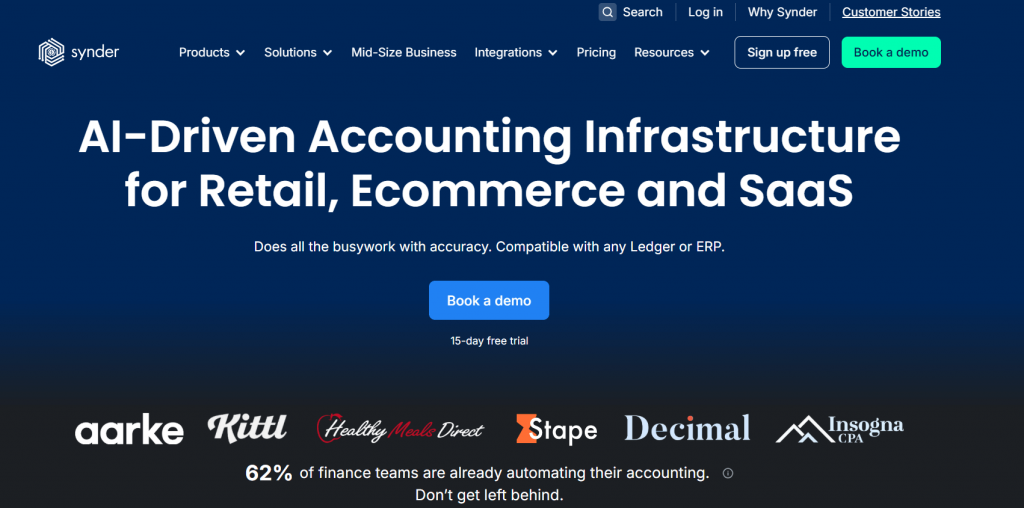
Synder focuses on automating accounting for businesses that process a high volume of online payments. It connects directly to ecommerce platforms and payment processors and syncs detailed transaction data into accounting systems such as QuickBooks Online, Xero, NetSuite, Sage Intacct, and Puzzle. The goal is not to summarize activity loosely, but to keep books aligned with what actually happened across sales, fees, taxes, refunds, and payouts.
Key features
- Automatic sync of sales, refunds, fees, and taxes from payment platforms
- Integration with 30+ platforms, including Shopify, Amazon, Stripe, etc.
- Payout breakdowns that match bank deposits line by line
- Support for both per-transaction and summary-level syncing
- Revenue recognition support for subscription-based businesses
- Multi-currency handling with exchange rate tracking
- Detailed audit trail with rollback and re-sync options
- Automated balance reconciliation across payment platforms
Pricing
| Pricing plan | Price (billed annually) | Features |
| Basic | $52/month | Up to 500 transactions per month, two connected platforms, daily sync frequency, and core inventory and multi-currency support |
| Essential | From $92/month | 500 to 3,000 transactions per month, unlimited platform connections, hourly syncs, and expanded inventory tracking |
| Pro | From $220/month | Up to 50,000 transactions per month, advanced product mapping, bundle and assembly support, and guided onboarding |
| Premium | Custom pricing | Multi-entity structures, tailored onboarding, and priority level support |
Best for
Synder is a good choice for ecommerce, SaaS, and marketplace businesses that rely on multiple payment platforms and need accurate, detailed accounting without manual reconciliation.
Choosing accounting automation is easier when you can see the data flow end to end. Start a free Synder account or book a demo to review how transactions are recorded and reconciled in your accounting system.
2. Invoice2go
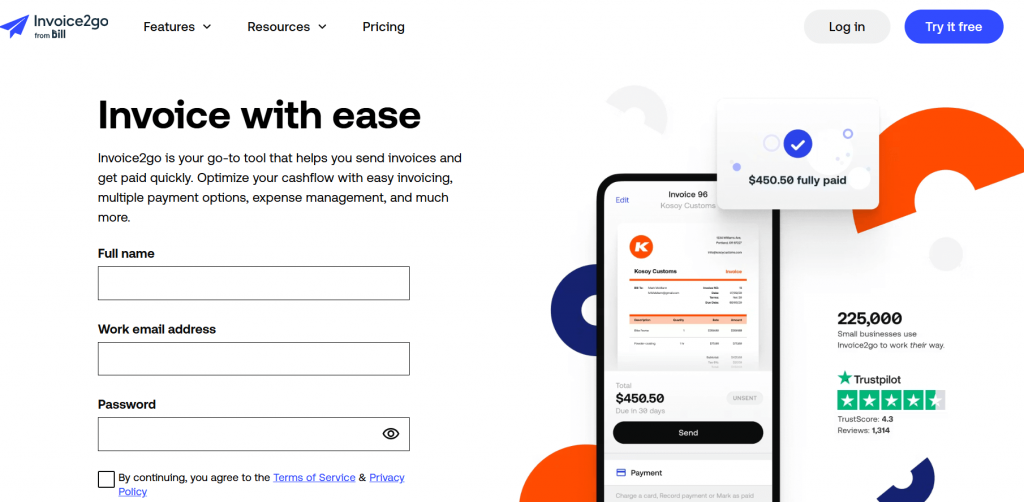
Invoice2go is a tool focused on automating invoicing, payment reminders, and basic tracking of receivables. It helps businesses cut down on manual tasks associated with getting paid and keeping track of outstanding invoices, while also feeding that data into accounting systems.
If chasing outstanding invoices or manually entering incoming payments feels like a full-time job, tools like Invoice2go take a lot of that burden off your plate by turning time-consuming tasks into a flow that runs in the background.
Key features
- Professional invoice creation and delivery
- Automated payment reminders and overdue alerts
- Client contact management
- Payment tracking and simple reporting
- Integration with popular accounting systems such as QuickBooks Online and Xero
Pricing
| Pricing plan | Price (billed annually) | Features |
| Starter | $79.99/year | Up to 30 invoices per year, standard card payment fees of 3.5%, free bank transfers, small business bank account, client communications, and basic invoicing tools |
| Professional | $119.99/year | Up to 100 invoices per year, lower card payment fees (3.0%), QuickBooks/Xero integration, advanced reports, marketplace integrations, and enhanced client communication features |
| Premium | $449.99/year | Unlimited invoices, lowest card payment fees (2.9%), recurring invoicing, phone support, and all features from lower tiers |
Best for
Invoice2go works well for small service-based businesses and freelancers who want to cut down the time they spend sending invoices, tracking payments, and managing basic receivables.
3. Bill.
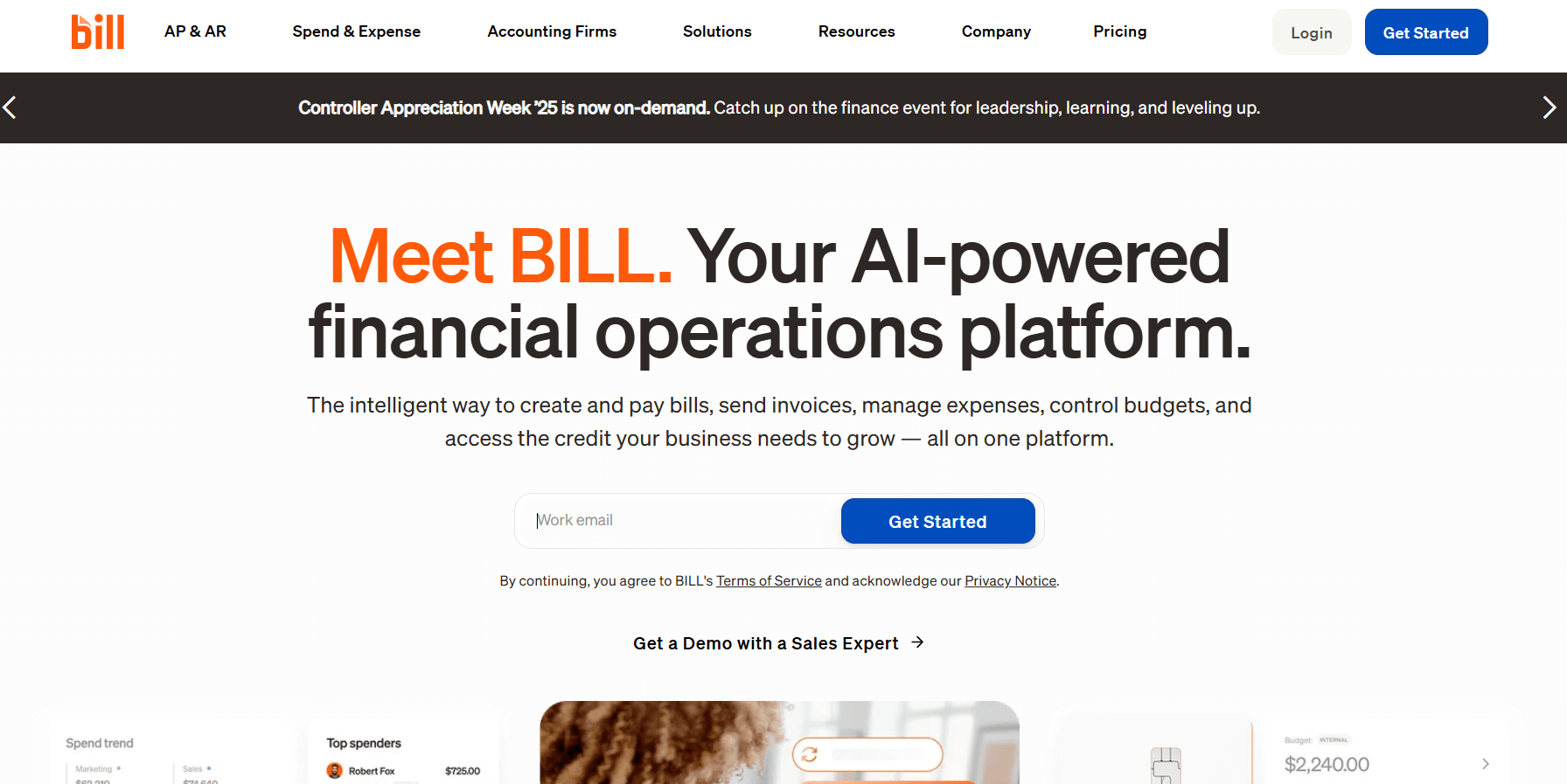
Bill. is built around automating accounts payable and receivable rather than sales syncing. It focuses on how bills are approved, paid, and recorded, which is often where finance teams lose time once vendor volume grows and approval chains get longer.
Instead of emailing invoices around or manually entering bills, Bill. centralizes approvals, payment execution, and posting to your accounting system. That makes it easier to keep control over cash outflows without slowing the business down.
Key features
- Automated bill capture and approval workflows
- ACH, check, and virtual card payments
- Approval rules based on roles and limits
- Sync with accounting platforms such as QuickBooks Online
- Audit trail for approvals and payments
Pricing
| Pricing plan | Price | Features |
| Essentials | $45/month | Basic AP/AR automation with manual integrations to accounting via CSV export/import |
| Team | $55/month | Includes automatic 2-way sync to QuickBooks and Xero, enhanced approvals |
| Corporate | $89/month | More controls, custom approval policies, procurement tools |
| Enterprise | Custom pricing | Advanced security, multi-location support, API access |
Best for
This tool makes sense for finance teams that deal with a growing backlog of vendor bills and customer invoices, especially when tracking approvals and multiple payment types start taking more time than the actual accounting work.
4. Tipalti
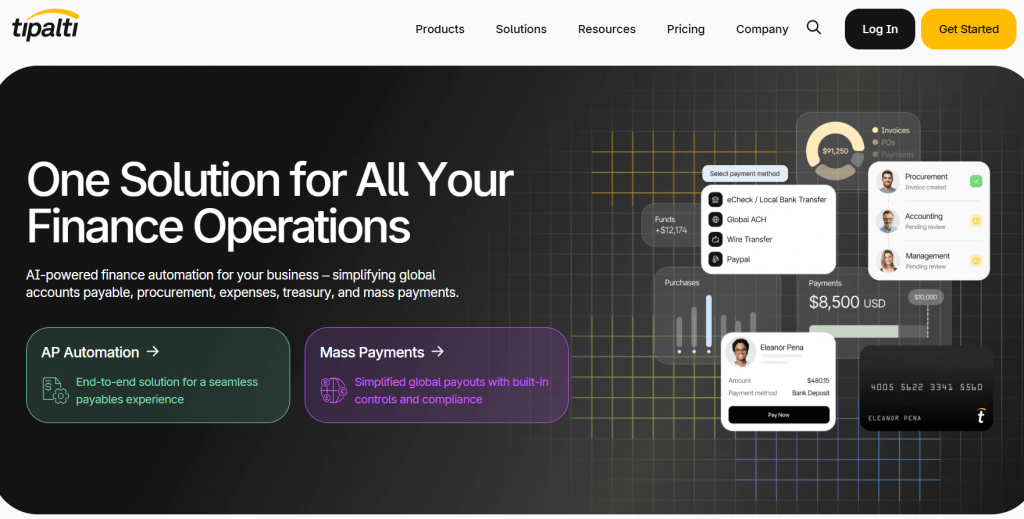
Tipalti is designed for businesses that handle a high volume of outbound payments, especially across borders. It provides a centralized framework for managing areas that often become risky and time-consuming as operations scale.
Instead of managing vendor details, tax forms, and payment methods manually, Tipalti centralizes the process and enforces consistency. Payments are issued only after required information is collected and validated, which helps reduce errors and compliance gaps before they reach your books.
Key features
- Automated supplier onboarding with tax form collection
- Global payments across multiple currencies and methods
- Built-in tax and regulatory checks
- Approval workflows for payables
- Sync with accounting systems such as NetSuite and QuickBooks Online
Pricing
| Pricing plan | Price | Features |
| Select | $99/month | Unlimited users, supplier portal, automated invoice processing, basic payment options |
| Advanced | $219/month | Adds bill approval rules, global tax ID validation, and expanded payment methods |
| Elevate | Custom pricing | Includes advanced global and multi-currency infrastructure |
| Accelerate | Custom pricing | Designed for large-scale payment and API use cases |
| Plus | Custom pricing | Adds fraud monitoring and self-billing controls |
Best for
In teams that handle complex payables or make regular international payments, Tipalti can take the manual work out of vendor onboarding and outbound payments, helping reduce errors and delays that typically occur when these tasks are done by hand.
5. Ramp
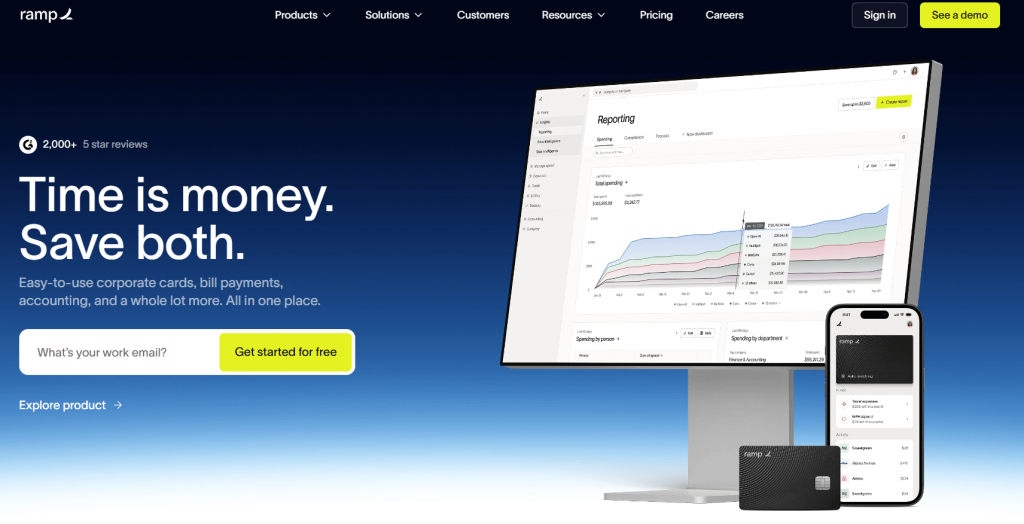
Ramp approaches accounting automation from the spend side. It combines corporate cards, expense management, and bill payments, with a strong focus on controlling how money leaves the business and how that activity shows up in the books.
Ramp captures context at the moment spending happens. Transactions are categorized automatically, policies are enforced upfront, and approved expenses sync directly to your accounting system, reducing cleanup work later.
Key features
- Corporate cards with built-in spend controls
- Automatic expense categorization and receipt capture
- Bill payments with approval workflows
- Real-time visibility into company spending
- Direct sync with accounting systems such as QuickBooks Online and NetSuite
Pricing
| Pricing plan | Price | Features |
| Free | $0 per user | Core corporate card, unlimited cards, expense management, vendor and bill pay tools, accounting sync, and basic approval workflows |
| Plus | $15 per user + platform fee based on team size | Adds advanced spend controls, AI-assisted approvals, batch payments, procurement options, and expanded accounting automation |
| Enterprise | Custom pricing | Tailored features including advanced integrations, multi-entity support, and dedicated services |
Best for
Companies that want tighter control over employee spending and cleaner expense data in their accounting system often adopt Ramp once manual expense reports and delayed approvals start slowing things down.
6. Vic.ai
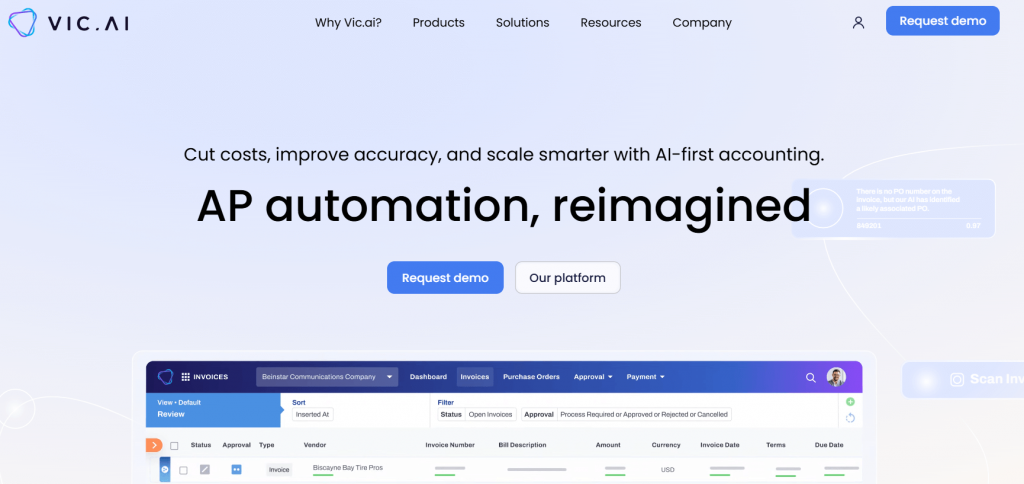
Vic.ai focuses on automating accounting decisions, not merely transferring data. It is most often used by accounting teams and firms that deal with large volumes of bills, journal entries, and recurring transactions and want help with categorization and anomaly detection.
Vic.ai doesn’t rely only on fixed rules, but learns from historical accounting data and suggests how transactions should be coded. It also flags unusual entries, which helps reviewers focus on what actually needs attention.
Key features
- Automated GL coding based on historical patterns
- Anomaly detection for unusual or inconsistent transactions
- Bill processing and journal-entry automation
- Continuous learning as more data is processed
- Integration with accounting systems such as QuickBooks Online and NetSuite
Pricing
Pricing is typically based on transaction volume and the level of automation required, and is quoted directly by Vic.ai.
Best for
Vic.ai delivers the most value to accounting teams and firms that handle high transaction volumes and prefer prioritizing reviews over manually coding every entry.
7. AutoEntry
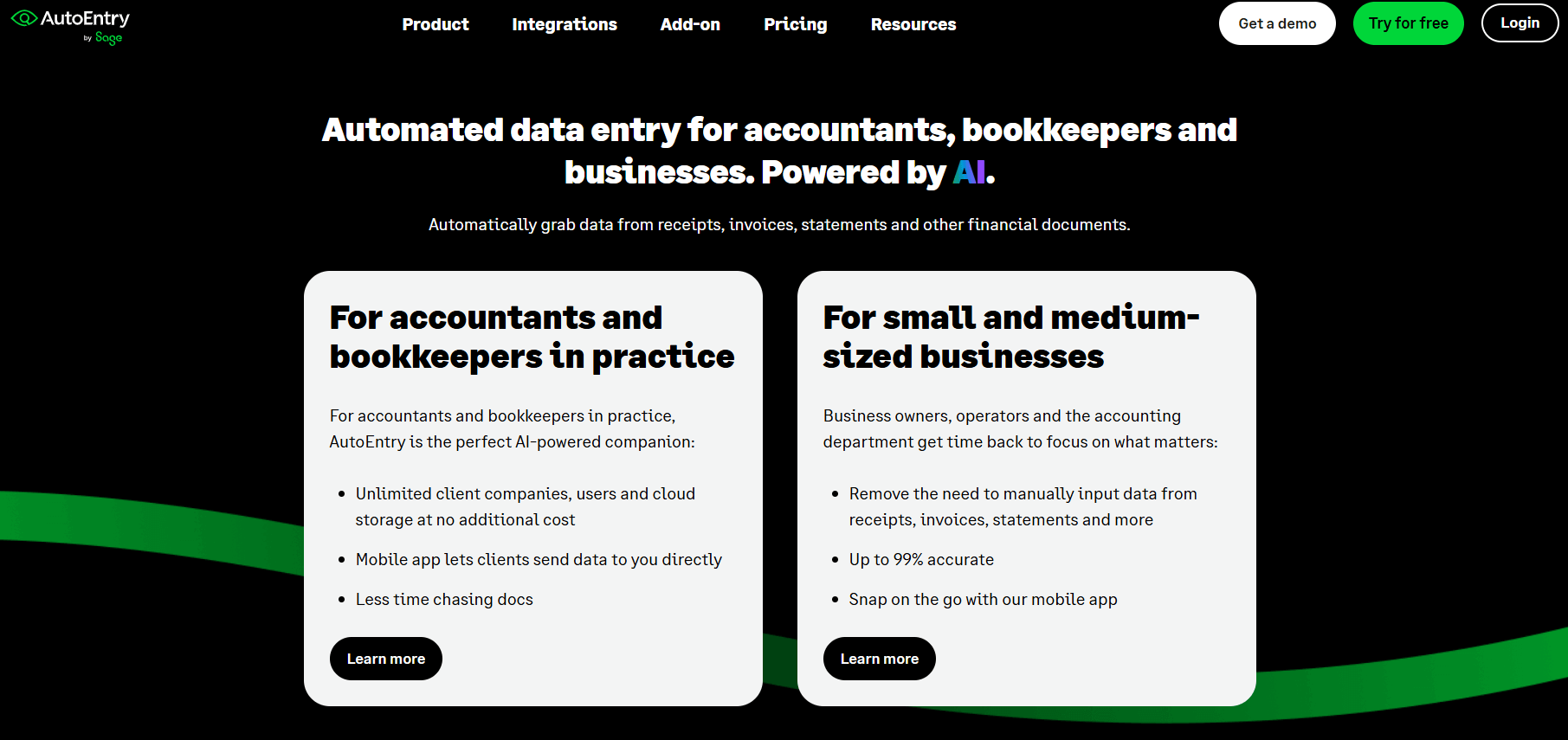
AutoEntry focuses on extracting data from receipts, invoices, bank statements, and other documents and turning it into clean entries for your accounting system. This is especially useful when your workflow still includes a lot of paper or emailed documents that need to be digitized and coded.
AutoEntry uses optical character recognition (OCR) with validation to pull values, dates, tax amounts, and vendor details, and then posts them into your accounting software.
Key features
- Automatic data capture from receipts, bills, invoices, and statements
- OCR with accuracy checks and validation before posting
- Category suggestions based on historical patterns
- Auto-posting to accounting systems such as QuickBooks Online, Xero, and Sage Intacct
- Multi-user access with approval controls
Pricing
| Pricing plan | Price (monthly cost) | Features |
| Bronze | From $13 | 50 credits per month |
| Silver | From $24 | 100 credits per month |
| Gold | From $46 | 200 credits per month |
| Platinum | From $103 | 500 credits per month |
| Diamond | From $298 | 1500 credits per month |
Best for
AutoEntry is ideal for businesses that still handle a lot of paper or emailed documents and want to turn bills, receipts, and bank statements into clean, coded accounting entries without manual typing.
Benefits of accounting automation software
The impact of accounting automation is easiest to see when you look at how it changes everyday work in finance teams. Instead of focusing on tools or features, it helps to look at outcomes. Below are some of the most common and measurable benefits businesses report after moving away from manual accounting workflows.
- Meaningful time savings over the year. Small manual tasks add up fast. Teams that automate transaction syncing and categorization often save a minimum of 2 to 3 hours per week. Over a year, that equals roughly 12 to 18 full working days no longer spent on exports, uploads, and manual fixes. As transaction volume grows, these savings increase without adding accounting headcount.
- Direct reduction in bookkeeping costs. Cutting manual work also cuts costs. At a larger scale, reducing categorization work by several hundred hours per year led to annual savings exceeding $20,000. These are structural savings, not one-time wins.
- Fewer errors and more consistent reporting. Manual processing increases the risk of misclassified fees, missed refunds, or incorrect postings. With structured automation in place, reconciliation accuracy can exceed 99% even across multiple sales channels. That level of consistency makes financial reporting more reliable and reduces issues during audits and reviews.
- Up-to-date financial visibility. When transactions sync automatically, books reflect daily activity instead of lagging behind by weeks. Sales, fees, refunds, and payouts appear in the accounting system as they happen, giving finance teams a clearer view of cash flow and performance without relying on separate platform reports.
- A more predictable month-end close. Automation brings structure to clearing accounts and payout handling. When sales activity and bank deposits follow consistent logic, reconciliation becomes a confirmation step. Month-end shifts from chasing discrepancies to validating alignment, even when multiple platforms are involved.
To sum up
Accounting automation becomes valuable at the moment manual work starts hindering financial outcomes. When teams spend hours breaking down payouts, rechecking fees, or correcting entries after the fact, accuracy depends too much on effort. Automation changes that by making structure part of the process, so results stay consistent even as transaction volume increases.
The tools covered in this article approach automation from different angles, but the deciding factor is always the same: how well they match your day-to-day accounting reality. A good fit reduces cleanup, shortens close cycles, and keeps data trustworthy without constant supervision. When that foundation is in place, finance teams can focus on oversight and planning instead of chasing numbers.
FAQ
What is accounting automation software?
Accounting automation software helps record transactions automatically by syncing data from payment platforms, ecommerce systems, banks, and billing tools into your accounting software. It reduces manual data entry and keeps sales, fees, refunds, and payouts structured and traceable in the books.
Is accounting automation a replacement for accounting software like QuickBooks Online?
No, accounting automation software works alongside tools such as QuickBooks Online. QuickBooks handles the general ledger and reporting, while automation software manages how transaction data gets there accurately and consistently.
When does accounting automation make sense for a business?
Accounting automation becomes useful when transaction volume increases, sales come from multiple channels, or month-end requires repeated manual fixes. At that point, automation helps maintain accuracy without adding more accounting hours or headcount.
Does accounting automation reduce the need for accountants?
No, automation reduces repetitive data entry and manual reconciliation, but it doesn’t replace financial oversight. Accountants still review reports, interpret results, manage compliance, and make strategic decisions.
How does accounting automation support compliance and audits?
Automation applies consistent categorization rules and maintains structured audit trails. When financial data is recorded with defined logic from the start, reporting becomes more reliable, and audit preparation shifts from reconstructing records to verifying them.