.png)
Accounting automation is quickly becoming essential for ecommerce and SaaS companies handling high-volume financial data. Instead of relying on manual entry and spreadsheets, automation standardizes how transactions, fees, and payouts move into the books, improving accuracy and reducing delays. McKinsey’s research shows that existing technologies can fully automate 42% of finance tasks and mostly automate another 19%.
As finance teams adopt automation at a faster pace, the companies that modernize their workflows gain clearer data, faster month-end closes, and more time for strategic work. In this article, we’ll break down what accounting automation is, where it brings the biggest benefits, how to implement it, and how automation tools help ecommerce and SaaS businesses build accurate, scalable financial operations.
TL;DR
- Automation is becoming essential in modern accounting: It streamlines high-volume financial work and supports teams managing complex ecommerce and SaaS operations.
- Accounting automation shifts accountants into strategic roles: It handles repetitive tasks, so finance teams can focus on forecasting, analysis, and compliance.
- Automation improves accuracy while cutting time and costs: Standardized rules reduce errors, speed up closes, and lower operational effort across financial workflows.
- Many accounting processes can be automated: Transaction syncing, reconciliation, AP/AR, payroll, and reporting benefit from automation across all channels.
- Software options vary by need: Tools like Synder offer end-to-end ecommerce automation, while others cover AP or marketplace settlements.
Defining accounting automation and its impact on modern accounting teams
Accounting automation uses software to handle repetitive financial tasks that normally require manual entry, review, or corrections. It standardizes how data moves through the books, which is especially important for ecommerce and SaaS companies dealing with multi-channel sales, subscription billing, and frequent payouts. With automation in place, financial data becomes cleaner, faster to process, and easier to trust.
Synder’s recent research, based on insights from 424 senior finance leaders, shows that top teams are already cutting 3–5 days off their close process, and reclaiming 1,000+ hours per year thanks to automation.
As routine work shifts into automated workflows, accountants focus on strategic responsibilities like forecasting, cash-flow analysis, and compliance oversight.
Automation doesn’t replace accountants
It’s important to clarify that automation is not a substitute for accounting professionals. Instead, it elevates their work. Automation removes repetitive, mechanical tasks so accountants can focus on areas that require human expertise and judgment: interpretation, decision-making, financial strategy, and client advisory. This shift also increases team capacity, allowing firms to handle more clients and higher-value work without expanding headcount.
This foundation sets up the broader benefits accounting automation brings across accuracy, productivity, and compliance.
Key advantages of accounting automation
The benefits of accounting automation go far beyond time savings. It strengthens financial operations, improves accuracy, and creates consistency across every workflow.
Enhancing accuracy and reducing human error
Manual accounting increases the chance of mistakes, especially when processing high transaction volumes. Automation applies the same rules every time, ensuring revenue, fees, refunds, taxes, and payouts follow consistent logic. This creates reliable data for audits, budgeting, and financial reporting.
A good example is Decimal, an accounting firm that cut their month-end reconciliation time by 50% and saved over 140 hours every month after shifting multi-channel clients to Synder with its automated syncing capabilities.
Boosting productivity: focusing on strategic tasks
With automation handling categorization, data imports, and reconciliation, finance teams can redirect their time toward analysis, cash-flow planning, and strategic decisions. This shift strengthens the strategic role of the accounting team.
Take Vilms Consulting. They saw a 30–50% reduction in time spent on transactional work after implementing Synder, allowing the firm to dedicate more capacity to advisory services and higher-value client support.
Cost savings: efficient resource allocation
Automation reduces manual hours, eliminates repetitive cleanup, and cuts the cost of delays during reconciliation or month-end close. Many businesses also save money by reducing the need for outsourced bookkeeping support.
For instance, PlayYourCourt saves more than $24,000 annually in bookkeeping costs by moving to automated transaction syncing and reconciliation through Synder.
Streamlined compliance and risk management
Automated systems maintain full audit trails, enforce consistency, and store financial data securely. They support alignment with GAAP by ensuring revenue and expenses are recorded using standardized logic across all channels.
Synder, for example, follows strict security standards, includes detailed access controls, and supports GAAP-compliant revenue recognition workflows, helping teams stay audit-ready without adding manual steps or complex spreadsheets.
These advantages become even more impactful when you understand which accounting processes are best suited for automation.
Identifying areas for automation in accounting processes
You don’t have to automate everything, but a lot of accounting workflows become much easier when you do. Ecommerce and SaaS teams often start with the processes that consume the most time or carry the highest risk of errors.
Transaction recording and reconciliation
Reconciliation is one of the most time-consuming responsibilities in accounting. Automation ensures every transaction, fee, and payout is recorded consistently and reconciled against bank deposits.
Invoice processing and accounts payable
Accounts payable automation minimizes manual invoice entry, duplicate payments, and delayed approvals. Systems extract invoice data, route it for approval, and sync it into the general ledger. Teams with large vendor networks, like subscription-based SaaS companies or multi-location retailers, often see the biggest gains here.
Payroll systems
Payroll automation reduces manual adjustments, miscalculations, and missed compliance deadlines. Integrating payroll with accounting software ensures wages, taxes, and benefits flow automatically into the books.
Financial reporting and analytics
With automation, financial reports update in real time, reflecting accurate numbers as soon as transactions sync. Automated dashboards help teams monitor performance, margins, cash flow, and profitability without manually assembling spreadsheets. This is particularly critical for SaaS businesses managing deferred revenue, churn, and subscription metrics.
Implementing accounting automation: a step-by-step approach
Adopting automation doesn’t have to be overwhelming. Finance teams typically move through a series of intentional steps that ensure smooth implementation.
- Assess current processes and identify needs
Begin by evaluating your accounting workflows. Identify bottlenecks, repetitive tasks, and areas where errors frequently occur. Look for steps that require manual data entry, spreadsheet transformations, or duplicated work. - Select the right tools and technologies
Choose solutions that integrate with your sales channels, payment processors, CRM, and accounting platform. The best tools maintain data consistency and support both summary-level and detailed transaction syncing. - Train employees for a smooth transition
Provide hands-on training to help your finance team adapt to new workflows. Understanding how rules work, what exceptions look like, and how to validate automation results is essential. - Measure success with automation KPIs
Metrics like time saved, error reduction, close speed, and reporting accuracy help measure the impact of automation over time. Tracking ROI ensures continuous improvement.
Choosing the right accounting automation software
Several tools support accounting automation for ecommerce and SaaS workflows. The right accounting automation platform should help you:
- Integrate smoothly with your accounting system
- Reduce manual data entry across sales, payment, and operational channels
- Standardize transaction handling with consistent rules and logic
- Maintain accurate, up-to-date books even as transaction volume grows
Below are several examples worth exploring, each serving a different type of automation needs depending on your workflows and data sources.
1. Synder
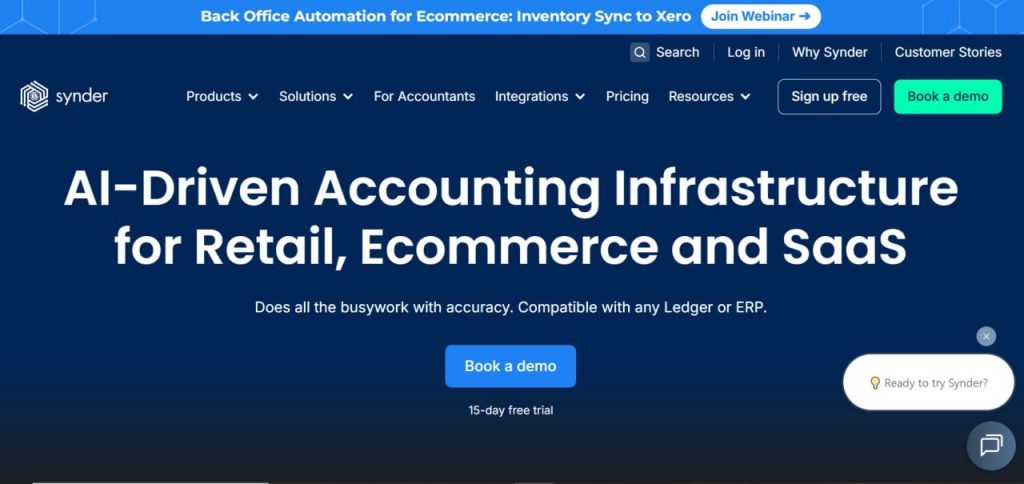
Synder is an advanced accounting automation platform built for ecommerce, SaaS, and accounting firms. It connects with sales channels and payment providers such as Shopify, Amazon, Stripe, PayPal, WooCommerce, Etsy, and Squarespace. Synder automates multi-channel transaction syncing, categorization, fee breakdowns, sales tax capture, and payout reconciliation.
Pros
✅ Multi-channel coverage with 30+ ecommerce, marketplace & payment integrations
✅ Automated, granular transaction syncing including sales, fees, taxes, discounts, refunds, and payouts
✅ Accurate payout reconciliation ensuring books match platform settlement reports
✅ GAAP-compliant revenue recognition, ideal for subscription and SaaS businesses
✅ Detailed financial reporting, enabling clearer visibility across all channels
✅ Smart Rules & advanced automation reduce manual cleanup and eliminate repetitive categorization tasks
✅ Scaling to high volumes (up to tens of thousands of monthly transactions)
Cons
❌ Higher pricing at large volumes, especially in Pro and Premium tiers
❌ More complex setup for beginners, especially for multi-channel companies
Pricing (annual billing)
- Basic: $52/month – up to 500 transactions, 2 integrations, daily sync, basic inventory tracking, multi-currency support.
- Essential: from $92/month – 500–3,000 transactions, unlimited integrations, hourly sync, extended inventory tracking.
- Pro: from $220/month – 3,000–50,000 transactions, product mapping, bundle/assembly sync, white-glove onboarding.
- Premium: custom pricing – for high-volume or complex multi-entity setups with dedicated onboarding and priority support.
2. Dext
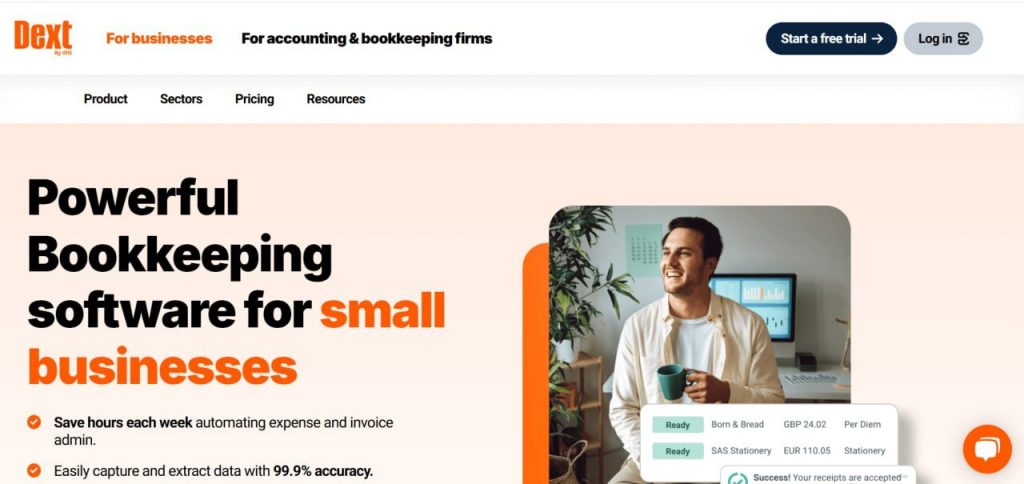
Dext automates document collection, expense processing, and invoice extraction. Using OCR and machine learning, Dext reads receipts, bills, and invoices, then publishes them into accounting systems with standardized coding.
Pros
✅ Excellent OCR for receipts, bills, invoices, and supporting documentation
✅ Automation of AP workflows, cleaning up paperwork-heavy processes for finance teams
✅ Improvement of coding consistency
✅ Machine learning improves accuracy as more documents are processed
✅ Commerce Lite add-on supports some ecommerce needs
✅ Integration with major accounting platforms for AP publishing
Cons
❌ Not designed for ecommerce sales syncing, payouts, or multi-channel data
❌ Limited automation scope – primarily AP-focused, not a full accounting automation tool
❌ No detailed transaction-level ecommerce workflows
❌ Add-ons required for anything beyond basic document capture (e.g., Commerce Lite, extra storage)
Pricing (annual billing)
- Starter: from $25.21/month – supports 5 users and processes up to 250 documents per month.
- Commerce Lite (add-on): $7.50/month – adds ecommerce-specific features and automation.
- Vault (add-on): free for up to 100MB – stores documents securely, provides additional storage available from $4/month.
3. Taxomate

Taxomate syncs Amazon, Shopify, eBay, Etsy, and Walmart payout data into QuickBooks Online, Xero, and Wave. It automates settlement posting by converting marketplace payouts, fees, and adjustments into summarized journal entries.
Pros
✅ Simple settlement-based automation for Amazon, Shopify, eBay, Etsy, and Walmart
✅ Lightweight and easy to set up – minimal configuration required
✅ Affordable pricing tiers based on order volume
✅ Integration with major accounting systems like QuickBooks Online, Xero, and Wave
✅ Good fit for small marketplace sellers that just need marketplace payout summaries
Cons
❌ Summary-only automation – no per-transaction syncing
❌ Not suitable for multi-channel setups beyond a few marketplace connections
❌ Limited integrations compared to full ecommerce accounting platforms
❌ No advanced automation features (e.g., mapping rules, inventory, revenue recognition)
❌ Not designed for high-volume, multi-entity, or multi-platform organizations
Pricing (annual billing)
- Starter: $12/month – import up to 500 orders per month.
- 1K Plan: $20/month – import up to 1,000 orders per month.
- 5K Plan: $37/month – import up to 5,000 orders per month.
- 10K Plan: $66/month – import up to 10,000 orders per month.
- 20K Plan: $116/month – import up to 20,000 orders per month.
Comparison table: key automation features
| Feature | Synder | Dext | Taxomate |
| Multi-channel ecommerce syncing | Extensive – Integrates with 30+ platforms like Shopify, Amazon, Stripe, PayPal, Square, etc. | Limited – No direct ecommerce integrations; connects to accounting tools & payment channels. Ecommerce data uploaded manually | Moderate – Integrates with Amazon, Shopify, eBay, Etsy & Walmart only |
| Per-transaction sync | Detailed item-, fee-, and customer-level sync across all channels | Not supported – designed for document automation only | Not supported |
| Summary sync | Flexible summaries (per day, month, payout, or custom period) for scalable accounting | Not available | Settlement-based summaries aligned with marketplace payout schedules |
| Automation focus | Ecommerce/SaaS transaction syncing, reconciliation, tax mapping, multicurrency workflows | AP automation, receipt capture, invoice data extraction, document workflows | Marketplace & ecommerce settlement posting with fee/tax category mapping |
| Revenue recognition support | GAAP-aligned revenue recognition via structured, accurate data | Not supported | Not supported |
| Multi-currency handling | Accurate multi-currency conversion & posting | Not supported | Multi-currency supported only where marketplaces provide FX detail |
| Ideal for | Multi-channel ecommerce sellers, SaaS companies, accounting firms with high-volume clients | Accounting firms & finance teams handling large AP volumes | Amazon/Shopify/eBay/Etsy/Walmart sellers needing simple settlement posting |
Want to learn more about accounting automation? Book a demo with Synder’s team. Prefer to try it yourself first? Create a free account and explore the core accounting automation features.
Addressing concerns and challenges in accounting automation
Even with its clear advantages, implementing accounting automation can raise questions or concerns inside an organization. These usually fall into a few predictable areas, and addressing them early helps teams move through adoption with confidence and fewer roadblocks. Below are the most common challenges businesses encounter when transitioning to automated workflows:
- Managing data security and privacy risks – Automation increases the amount of financial data flowing between systems. It’s important to choose tools with strong encryption, role-based access, and recognized compliance standards to ensure sensitive information stays protected.
- Overcoming resistance to change within the organization – Team members may worry that automation will replace their roles or reduce their importance. Clear communication helps here: automation removes repetitive tasks, strengthens the accuracy of the books, and frees accountants to focus on higher-impact work rather than reducing headcount.
- Evaluating the cost–benefit ratio of automation – While automation delivers long-term ROI, each tool has its own pricing and scope. Comparing subscription costs against manual hours saved, error reduction, and improved close efficiency helps determine whether a solution is the right fit.
Final words: Accounting automation insights
Accounting automation is now a core requirement for finance teams working with high-volume, multi-channel data. It delivers cleaner numbers, faster closes, and consistent processes that hold up as the business scales. For ecommerce and SaaS companies, these gains translate into sharper visibility, fewer bottlenecks, and financial operations that keep pace with growth.
By eliminating manual friction and raising the quality of financial data, automation positions finance teams to operate with greater precision and support better decisions across the organization. It’s a practical, durable foundation for any business looking to strengthen control, improve efficiency, and build a more resilient accounting function.
FAQ
What is automation in accounting?
Automation in accounting refers to using software to perform tasks like data entry, reconciliation, invoicing, and reporting. It minimizes manual work, improves accuracy, and helps teams scale financial operations efficiently.
What accounting tasks can be automated?
Many tasks can be automated. Tools like Synder can automate transaction syncing, categorization, reconciliation, invoice processing, revenue scheduling, and financial reporting. Automation is especially helpful for businesses with large transaction volumes or recurring workflows.
Will agentic AI replace accountants?
Agentic AI will not replace accountants. Instead, it’ll enhance the tools they use. Accountants remain essential for oversight, interpretation, judgment, and strategic financial decision-making. AI handles repetitive tasks, not the expertise or reasoning required for decision-making.