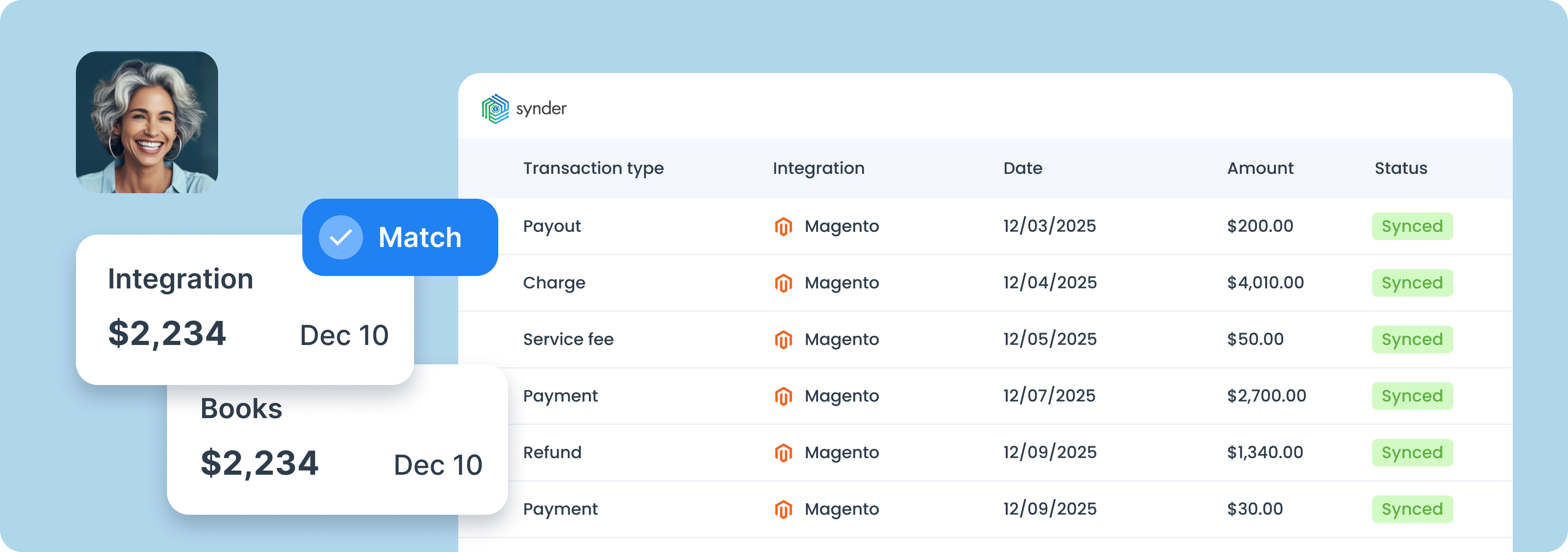
If your current Magento-to-NetSuite process involves CSVs, messy mappings, and crossed fingers, it really doesn’t have to. Synder brings every sale into NetSuite automatically, linked to the right subsidiary, account, tax code, and payment method from the start.



Connect Magento and NetSuite to Synder app.
Set up Synder to align perfectly with your business needs.
Enjoy streamlined bookkeeping and smooth reconciliation.

From the moment a customer checks out to the moment the payout hits your account, Synder tracks every Magento sale, fee, tax, and settlement, and automatically drops each line into the right place in NetSuite.
While you focus on running the business, Synder records every sale, fee, and payout the second it hits your bank. Without manual backtracking or mystery numbers, just clean books, ready for the reconciliations.
Manual categorization can't deal with big numbers. With Synder, your Magento sales are automatically sorted in NetSuite using rules you define: by product line, customer location, or anything else, so you’re not stuck fixing your books.
Build the reports you actually need: P&L, balance sheet, cash flow, filtered by date, region, platform, or whatever matters to your business. Synder organizes your data to match how you operate, so reporting stops being a chore.
To find the best solution for your business, book a call with our accounting automation expert. We'll dive into your needs and show how Synder can optimize your bookkeeping processes. Let us walk you through it!


Discover how to boost your online and subscription-based clients' success while saving time and increasing accuracy.
Explore accountants’ pageWe’re saving real time with Synder. Instead of 3 or 4 hours, I now dedicate around 30–45 minutes to the task of reconciling transactions and making sure everything is perfect in our books. That’s over 70 hours saved each month, which I can now dedicate to more strategic parts of my role. The team is thrilled with the time savings and the clarity Synder provides.

Synder is an accounting automation software that pulls transactions from 30+ platforms and drops them into QuickBooks, Xero, Puzzle, NetSuite, or Sage Intacct with every detail preserved. Sales break down by line item, fees land in the right accounts, refunds adjust automatically, and payouts reconcile without the manual work. Your books match your platform reports down to the penny, and audits don't require weeks of prep.
To import Magento orders, as well as payouts, fees, and additional financial data to NetSuite, you’ll need to connect all your platforms to Synder. Once the connection is successfully established, all required information will automatically flow from Magento and your payment processors directly into NetSuite.
Synder’s Mapping feature automates the entire process. It assigns fees, refunds, sales, and invoices to the correct accounts, guaranteeing that each Magento transaction is properly categorized and that reconciliation remains accurate and efficient.
Yes, you can sync inventory between Magento and NetSuite when using the Per Transaction Sync mode. Here’s how it works: if the inventory items already exist in your accounting system, Synder will sync the transactions and update the stock levels automatically. If the products aren’t in NetSuite yet, you can configure Synder to create them during the sync.