.png)


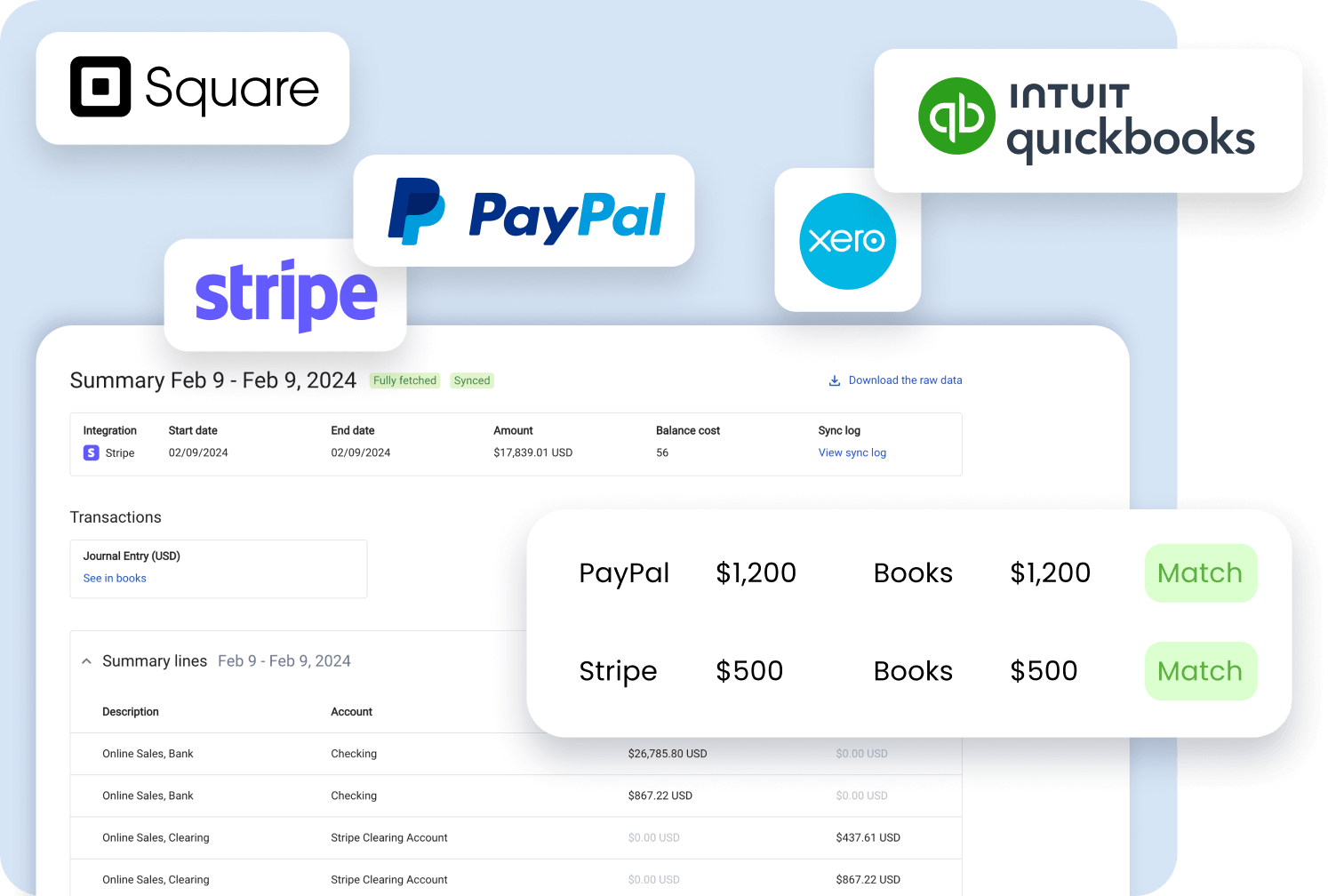
Synder funnels orders, payments, and refunds from 30+ platforms into your ERP, and automatically applies payments to existing invoices.
Synder’s reconciliation feature confirms that your financial summaries match your actual starting and ending balances before anything is posted.
Synder maps each sale to its cost and adjusts stock automatically, so you don’t need to update COGS and inventory manually.


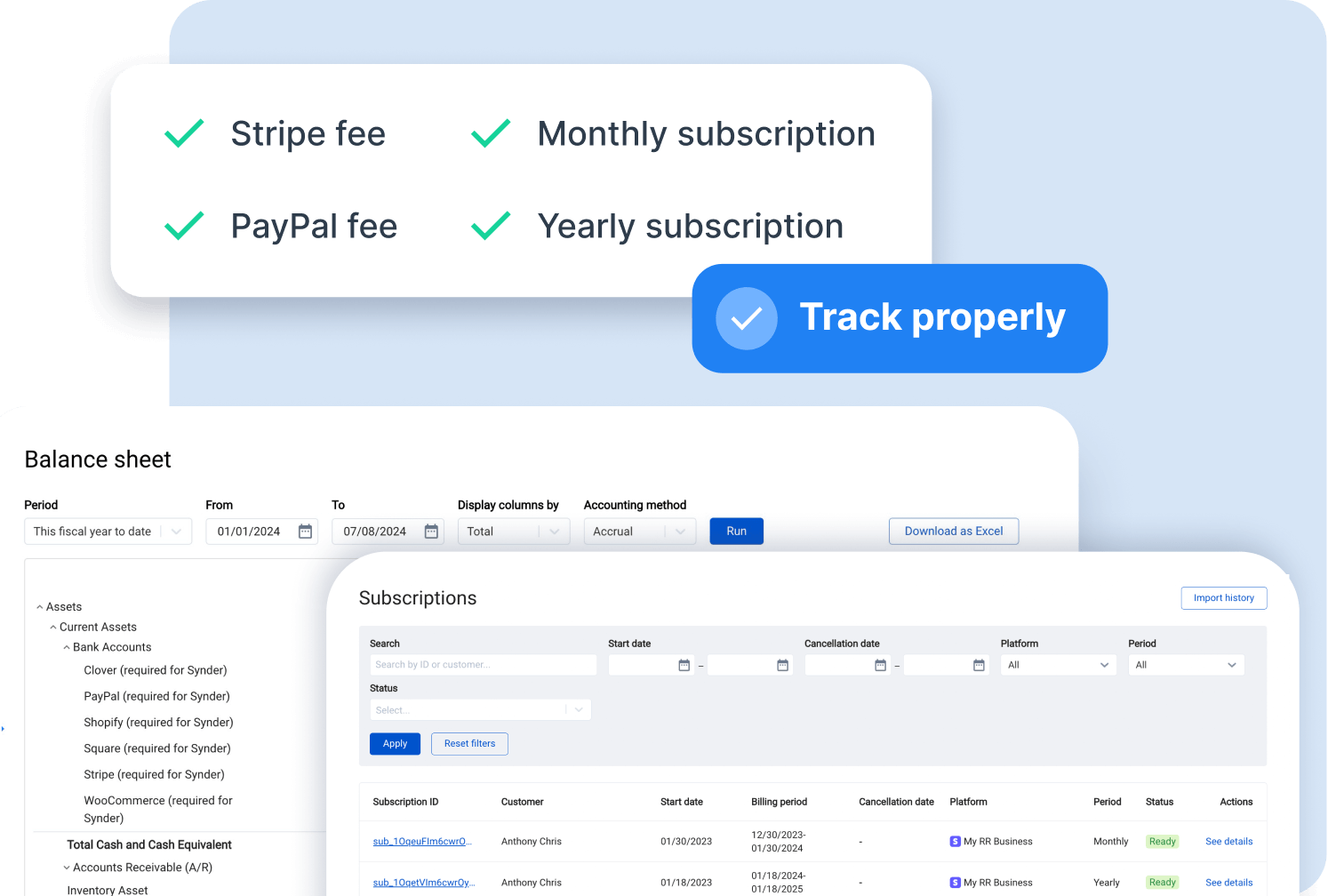
Synder generates accurate journal entries automatically, mapping transactions to the correct accounts, classes, and entities and posting daily, monthly, or per-payout basis.
Smart Rules handle transaction categorization automatically, and Groups route journal lines to their proper accounts.
Synder converts currencies automatically using real-time exchange rates and posts accurately across all global accounts
Synder keeps you flexible with 30+ pre-built integrations that you can use as-is, or we can set up a customizable integration you need, ensuring your data flows into your ERP exactly the way you need it.
See all integrationsManage multiple organizations under one account with separate data, settings, and sync rules for each. Switch between organizations instantly without duplicate setups.
Customize line items, metadata, taxes, transaction mapping, custom flows, configurations, and development. And for your specific needs, a dedicated server is also available.
SOC 2 Type 2 certified, GDPR/HIPAA ready, end-to-end encrypted, all standard with Synder. Pass audits easily and scale without security concerns.
Get a dedicated CSM, private Slack channels, and direct access to technical engineers for setup, troubleshooting, and workflow optimization.
"We’re saving real time with Synder. Instead of 3 or 4 hours, I now dedicate around 30–45 minutes to the task of reconciling transactions and making sure everything is perfect in our books. That’s over 70 hours saved each month, which I can now dedicate to more strategic parts of my role. The team is thrilled with the time savings and the clarity Synder provides."
.png)
dimensions? Yes, you can do it easily with our smart mapping groups. They let you map transactions by SKUs, regions, classes, projects, or service type using rules tailored to your company’s operations. Every entry lands in the correct account, giving you accurate, segmented financials without extra adjustments.
Synder handles high transaction volumes with Summary Sync mode, giving you a complete, consolidated view of your activity. It groups transactions into daily, monthly, or payout-based summaries, keeps your books clean and lightweight, and still preserves all the details you need for accurate reporting, reconciliation, and audit trails. This way, you can sync more than 50k transactions a month without worrying about any limits, data overload, or bloated accounting records.
Synder has a fully featured Auto-Sync setting that automatically synchronizes summaries as soon as all data is collected. This ensures nothing gets lost, delayed, or missed.
As soon as you join, you’re assigned a CSM who guides you through the setup and shows you how everything works. If you ever need help, you can quickly reach out by booking a call, sending an email, or messaging us in your company’s dedicated Slack channel. If your onboarding includes moving data from another setup, Synder makes migration simple too. You can create a new organization in your account and use the historical import feature to bring over all your financial data from the old one.
If any issues with integrations occur, you can always email or schedule a call with your CSM, who will answer your questions and help resolve them. For API-related problems, it depends on your ERP’s API limits, but if the limit is reached, the system will pause all transactions and automatically resume processing the next day.
Process high-volume transactions automatically with accuracy that doesn't break at scale.


%201.png)